Impasto Sneakers Tutorial for Procreate
Paint thick-paint sneakers in Procreate with free files. A textured study using Twotap’s Impasto brushes.
Download the free files
Procreate-ready, yours to keep
Sneakers are a perfect impasto subject: big planes, graphic color, and thick stroke personality. This free tutorial includes downloadable files so you can paint along with confidence.
Follow the video and lean into texture instead of over-blending. Grab the matching pack here: Impasto Thick Paint Brushes.
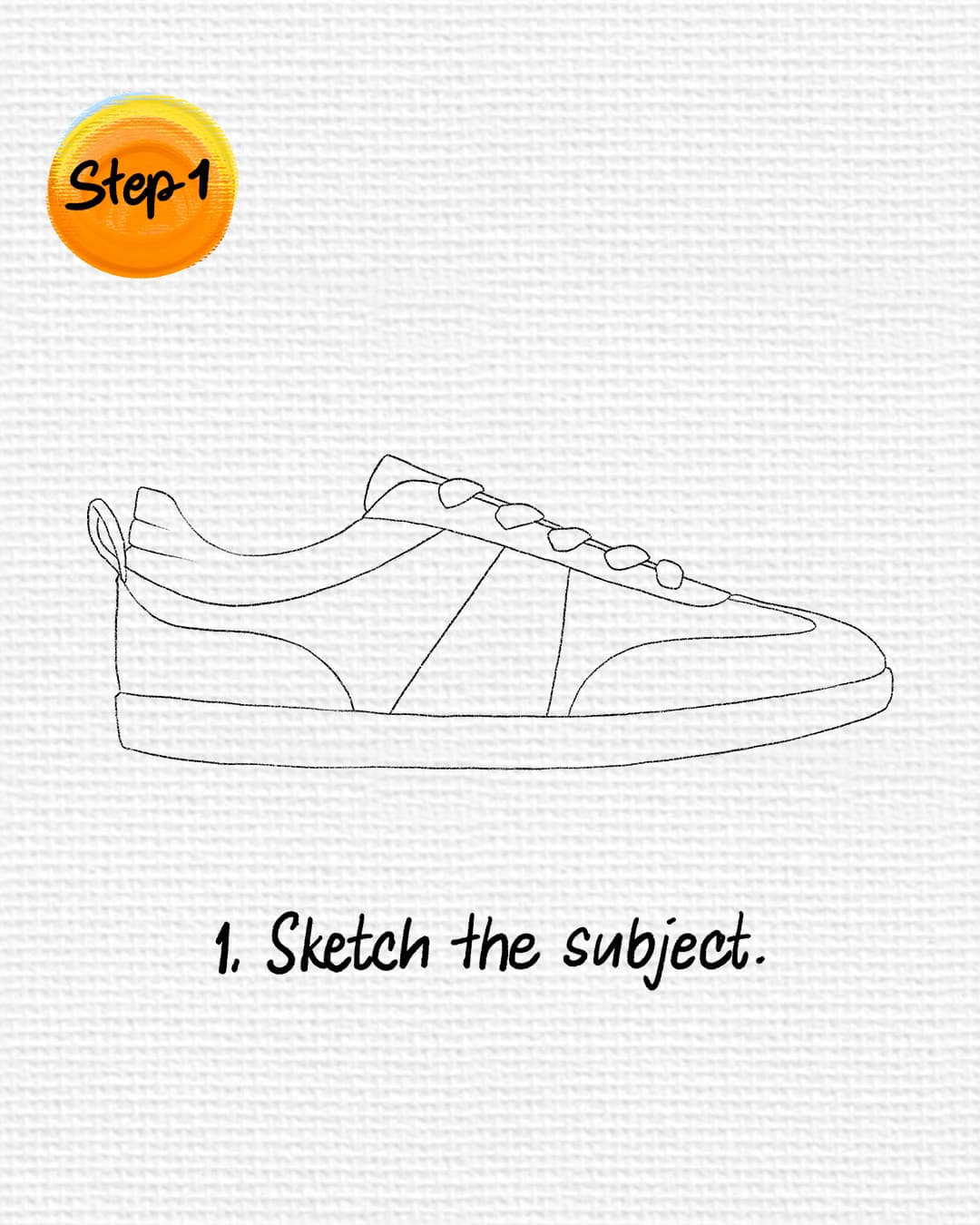
Step 1: First let's create a sketch of what we want to draw. This will make painting parts easier.
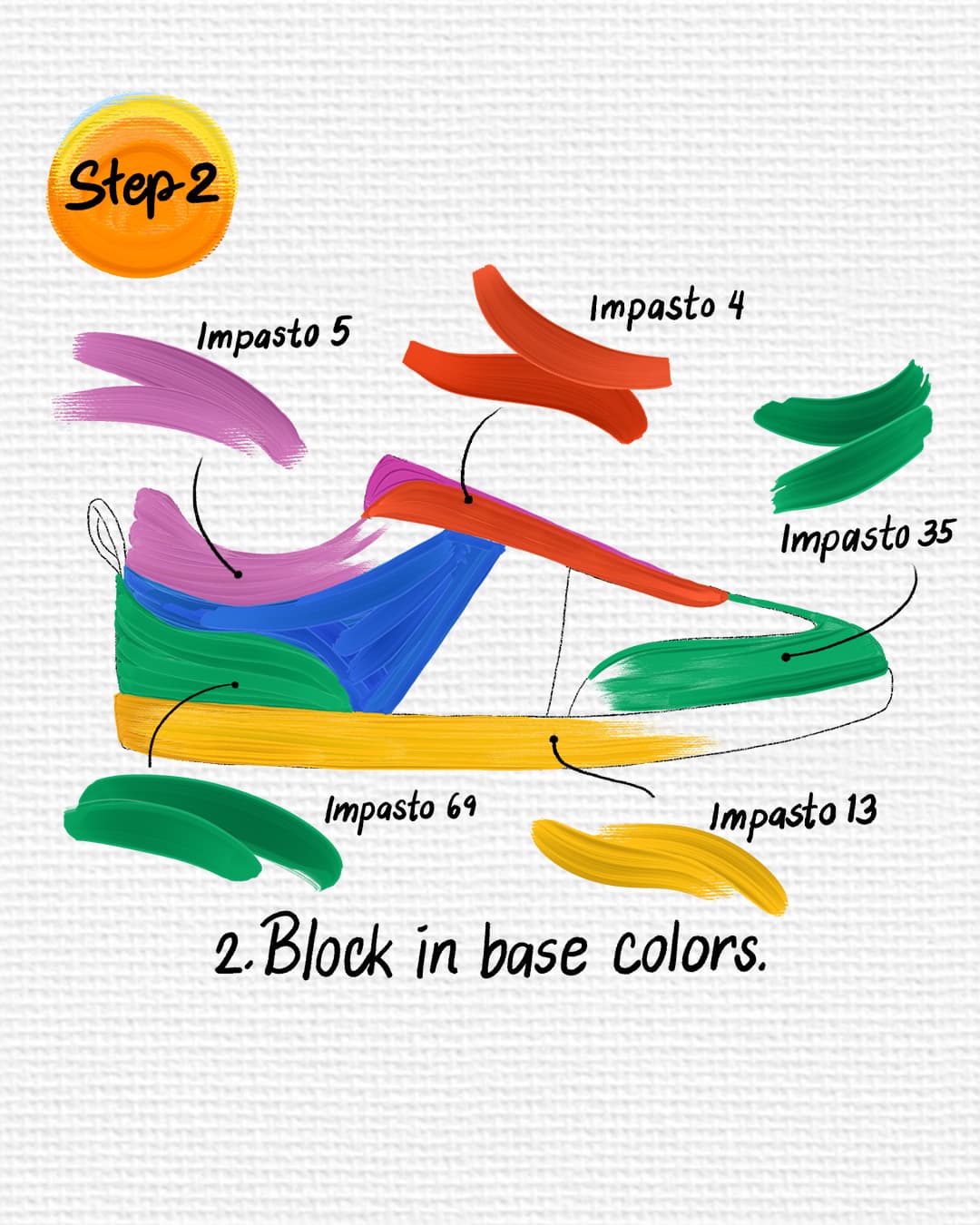
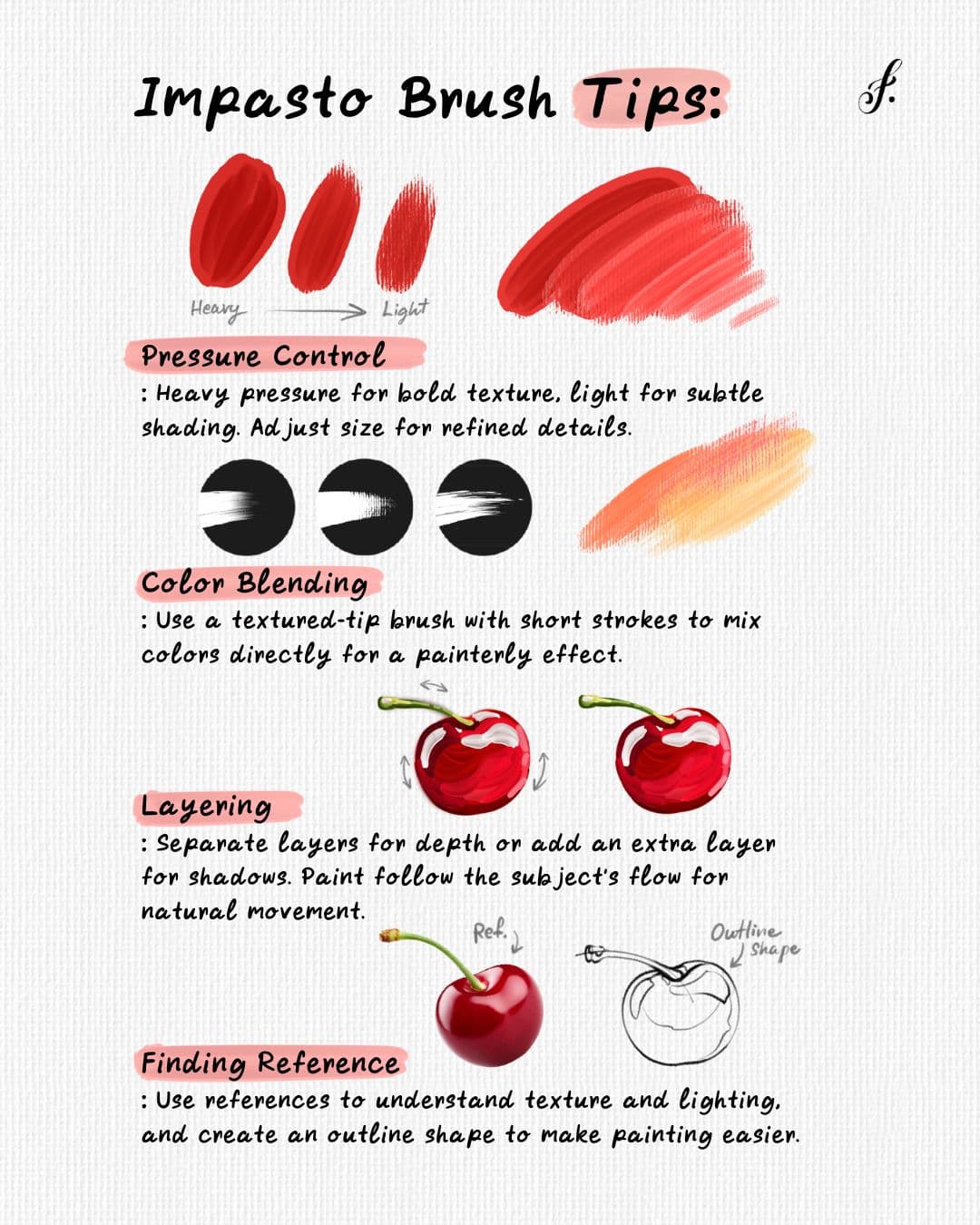
Step 2: This time we'll add in the base colors. It's better to try using different brushes to mimic the organic and varied look of actual impasto strokes. Paint in the direction of the shape. Build up texture gradually by working in multiple layers rather than trying to create all texture at once. Use color variation within strokes - just as with traditional impasto, slight color variations add depth and realism
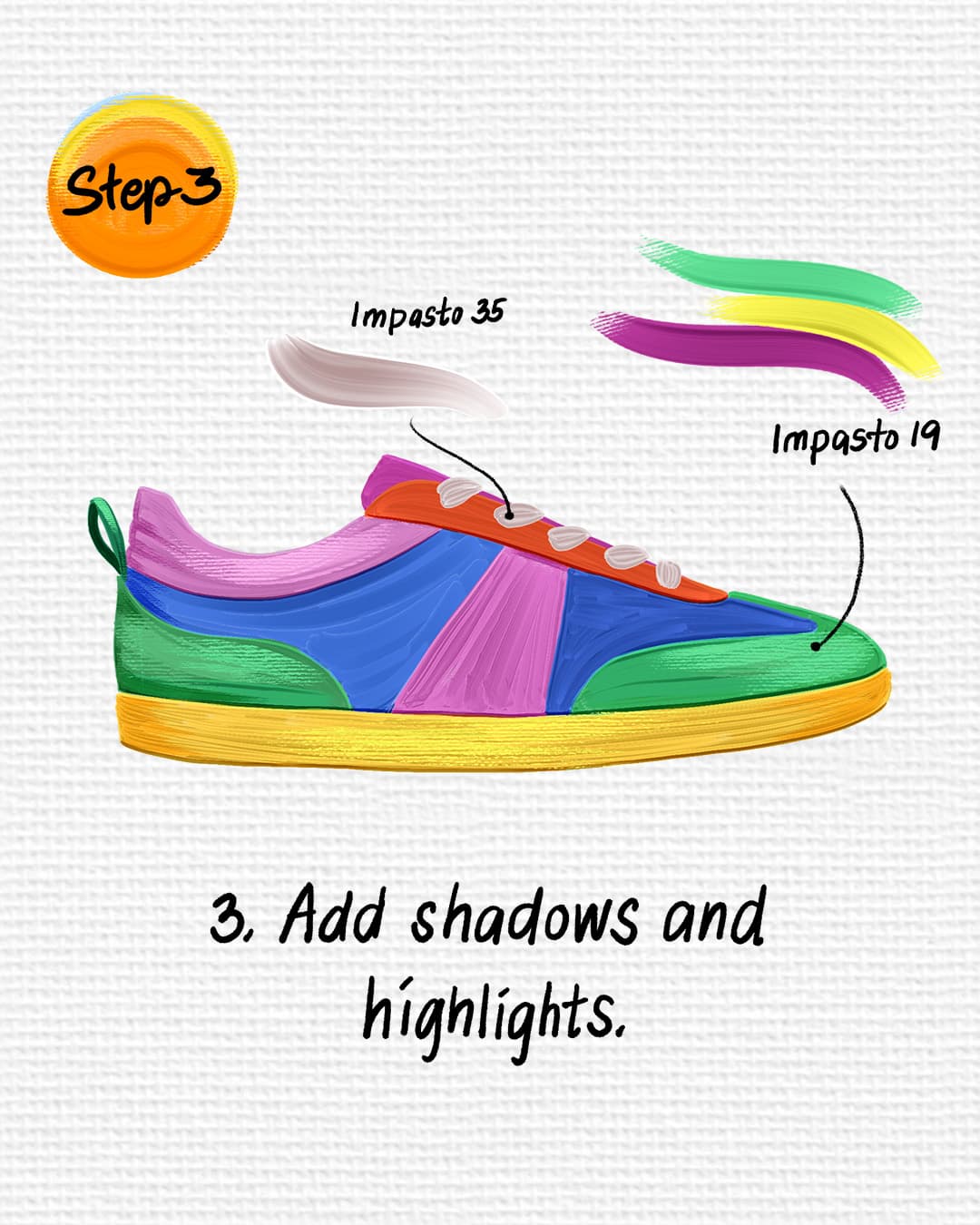
Step 3: In separate layers, you can then add shadows and highlights. Decide on the direction of your light source and add highlights where it will most likely hit the object. In this illustration, our light source is in front so the highlights are placed on the surface of the sneakers facing us.
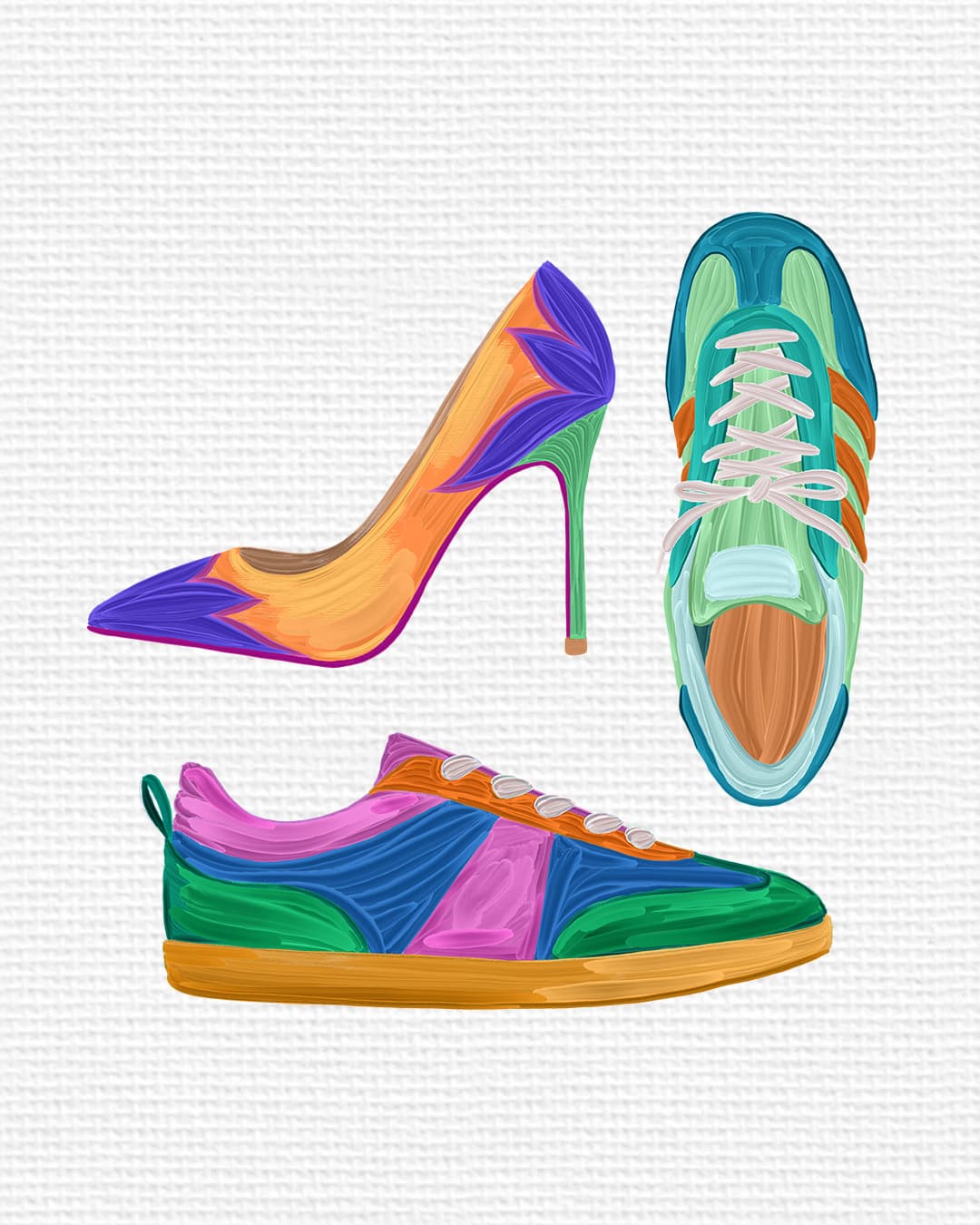
Practice this technique until you've found your favorite Impasto brushes to use!
Your sneaker study is ready. Try a second colorway, or keep exploring texture-led work in Twotap’s brush collection.


