Smudge Tool Habits That Keep Form Readable
Two reliable Procreate smudge approaches so blends stay clear instead of soft and muddy.

The Smudge tool is powerful and easy to overuse. This guide shows two reliable Procreate smudge approaches that keep forms readable instead of foggy.
Less smudge, with better brush choice, usually beats more smudge.
How to Smudge on Procreate
Twotap actually teaches 2 ways we can use the smudge tool in the Procreate Masterclass. Let’s talk about the two.
Blending
First, we’ll use the smudge tool to blend.
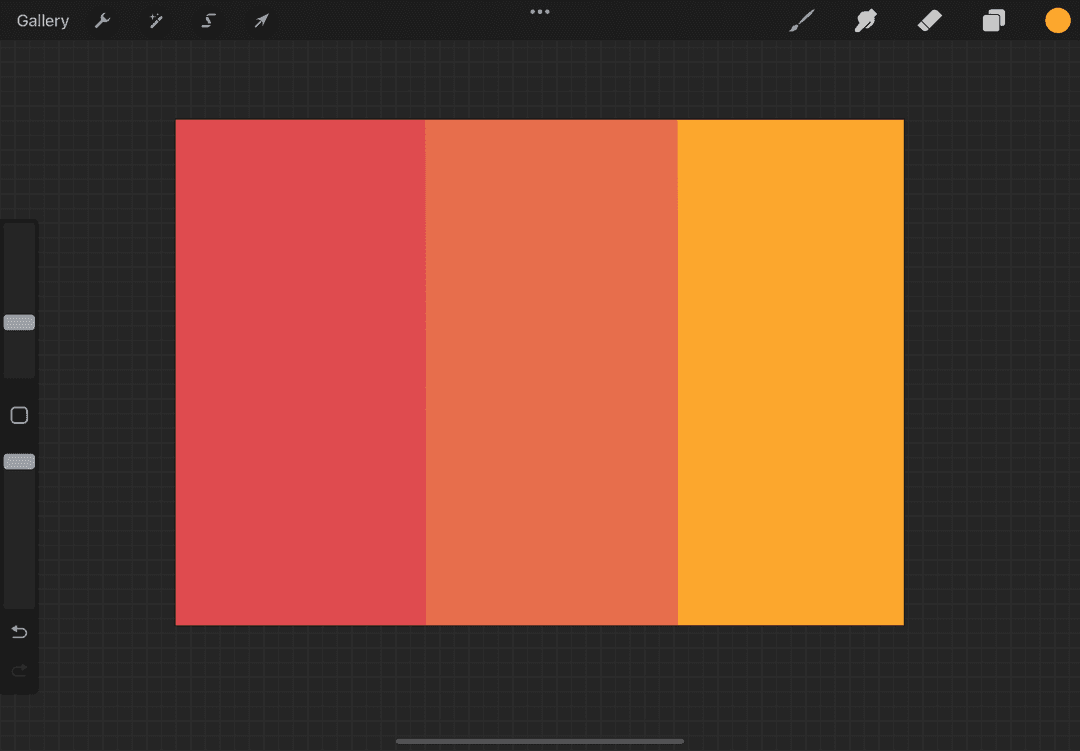
we have this canvas with 3 colors on it. Tap the hand icon beside the brush to use the smudge tool.
When you tap on it again, you’ll see that the brush library will pop up. This is because like the eraser tool, we can also use the different brushes with the smudge tool.
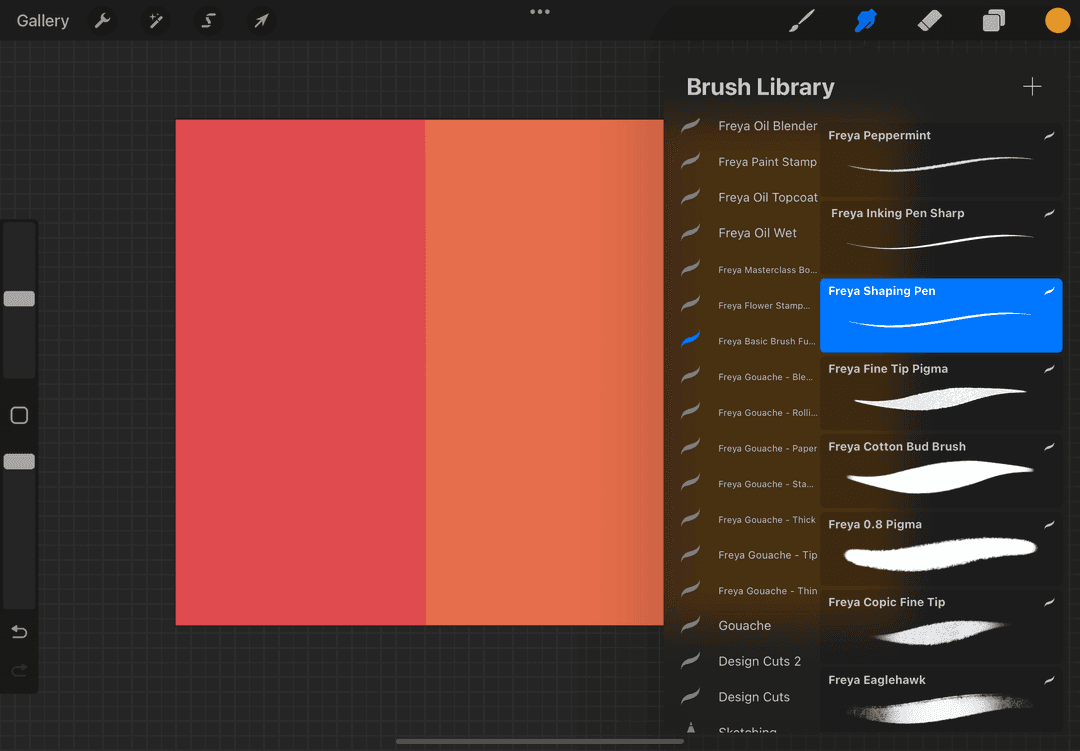
we’ll choose the Twotap Tamar Cloud brush, it's included in the free brush set in the Procreate Masterclass. Then we’ll use it on the line where the colors meet to blend them together.
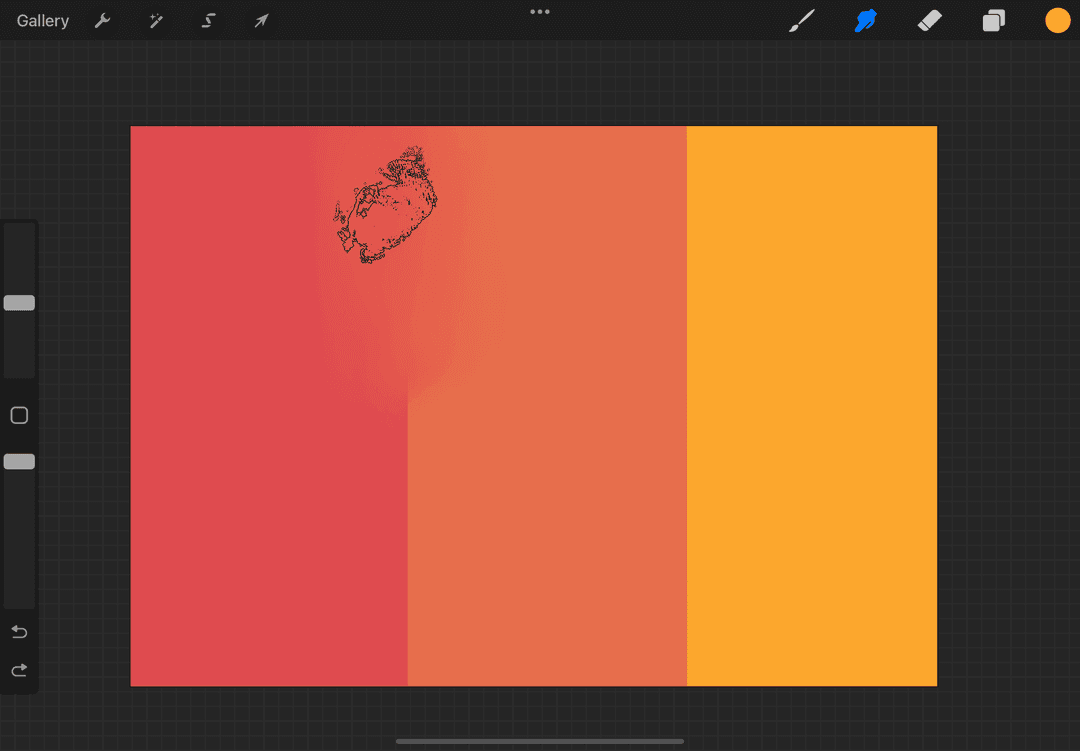
You can adjust the pressure when you hold the pen to get varying degrees of blending. You can also change the brush size and the brush opacity. The more opaque your brush is, the more you’ll be able to drag your colors around.
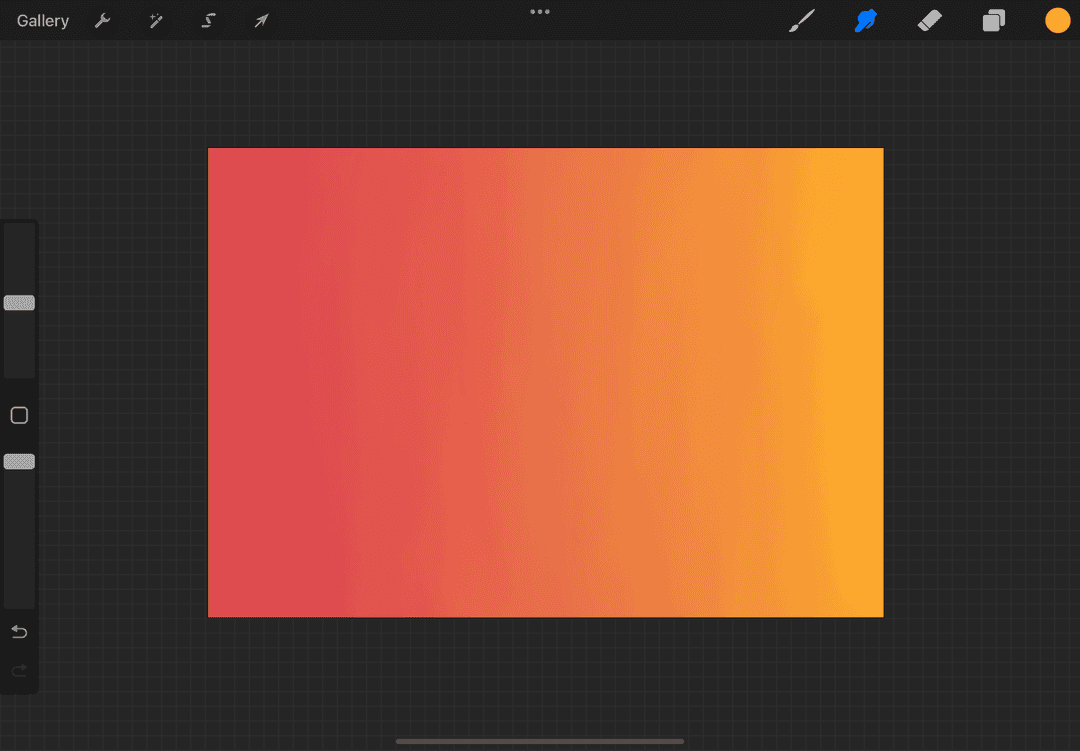
Here's how it would look like when we’re done.
Shaping
Aside from blending, we can also use the smudge tool to paint. Although unlike the brush wherein we put color, with smudge we’ll be dragging the paint around to draw something else.
we’ll show the same example as Twotap’s. Let’s look at this leaf and see how you can create the veins just by using the smudge tool.
We’ll use the Shaping Pen since it’s able to drag more color.
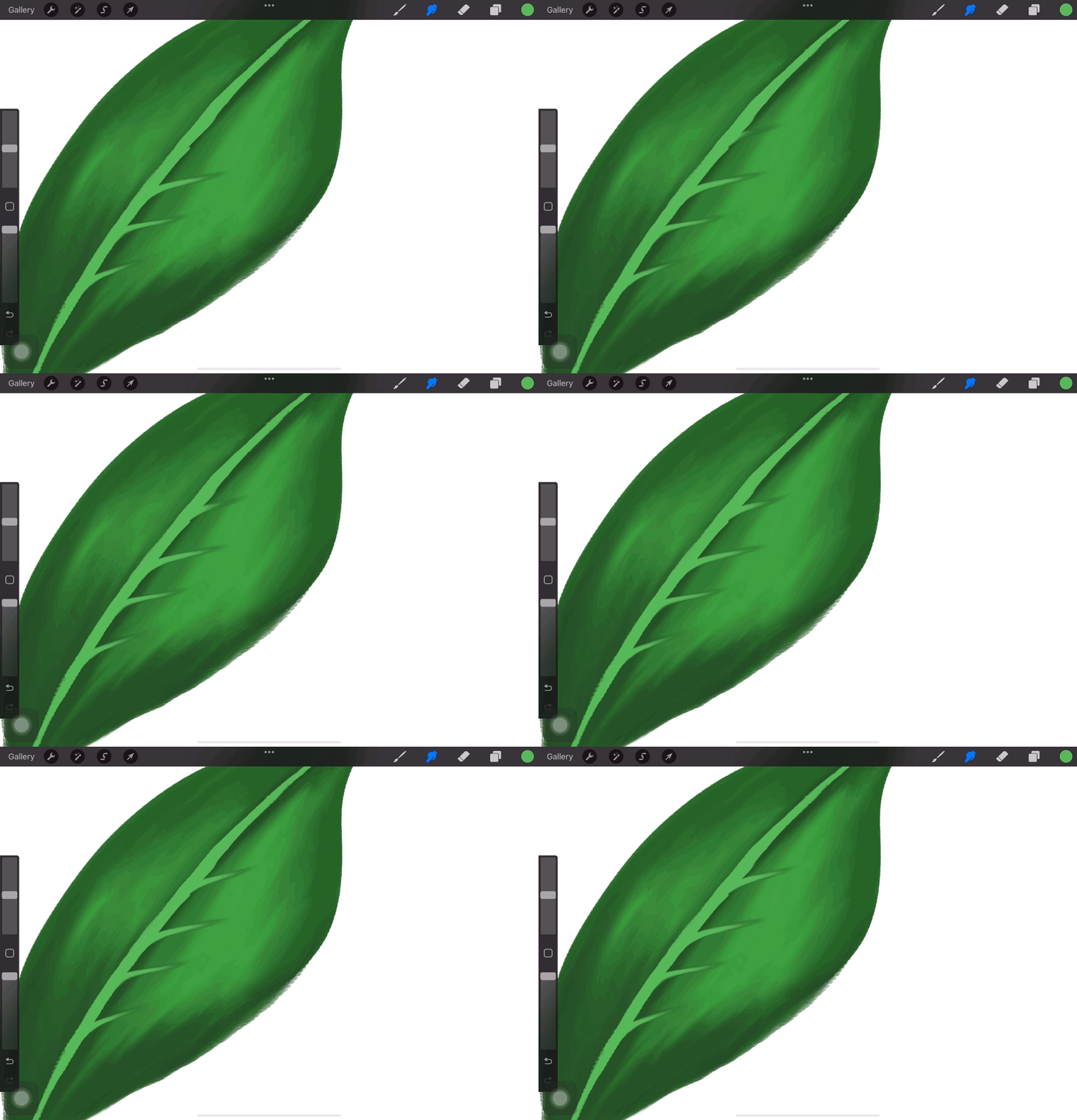
Like when you’re using a brush, you’ll have to choose wisely which one you’d like to use when smudging. Different brushes have different properties after all.
The smudge tool is better to use in this context because it creates that soft, natural look compared to when you’re using a brush.
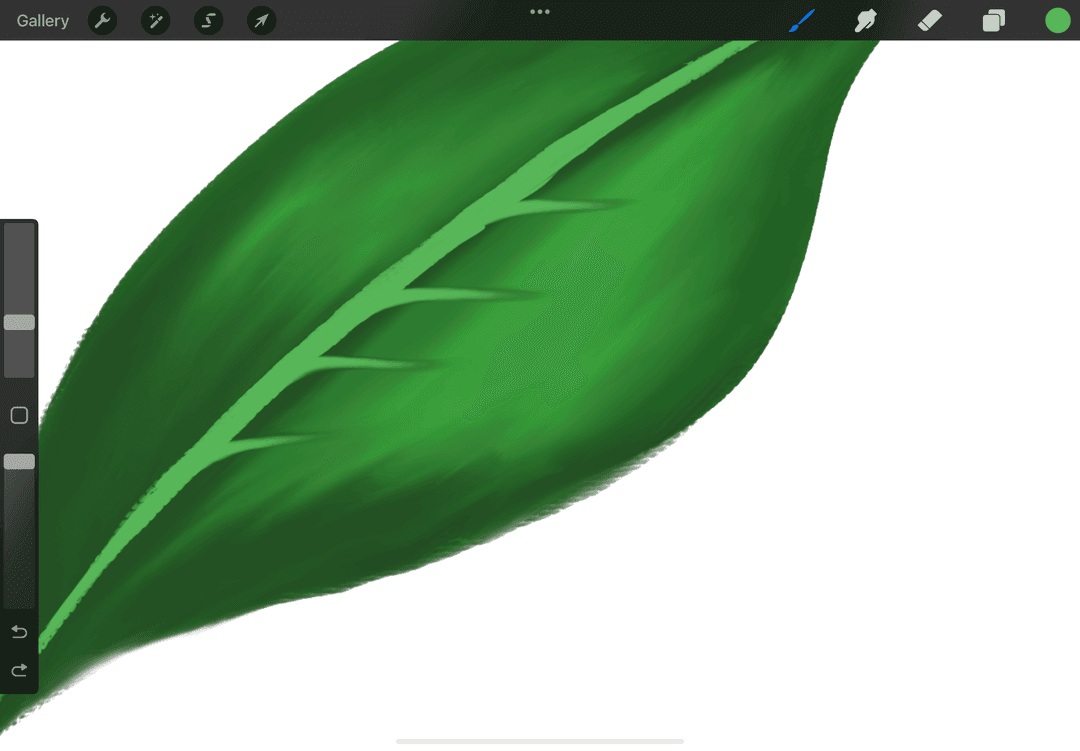
This might feel a little daunting at first, but you’ll definitely get the hang of it!
Once you’re comfortable enough to use it, you’ll be able to do a lot more techniques that you can apply to your work.
How about you, how do you like using your smudge tool? 🤔
Practice on a grayscale study first. When you want full painting demos, pick a free tutorial from the Twotap blog.
Practice on grayscale first, then use it inside a painting tutorial on the Twotap blog.


