How to Import Brushes into Procreate
Install .brush and .brushset files so Twotap packs show up in your library. Files and share-sheet steps.

New brushes only help if they actually land in your Procreate library. This walkthrough covers the reliable import paths on iPad so you are not stuck emailing yourself the same .brushset twice.
After import, organize sets you use weekly near the top of the Brush Library.
Importing the brushes to Procreate
Drag and Drop
This first step is pretty simple and makes use of the iPadOS multitasking feature, Split View.
First, open the folder where your files are.
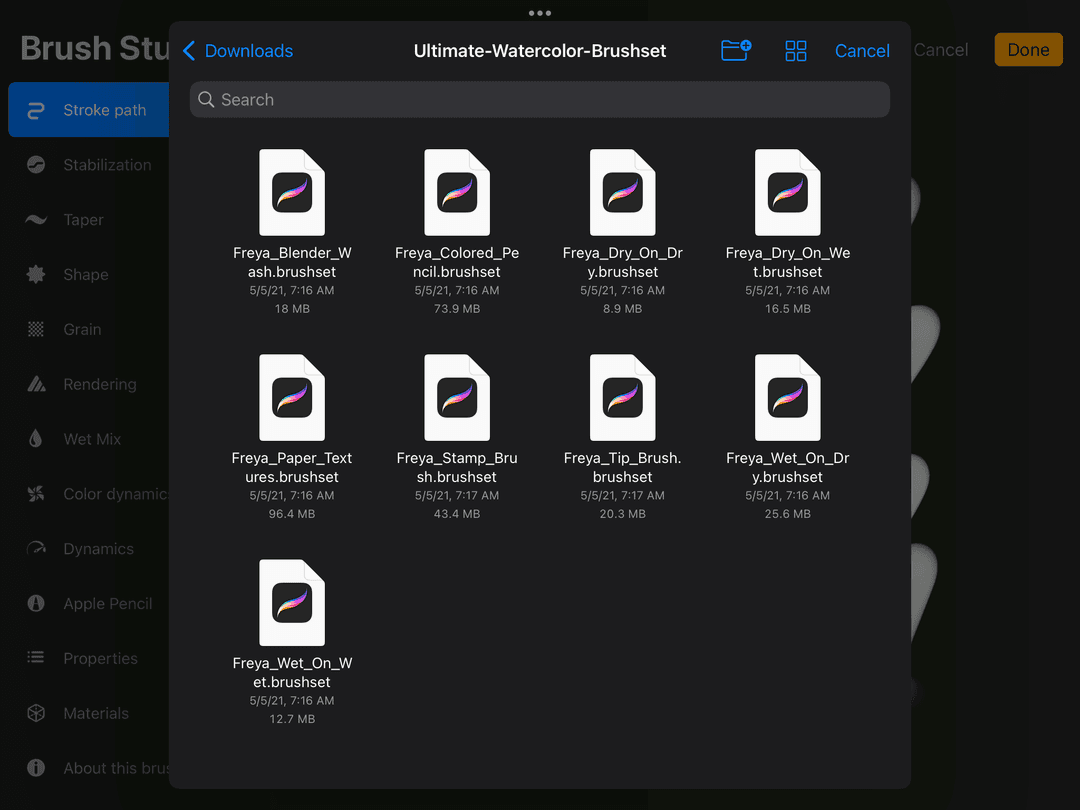
Then, open Procreate in a Split Screen view.
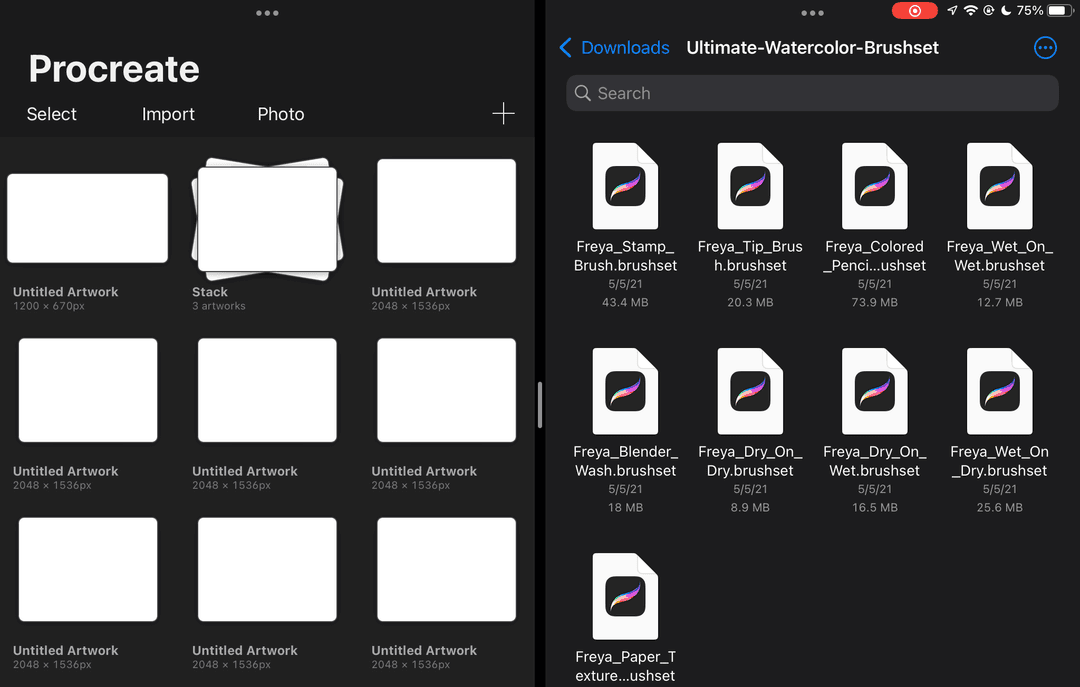
Next, open an old work or a new canvas on Procreate.
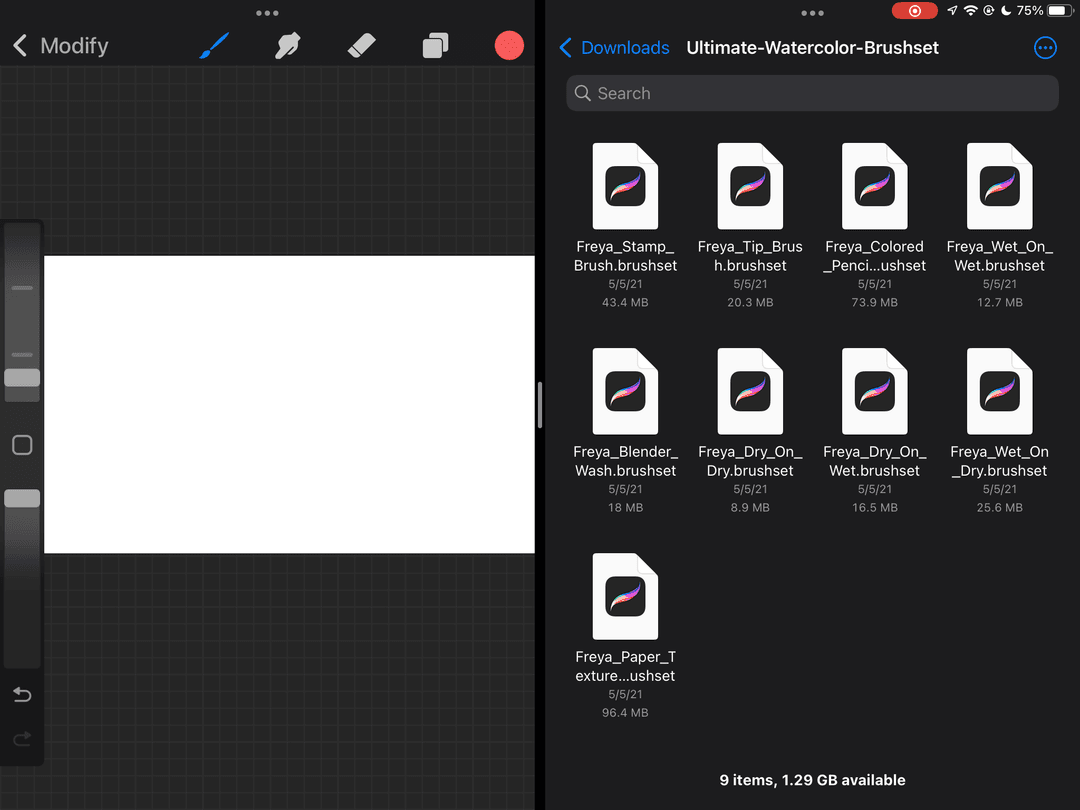
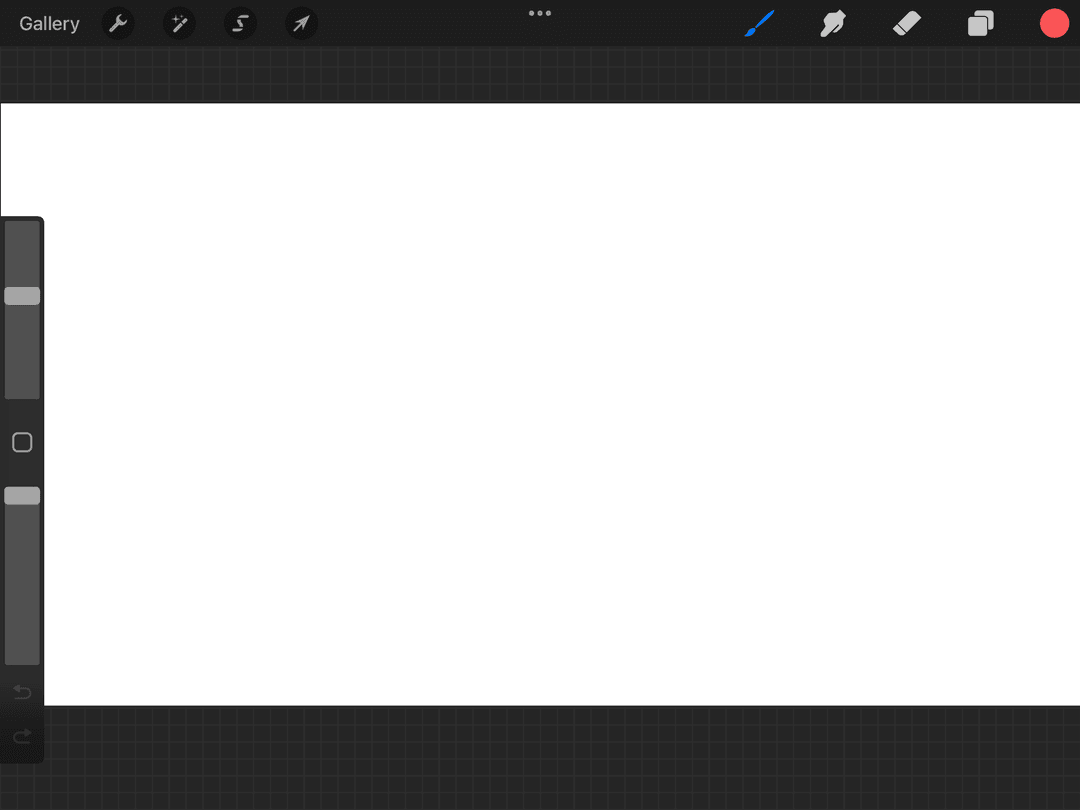
Once your work is open, tap on the brush icon to open the Brush Library.
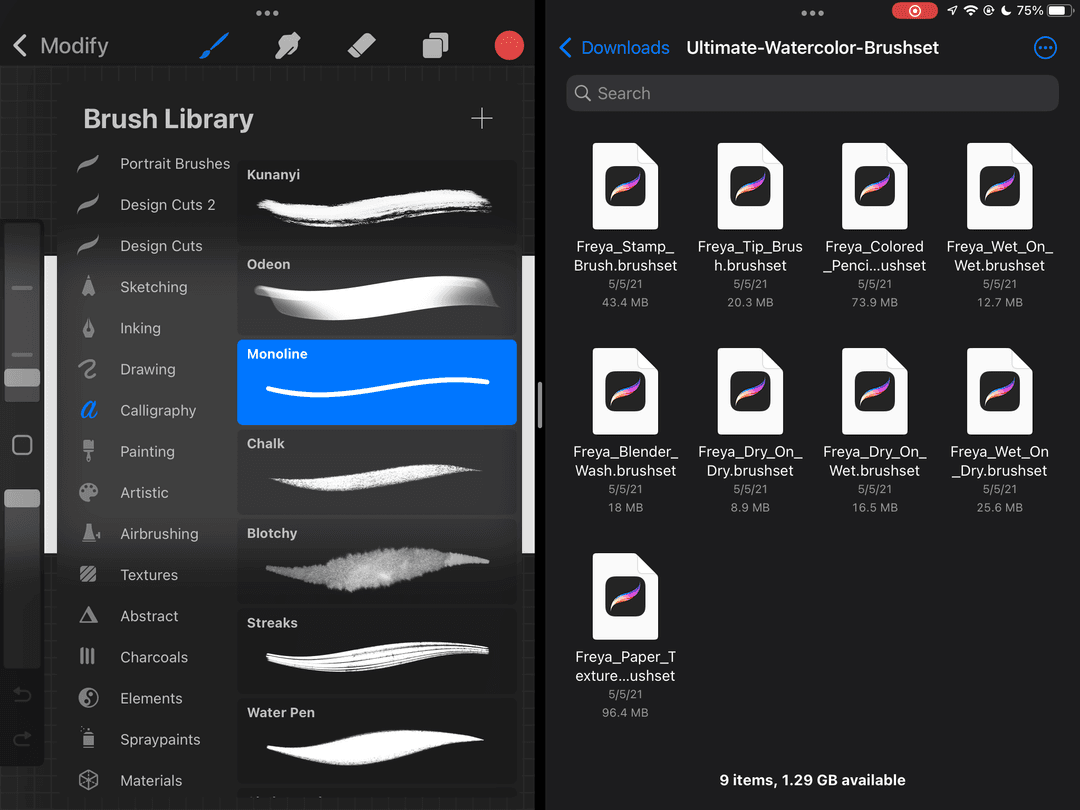
Now go to the other screen and locate your brush file. Tap and hold on to the brush, drag it into your brush files, and wait for the green ‘+’ sign to appear and drop.
To make sure that you’re dropping your brush into the right place, first identify the brush file you’re trying to import. Is it a brush or a brush set?
For brushes, drag and drop them to the (column?) on the right side, the one with the brush illustrations. For brush sets, drag them to the left side where the names of the other brush sets are listed.
Using the Brush Library
Now let’s talk about importing your brushes using Procreate’s Brush Library.
Open an old work or a new canvas on Procreate. Tap on the brush icon to open the Brush Library.
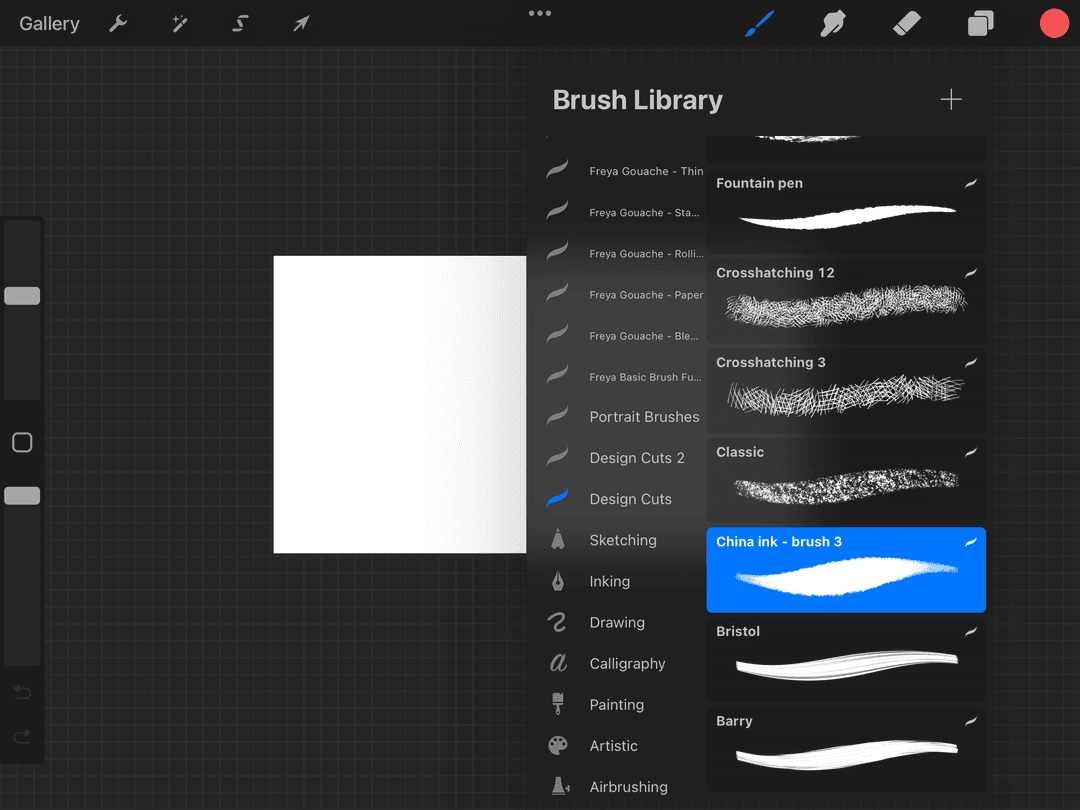
Tap Import.
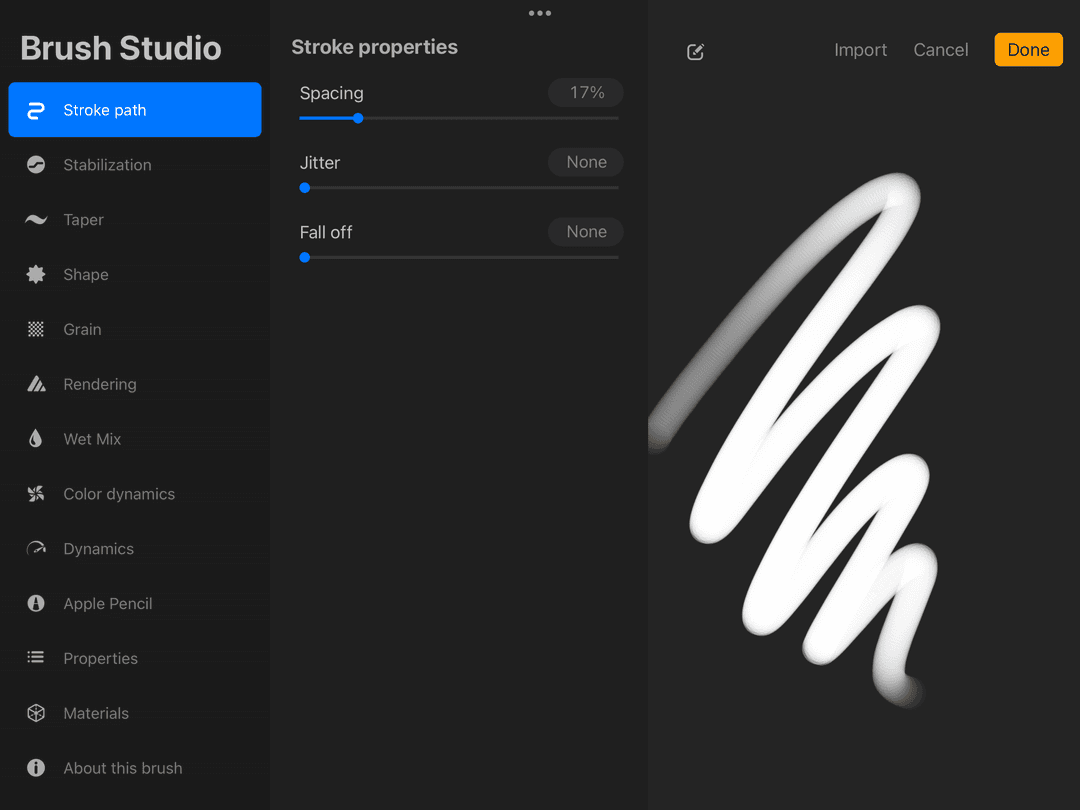
Then choose the brush or brush set file you’d like to import to Procreate.
Do this a few more times if you have more than one brush file to import.
That's it, you can now use your new brushes!
You can also try rearranging them, maybe even group together the brushes you like the most.
Whichever brush you see online, whether it's free or not, you'll be all set and ready to go by following these steps.
Now the hunt begins for your next favorite brush. It will surely be fun to play around with different brushes! nn
Once import feels easy, try a curated pack from Twotap’s brush collection and paint a small test stroke sheet.
Need brushes to import? Browse the Twotap brush collection, then paint a small stroke sheet to learn the set.


