Children's Book Illustration in Procreate
Take your story from manuscript to printed book.
One-time purchase · Lifetime course access · 30-day money-back
Follow Diana's process for story-driven illustration in Procreate: stronger composition, thoughtful colour, that soft storybook feel, and the unglamorous file work that gets it to print.
- An iPadAny model that runs Procreate
- Apple PencilOr a compatible stylus
- ProcreateA one-time app purchase
You don't have to solve the whole illustration at once
A finished spread looks like one enormous decision. In practice it is a lot of small ones, taken in a sensible order.
Diana breaks it into steps you can hold in your head. Plan the scene first, then bring it to life: composition and placement, then colour, lighting and texture.
The same order carries through the technical end, where most first books come unstuck. Interior pages exported correctly, and a cover set up properly for print.
You finish with one complete scene and, more usefully, a process you can run again on the next manuscript.
A beautiful illustration is only the beginning. It also needs to tell the story.
Every choice in a children's book scene has a purpose, from where the characters are placed to the mood created through colour and light.
Give the scene a clear focus
Decide what the reader should notice first. Learn how to use character placement, scale, and simple visual cues to make the main story moment easy to understand.
Guide the reader's eye
Build a composition that naturally leads the viewer through the scene. You'll learn how shapes, spacing, and background elements can support the action without creating distraction.
Create the right mood
Use colour, lighting, and texture to strengthen the feeling of the scene, whether it needs to feel playful, peaceful, mysterious, or full of energy.
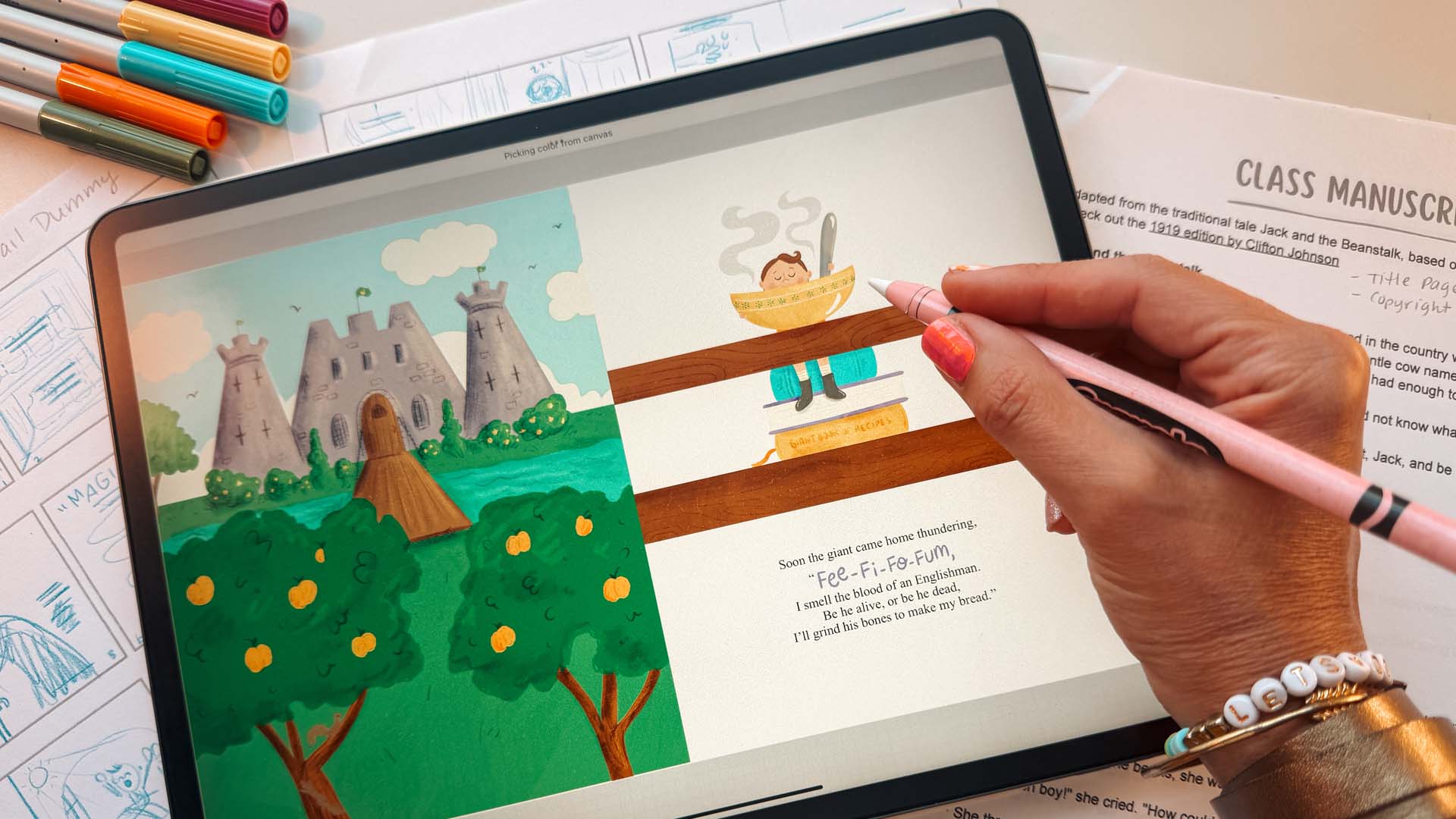
The right details matter more than more details
A children's book scene gets crowded fast. Diana shows you how to decide what supports the moment, what can be simplified, and where detail earns its place, so the page reads clearly instead of just being full.
One finished scene. Skills for every story.
You leave with an approach you can adapt to new manuscripts, characters, settings and illustration styles.
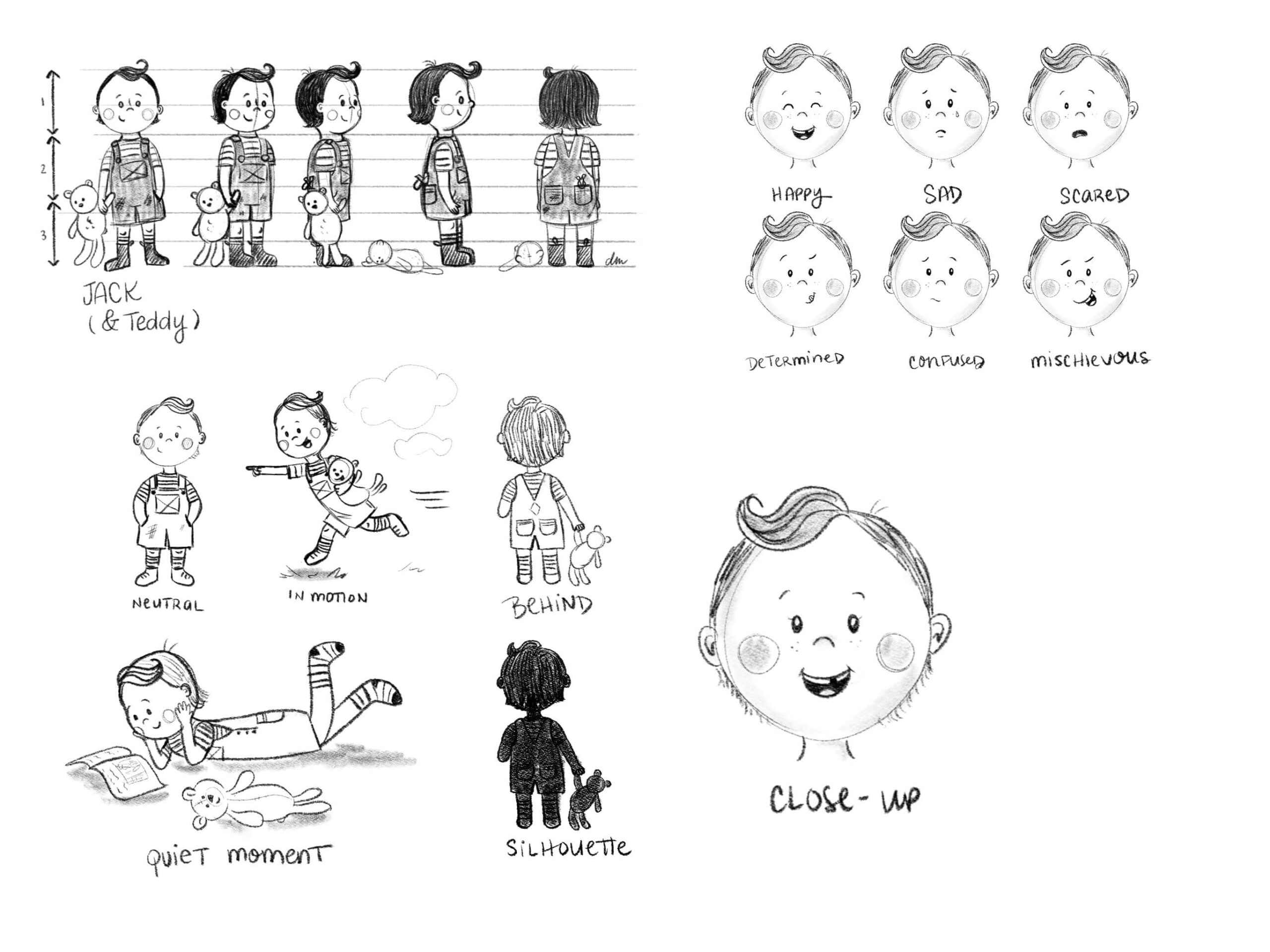
Build a strong foundation
Understand why a scene works rather than what it looks like, so you're not reverse-engineering somebody else's page every time you start one.
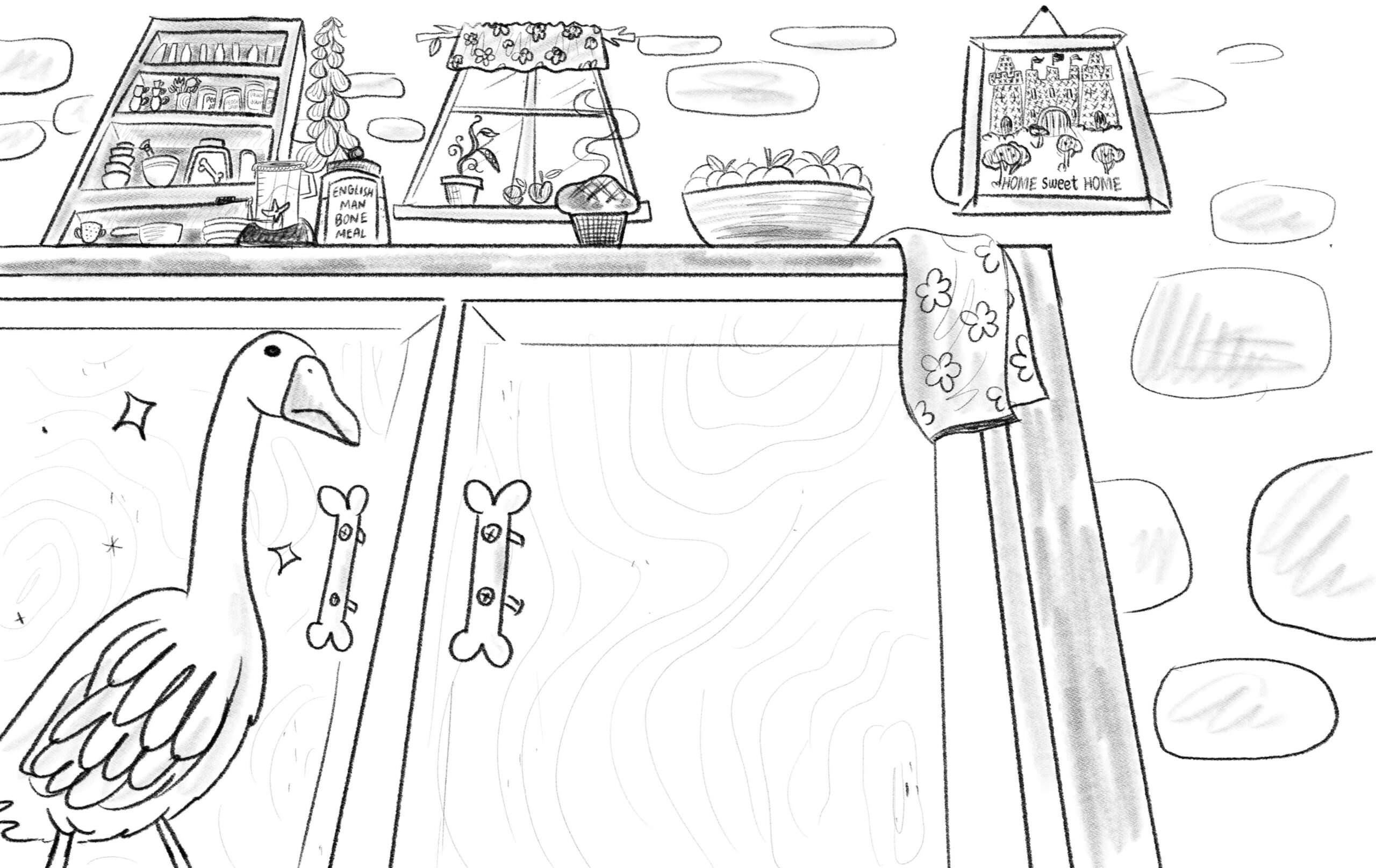
Learn by doing
Every technique arrives inside a real illustration you're building in Procreate, not as a drill with nowhere to go.
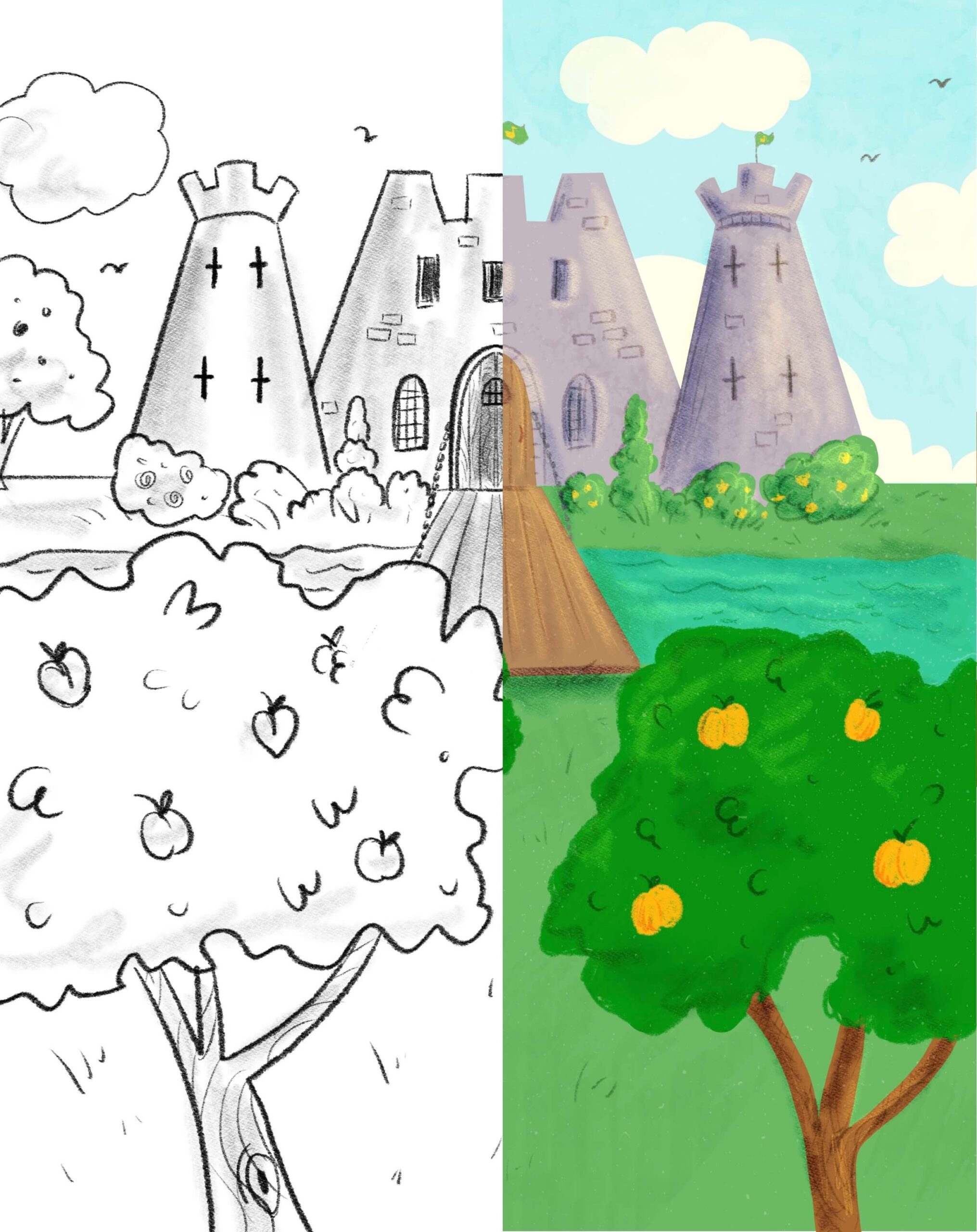
Use it again and again
The approach carries over to the next manuscript, the next character, the next style you want to try.
You'll spend less time second-guessing your art
Instead of wondering whether your composition, character, or colour choices are working, you'll learn what to look for and how to make purposeful adjustments as your scene develops.
Find the main action and emotion within a passage, and decide what the illustration should reveal to the reader.
Create character poses and expressions that support the moment.
Balance characters, backgrounds, text and open space across the page.
Use colour, lighting and texture to strengthen the atmosphere.
Keep the final page clear, engaging and connected to the story.
You don't need to have every detail figured out before you begin. I'll show you how to build your illustration one step at a time and turn a simple idea into a finished storybook scene.
— Diana McDermott
Your instructor
Let me show you how to bring a storybook scene to life
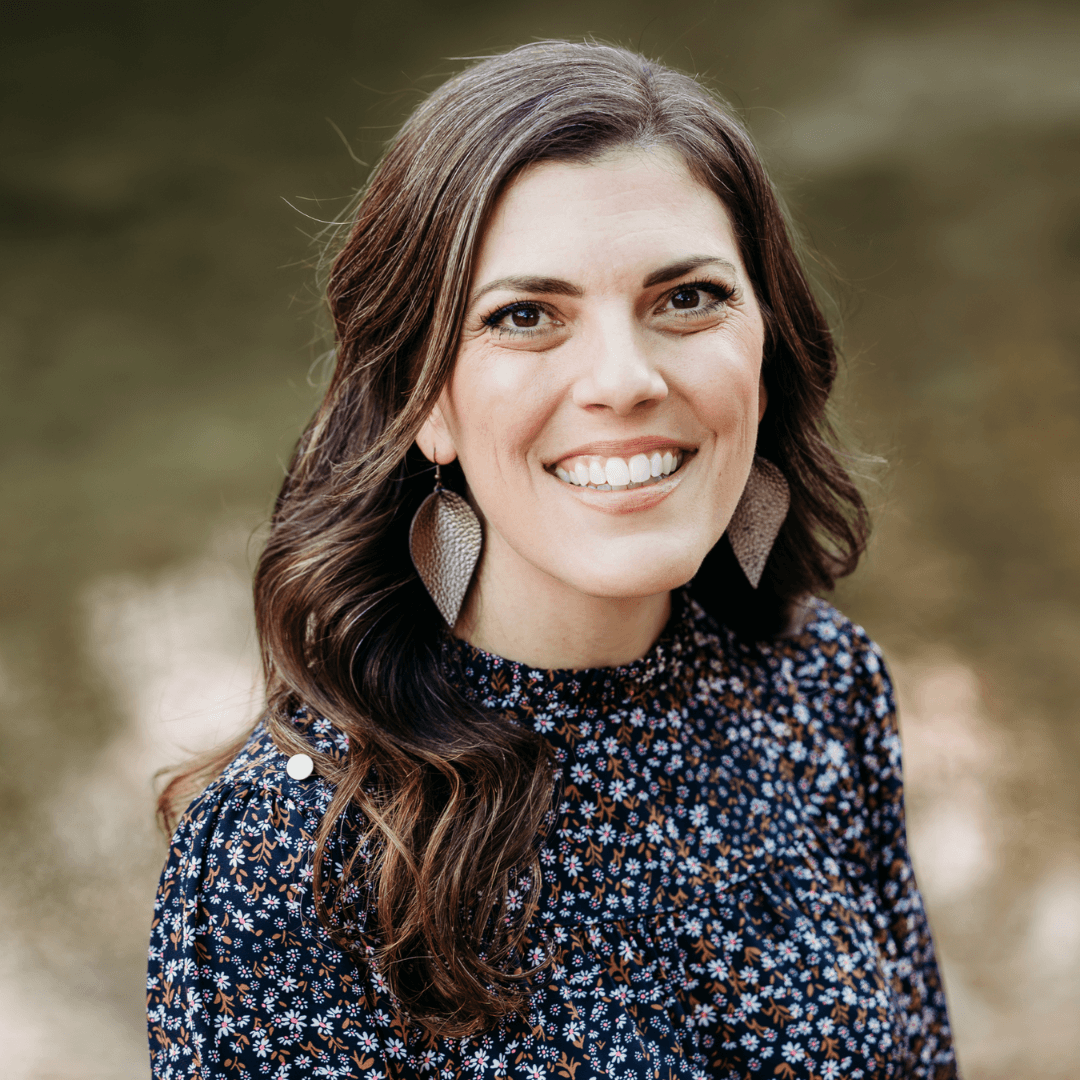
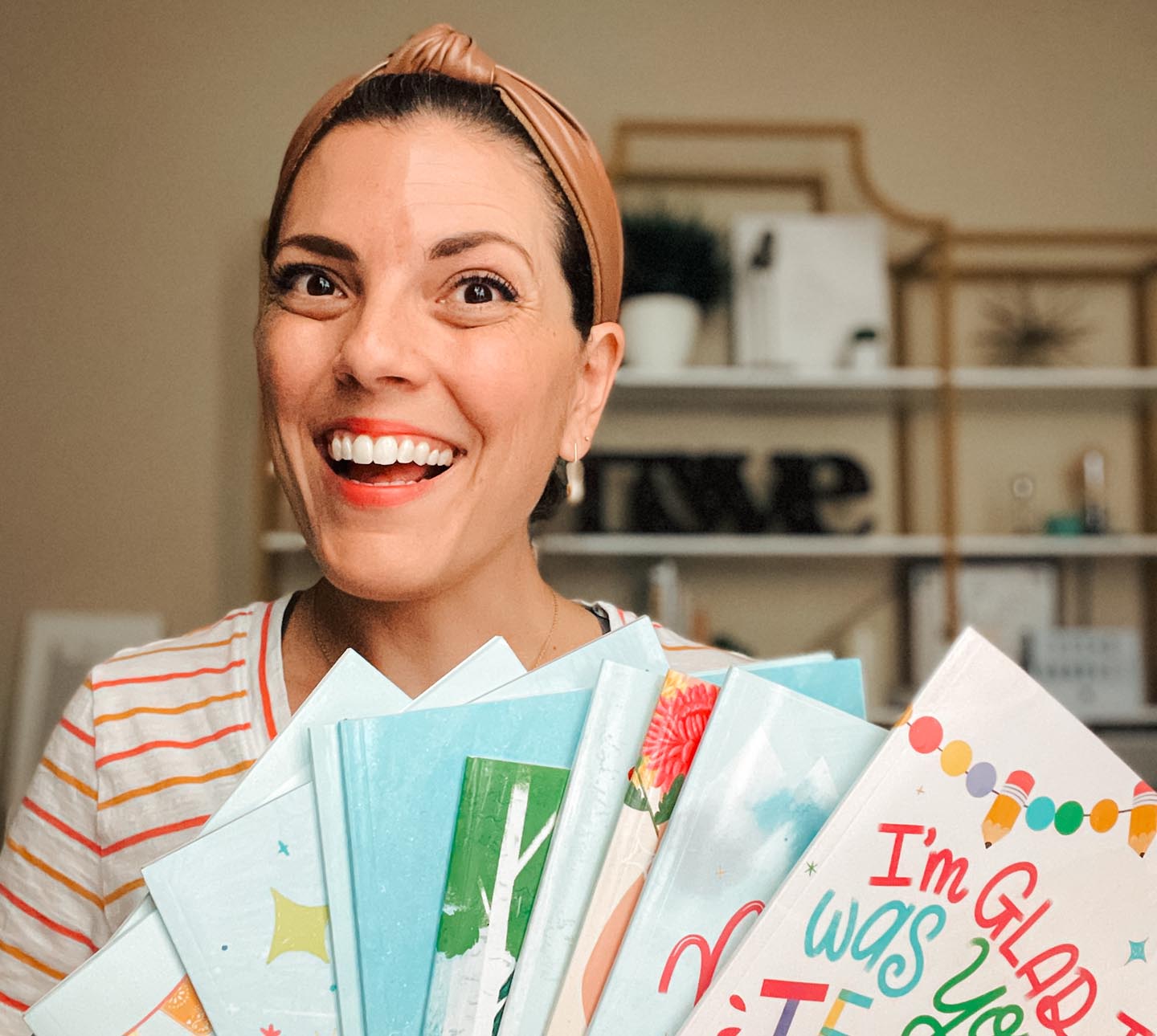
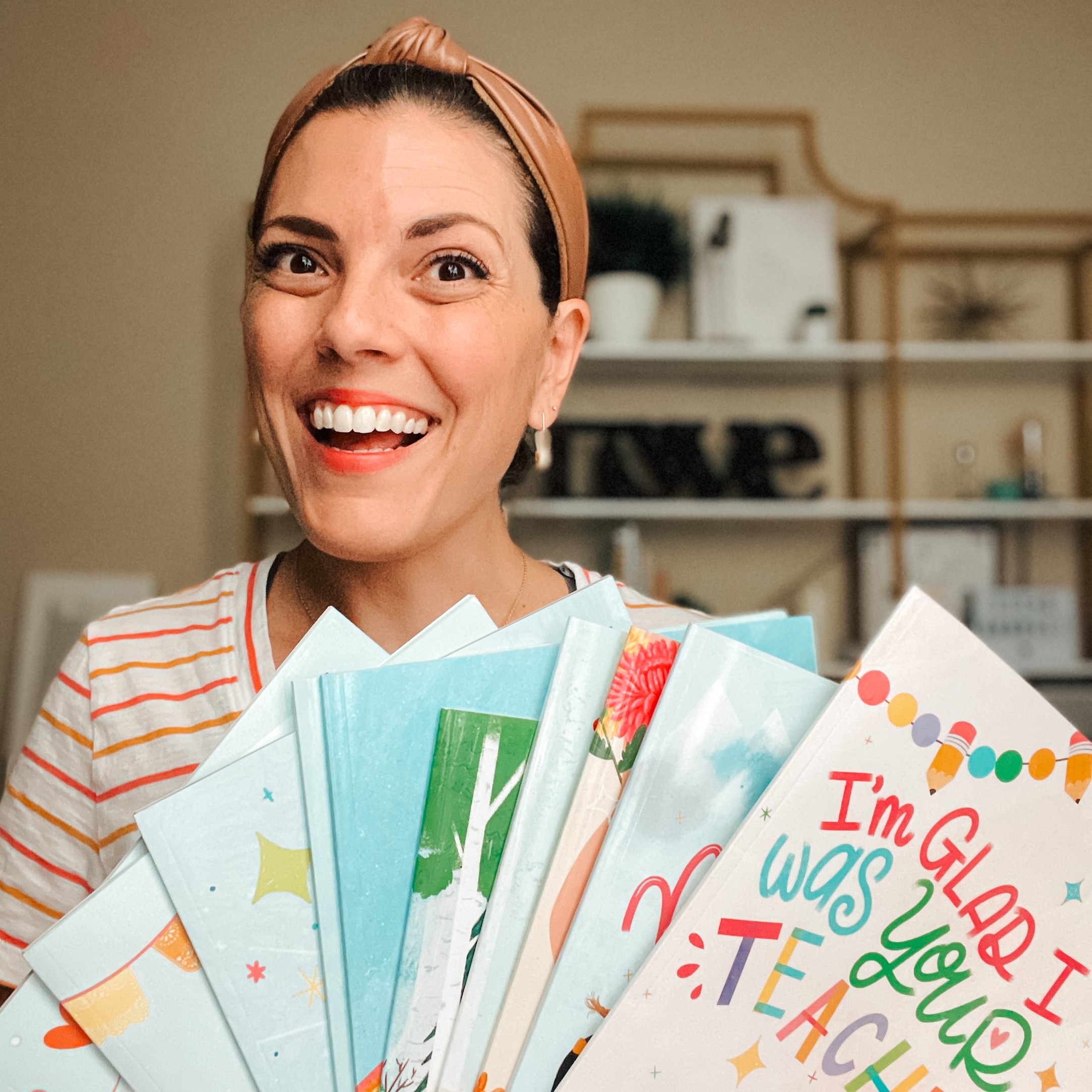
Hi, I'm Diana McDermott, a children's book illustrator based in Austin, Texas. I've illustrated 23 children's books and taught thousands of students through my online classes and tutorials.
As a self-taught artist, I know how overwhelming a whole illustration can feel. So I break it down: brainstorming, sketching, then colour, texture and the final details, one decision at a time.
Start creating your own children's book scene, whether you're exploring illustration for the first time, building your portfolio, or bringing a story of your own to life.
Of course you could learn it all on your own … but should you?
You could spend months testing page layouts, file setups, colour choices and export settings through trial and error. Diana shares the experience she gained illustrating 23 children's books.
Everything in one place The complete picture-book illustration process, from paginating your manuscript and developing characters to storyboarding, colouring and preparing your files for print.
One complete path Instead of piecing together separate tutorials, you follow a single route from your first page plan to a print-ready book.
Avoid the common mistakes Learn from someone who has already worked through the creative decisions, revisions and technical details, then apply that guidance to your own book.
Finish the course, take the certificate 🎓
Get lifetime access to 20 practical video lessons and over 2 hours and 50 minutes of training, available anytime on desktop, tablet or phone.
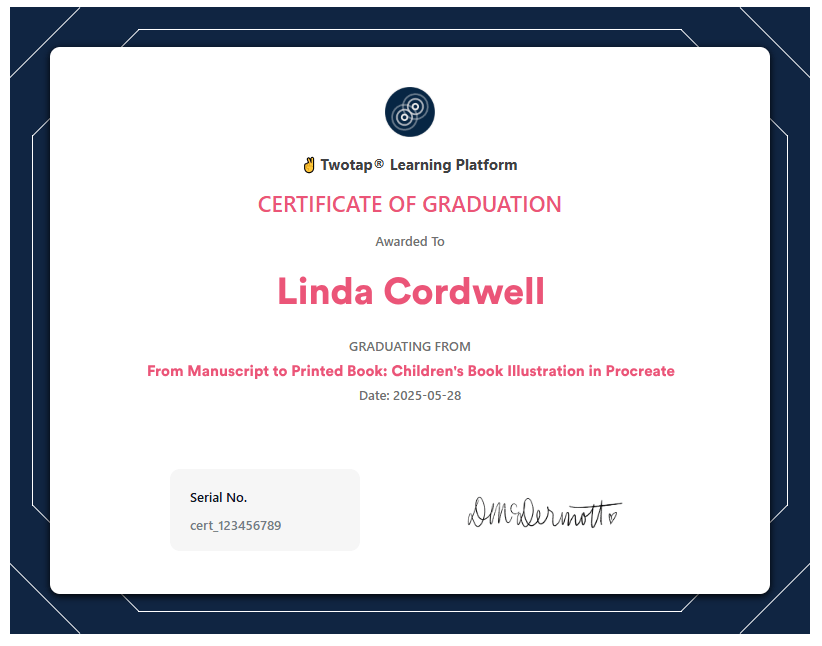
When you finish, you get a Certificate of Completion covering what you have actually done: planned a story, illustrated it, and prepared the finished files for print.
Lesson list
Click a part below to explore the lessons. All content is narrated in English.
Learn how picture books are structured, divide your manuscript into pages, and design page turns that keep the story flowing and readers engaged.
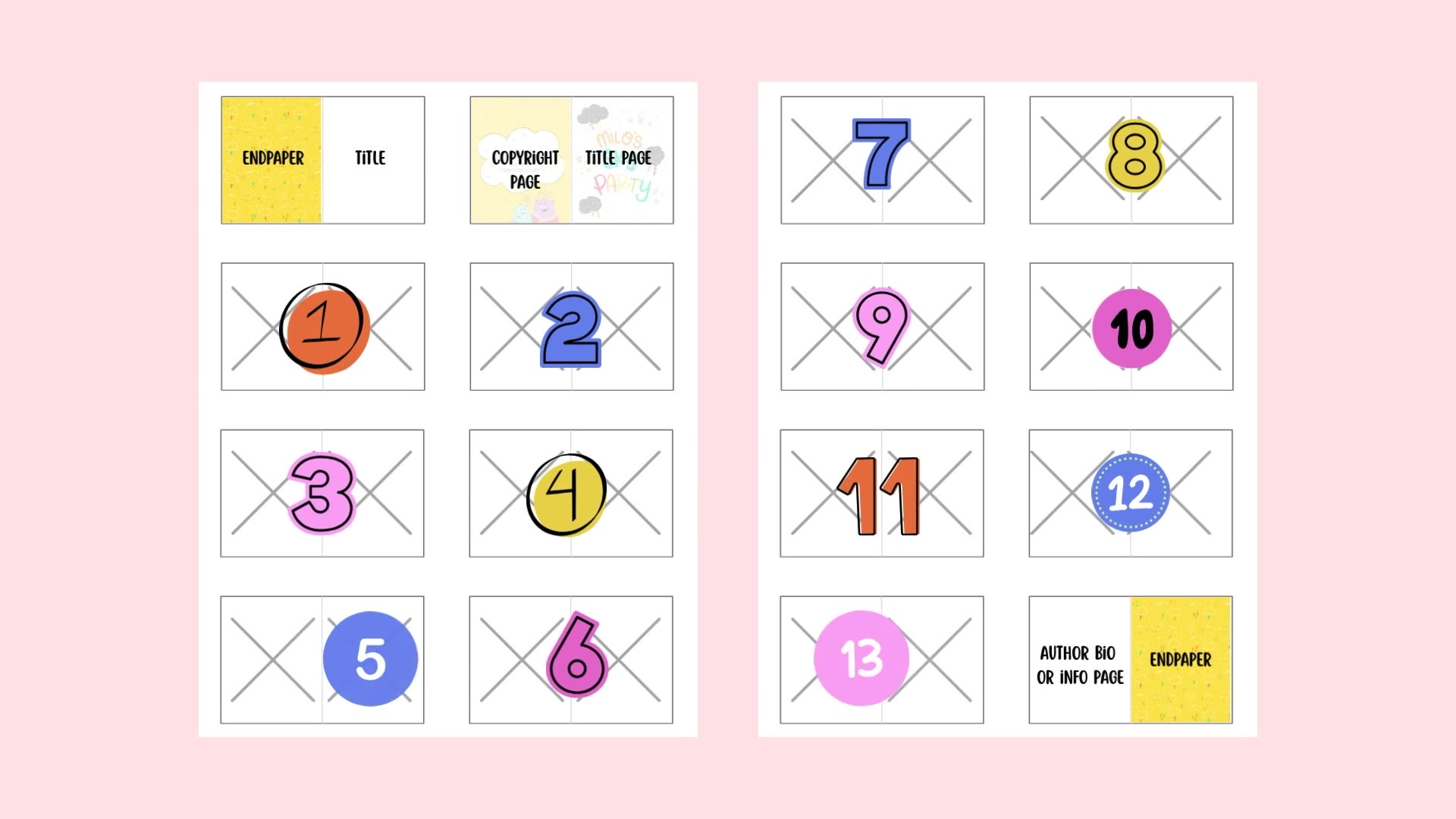 Lesson 1 — How Picture Books Are Structured5:21
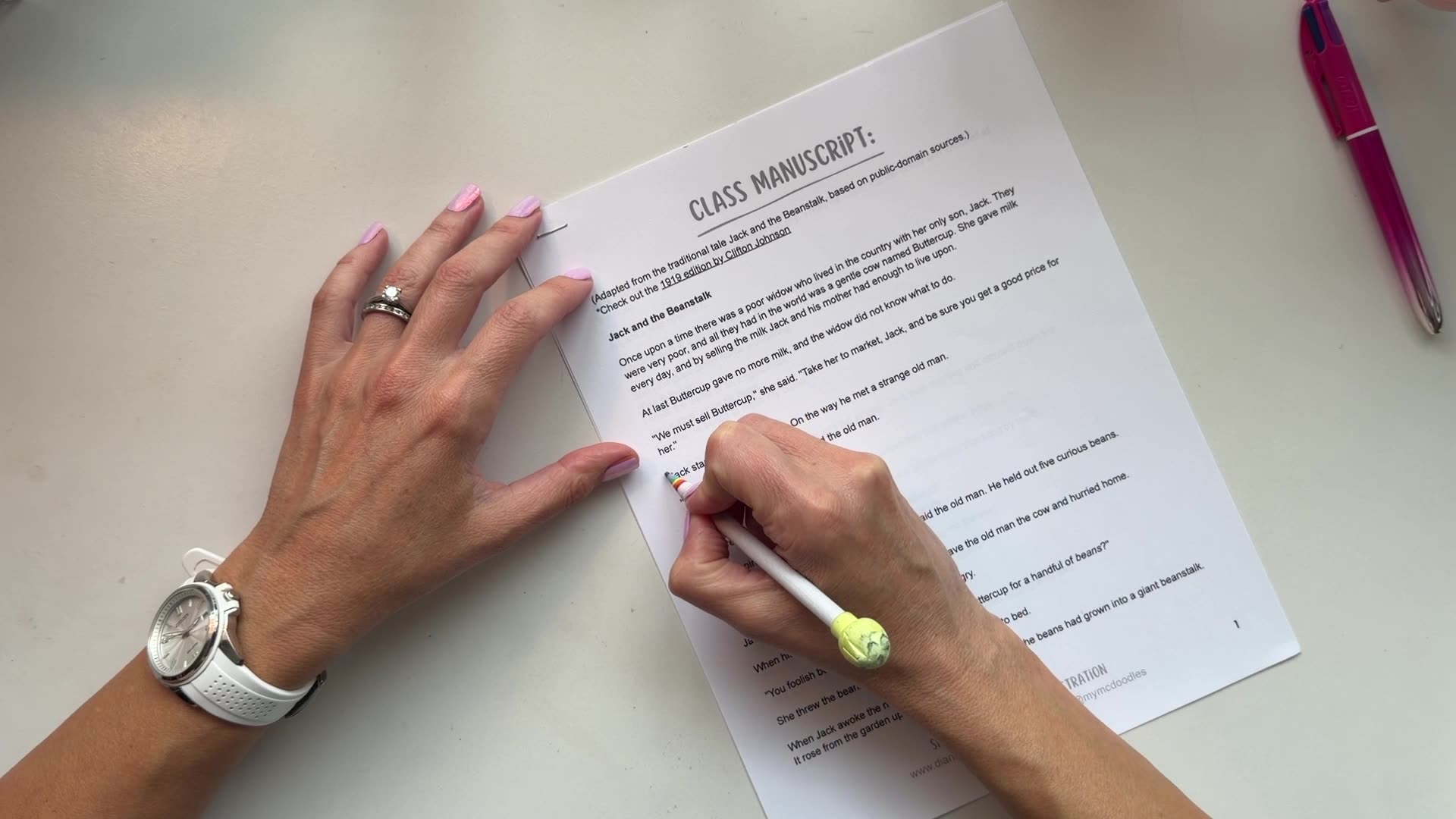 Lesson 2 — Breaking Your Manuscript Into Pages4:47
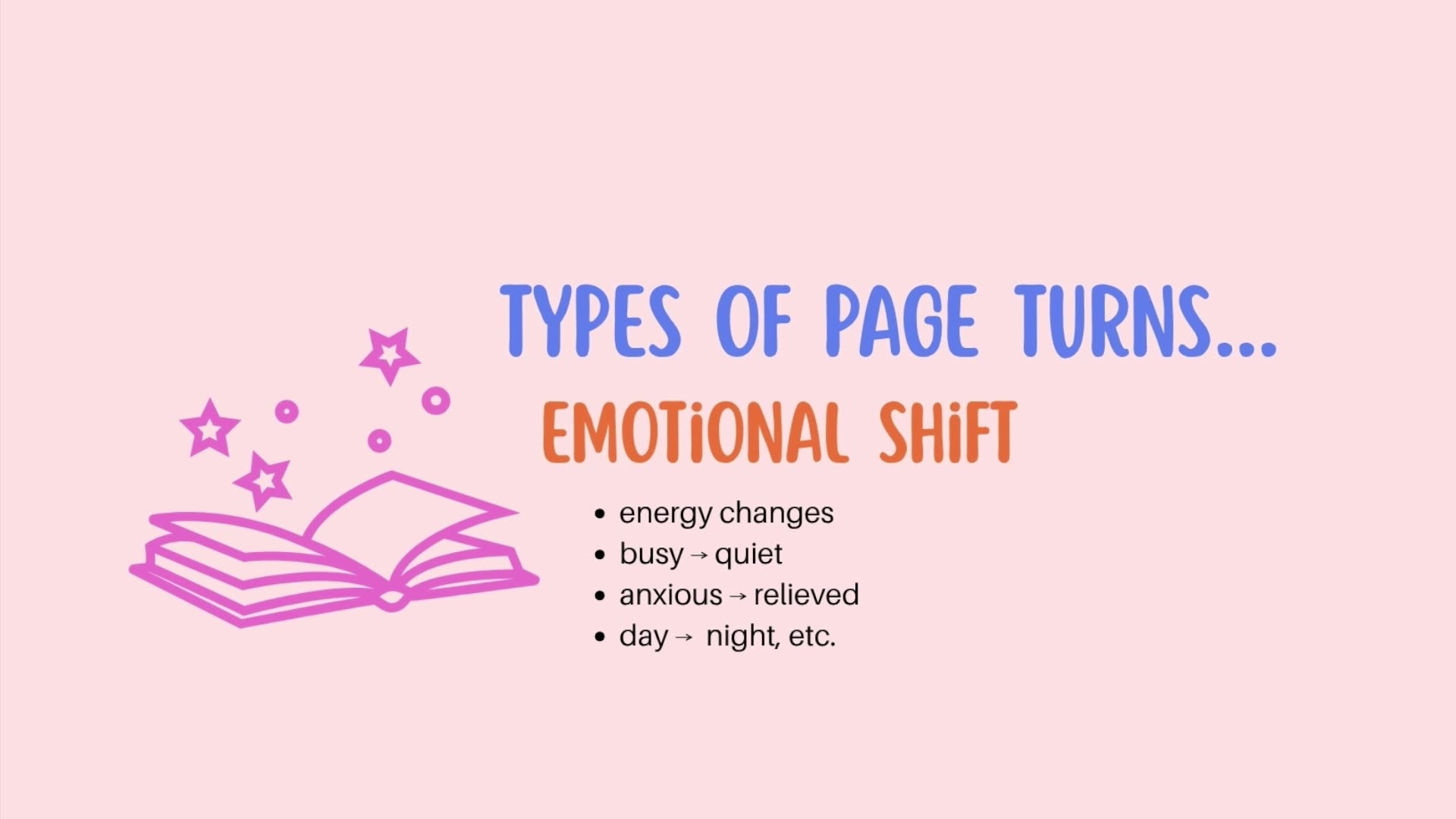 Lesson 3 — Designing Page Turns That Work7:22
Learn how to define your illustration style, design a memorable main character, and create supporting characters and settings that make the story world feel complete.
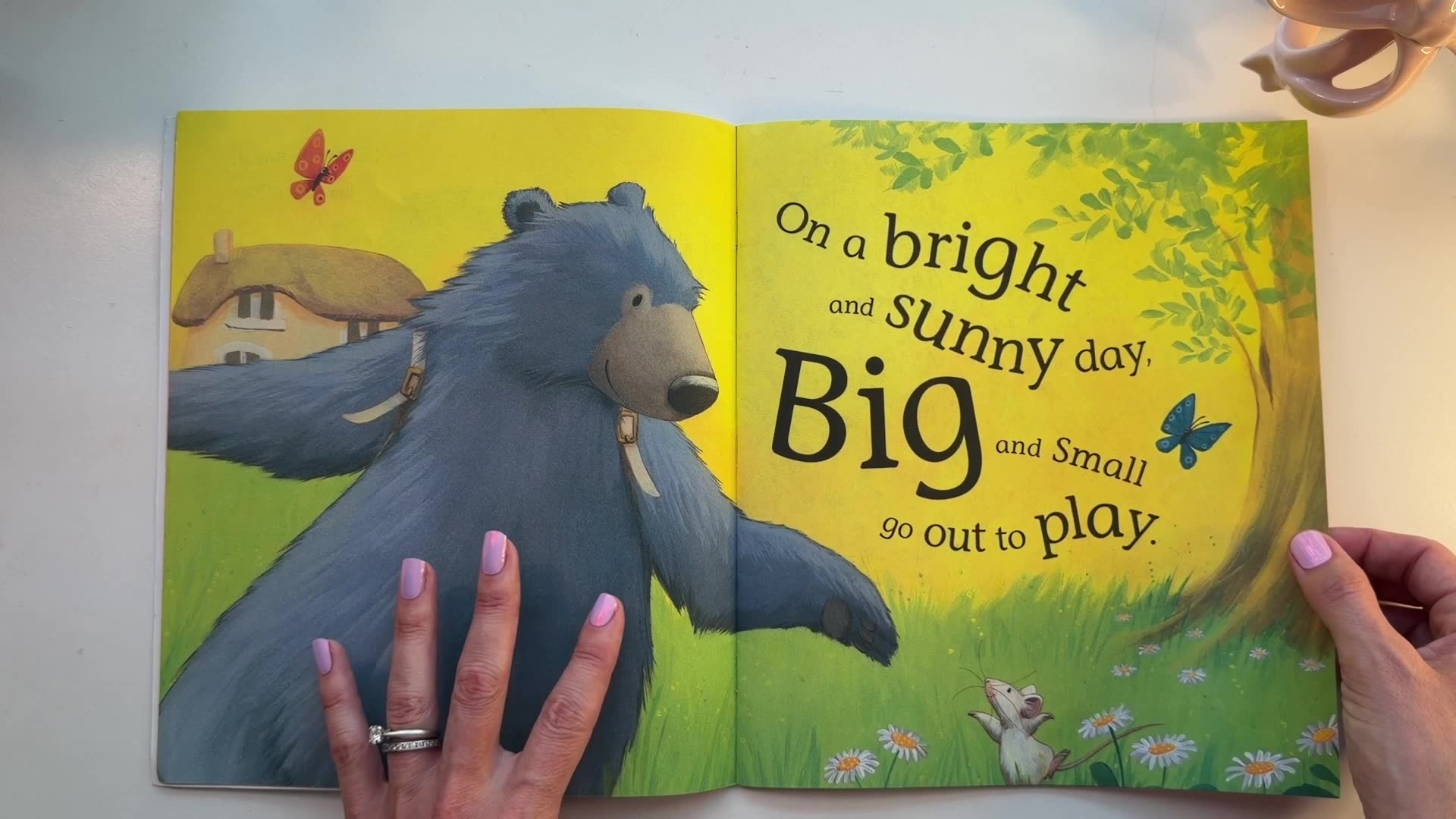 Lesson 4 — Finding Your Illustration Style14:57
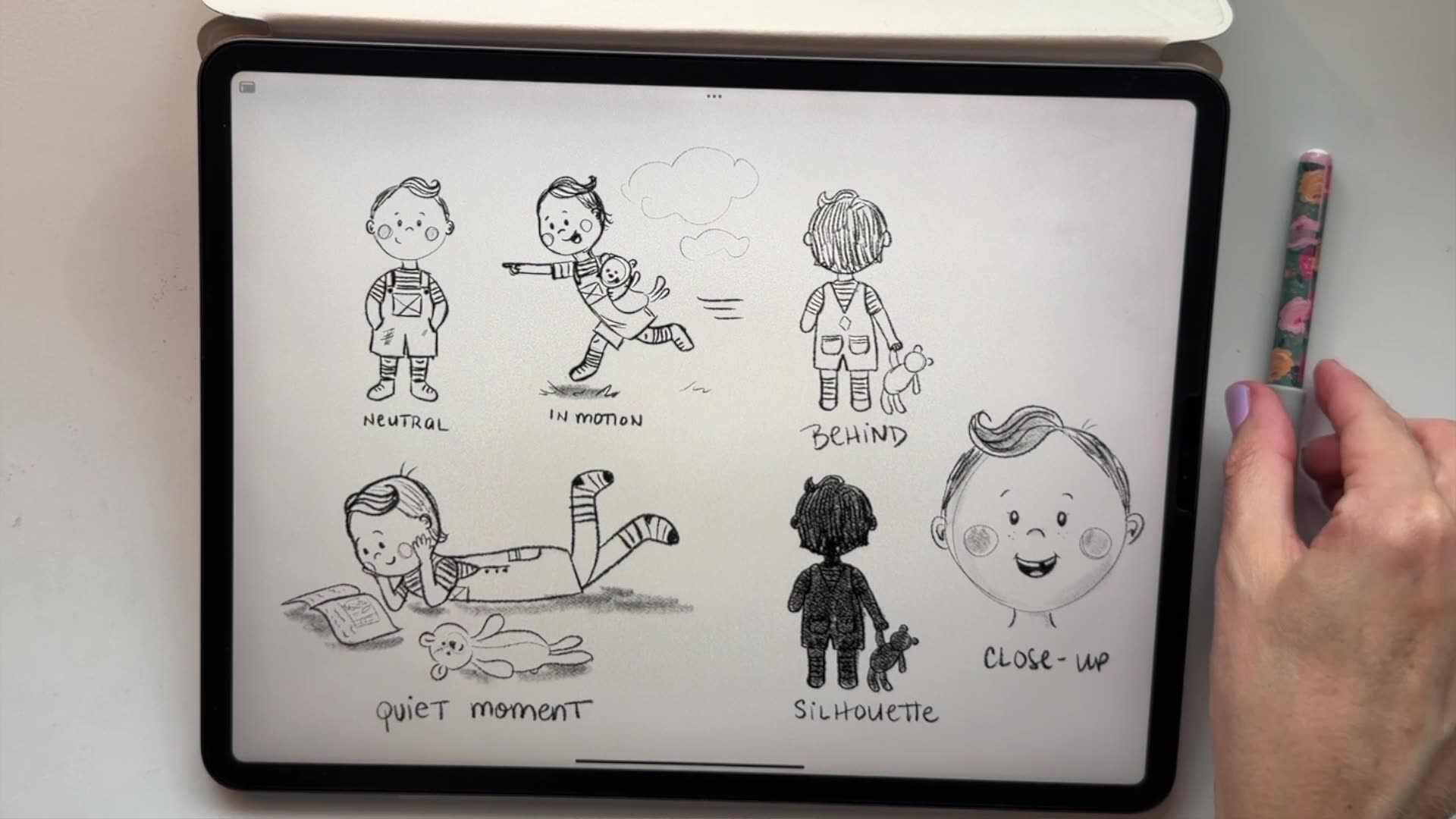 Lesson 5 — Designing Your Main Character7:02
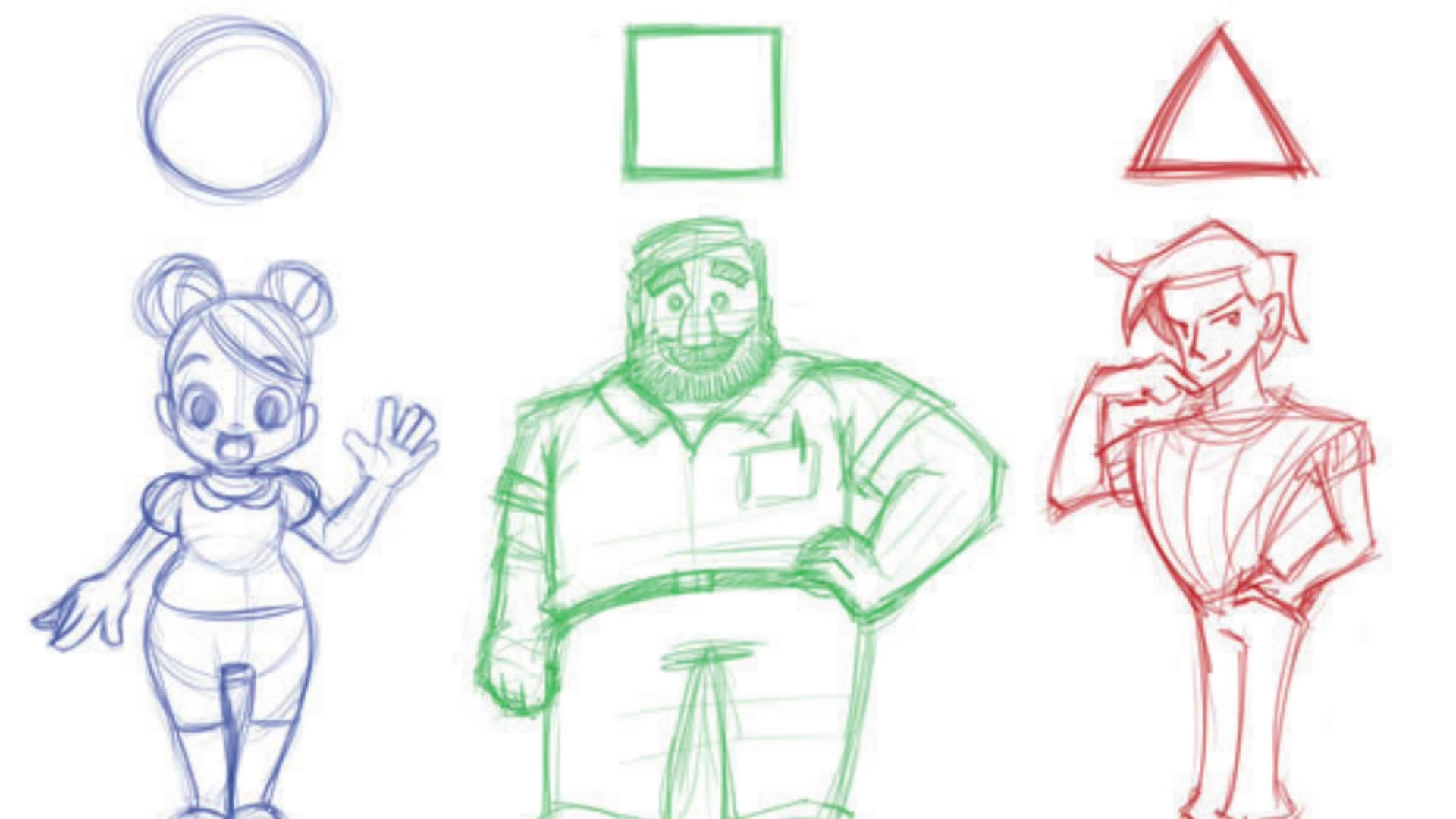 Lesson 6 — Supporting Characters & Building the World5:21
Learn how to storyboard your book, build strong compositions, vary the pacing across spreads, and place text so every page feels clear and balanced.
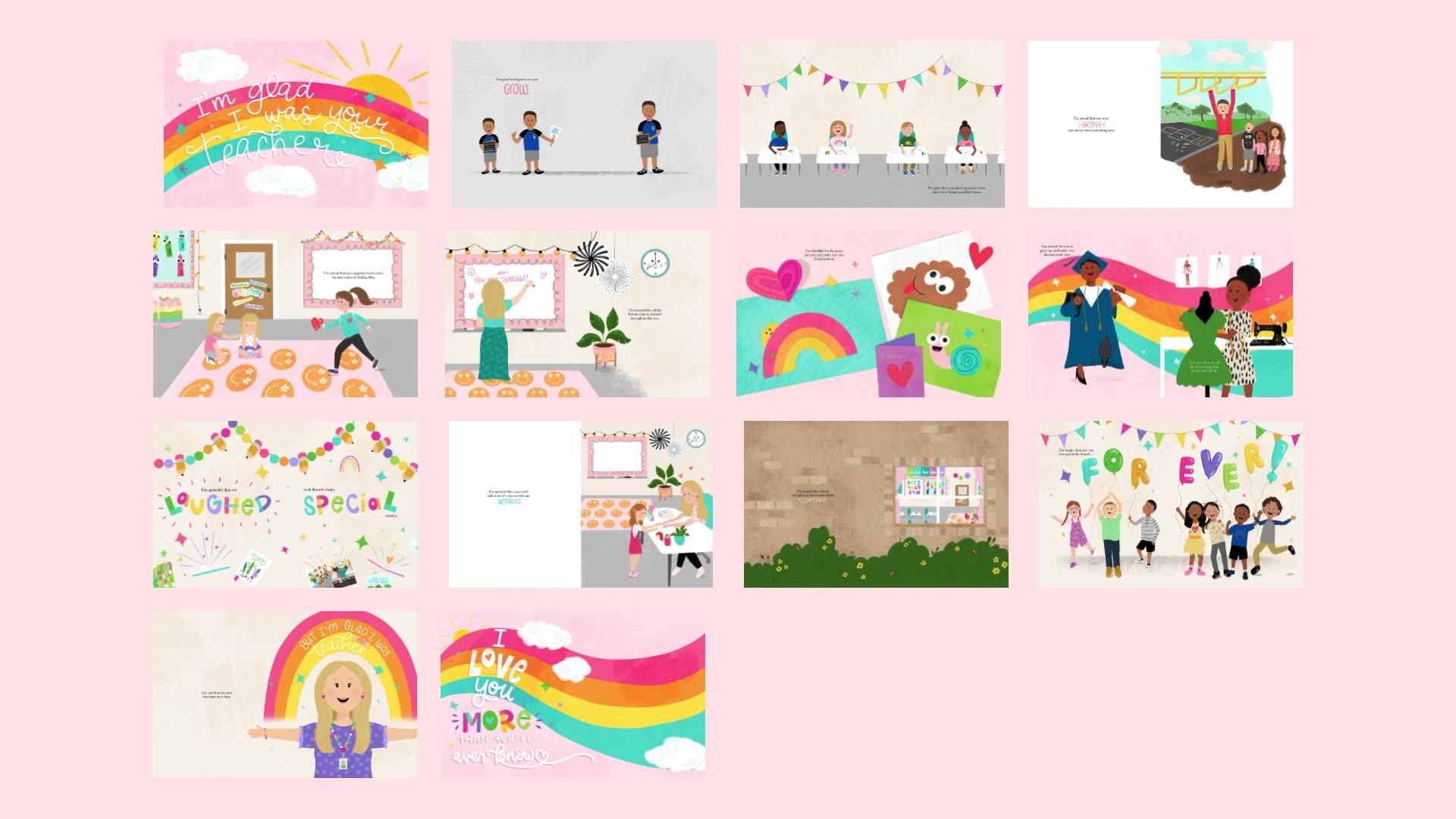 Lesson 7 — What Storyboarding Is & Why It Matters6:02
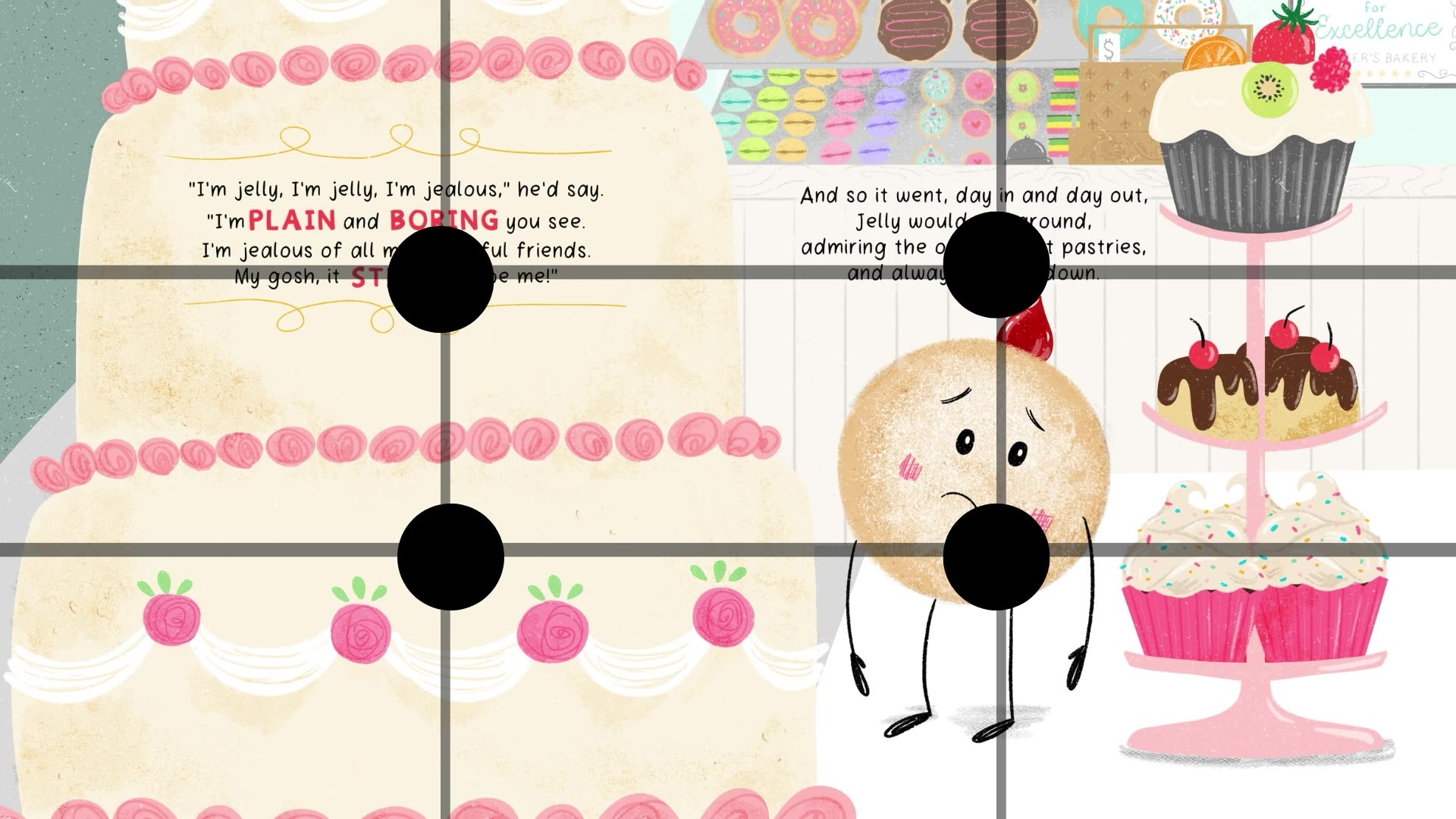 Lesson 8 — Composition Basics for Picture Books6:11
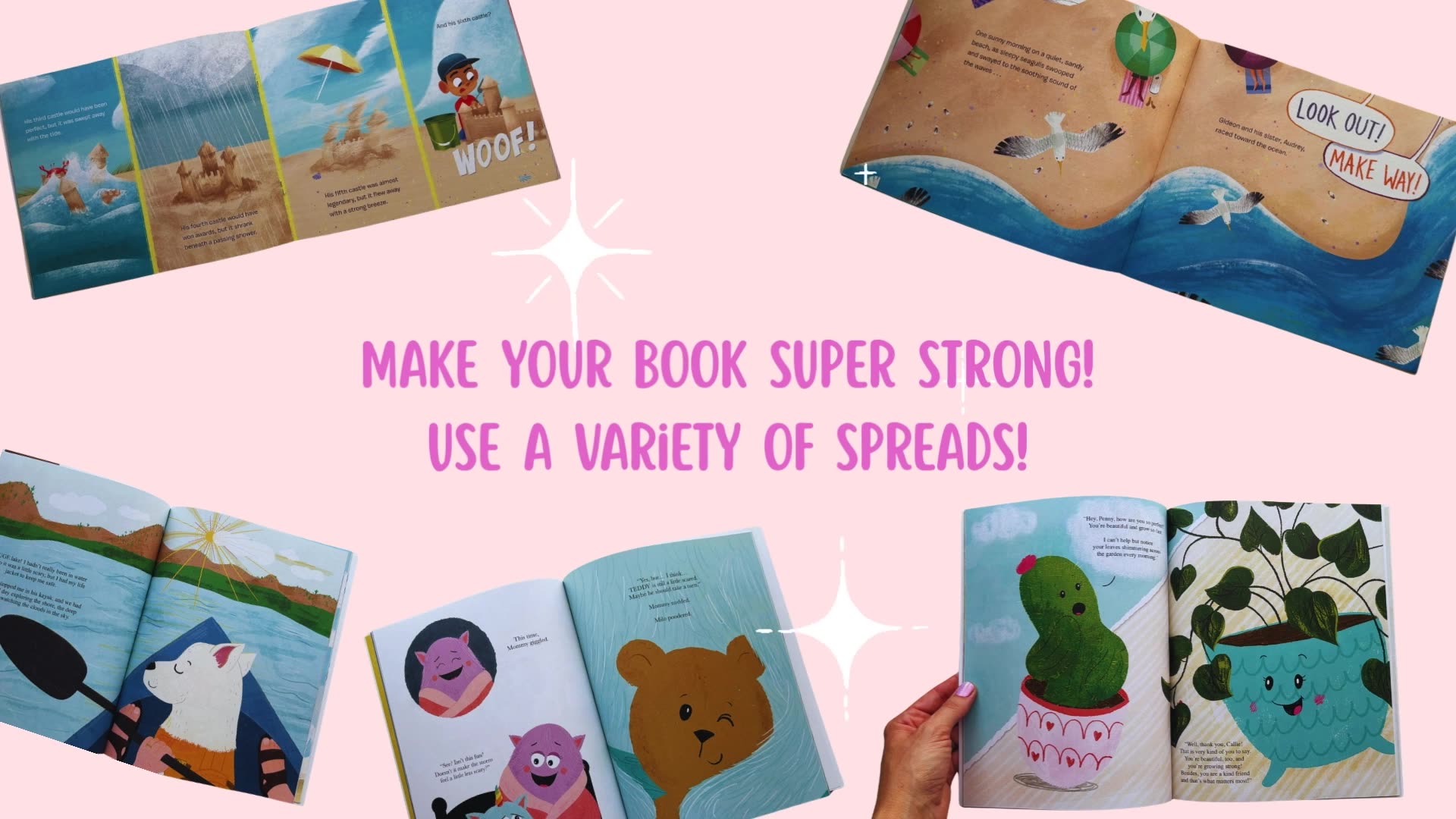 Lesson 9 — Pacing & Variety Across Spreads3:41
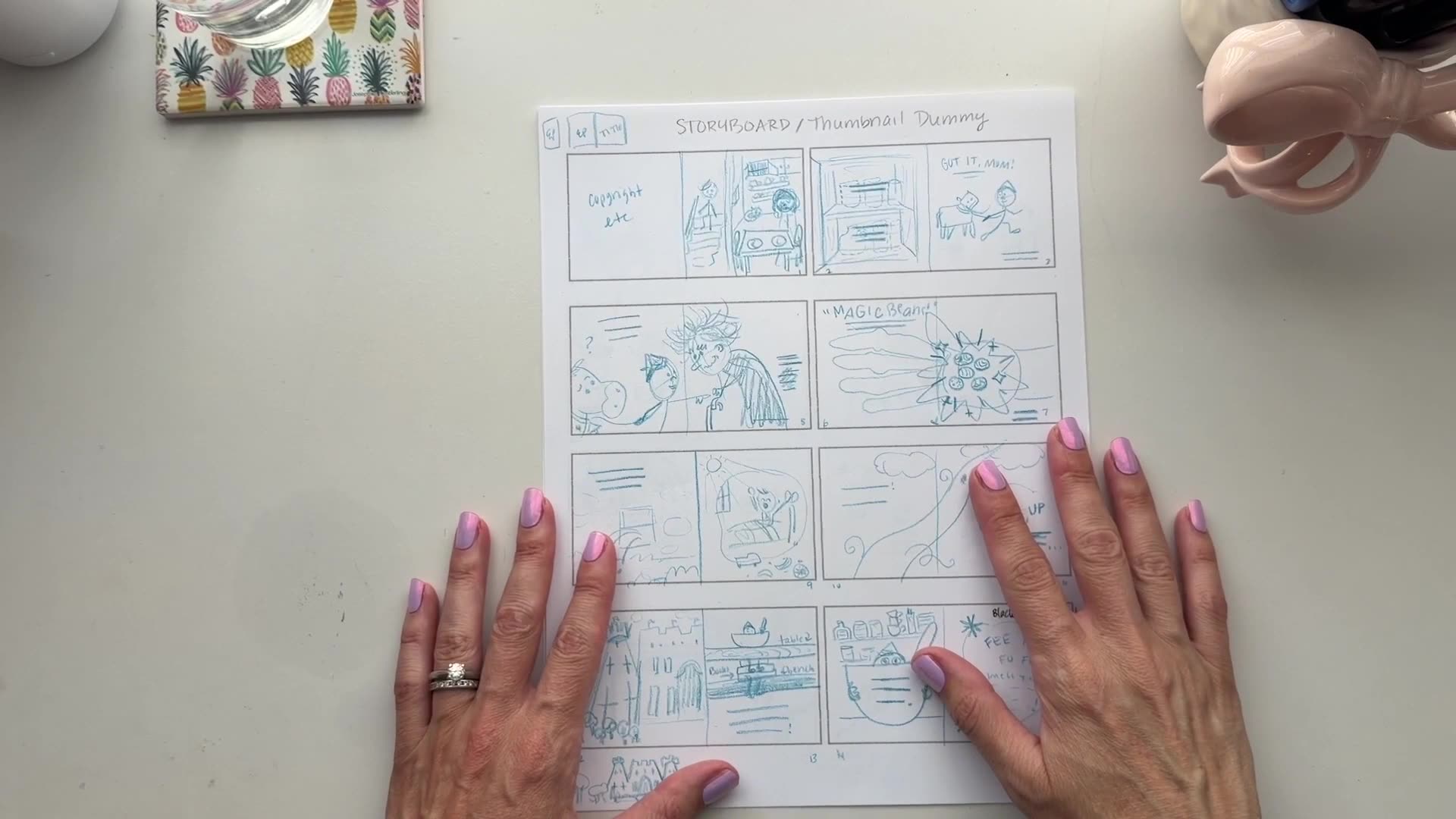 Lesson 10 — Text Placement in Your Spreads3:36
Understand essential color theory, build a cohesive palette for your book, and plan color across thumbnails and key story moments.
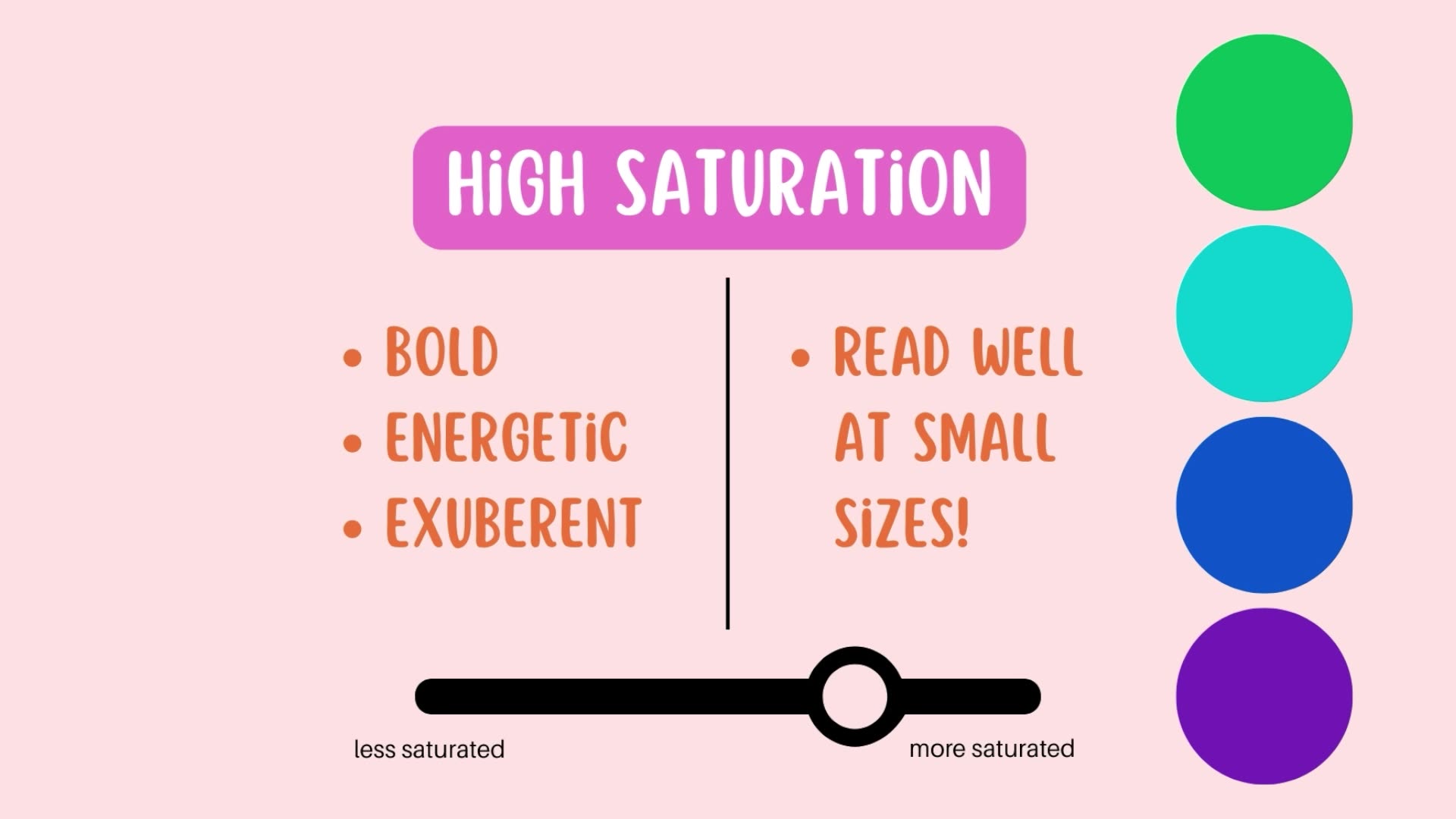 Lesson 11 — Color Theory Essentials for Kid Lit8:05
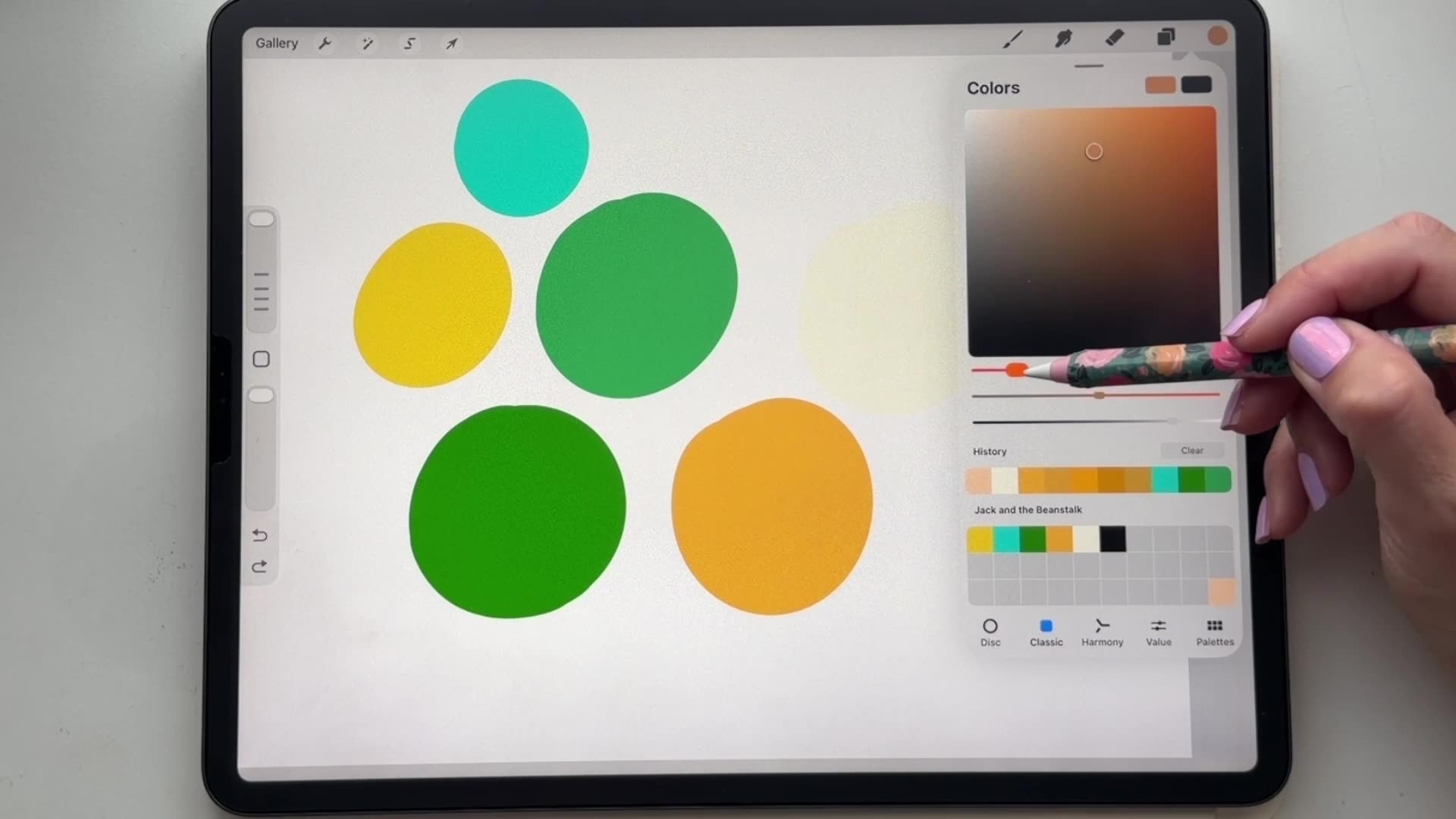 Lesson 12 — Building Your Book's Color Palette8:58
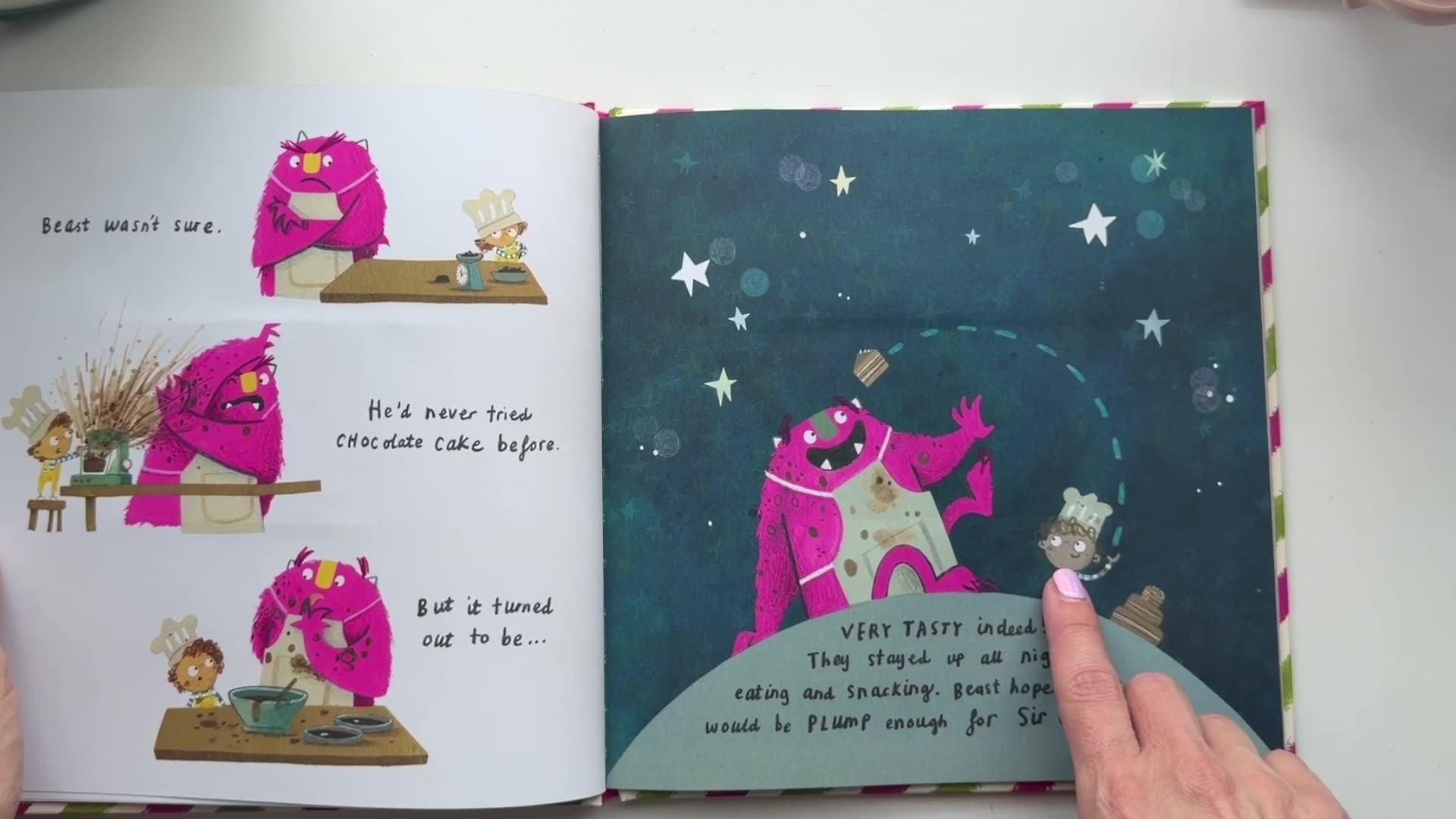 Lesson 13 — Color Planning With Thumbnails & Special Scenes3:16
Learn how to set up your Procreate file, refine your sketch into clean linework, build depth with color, and add texture and finishing details.
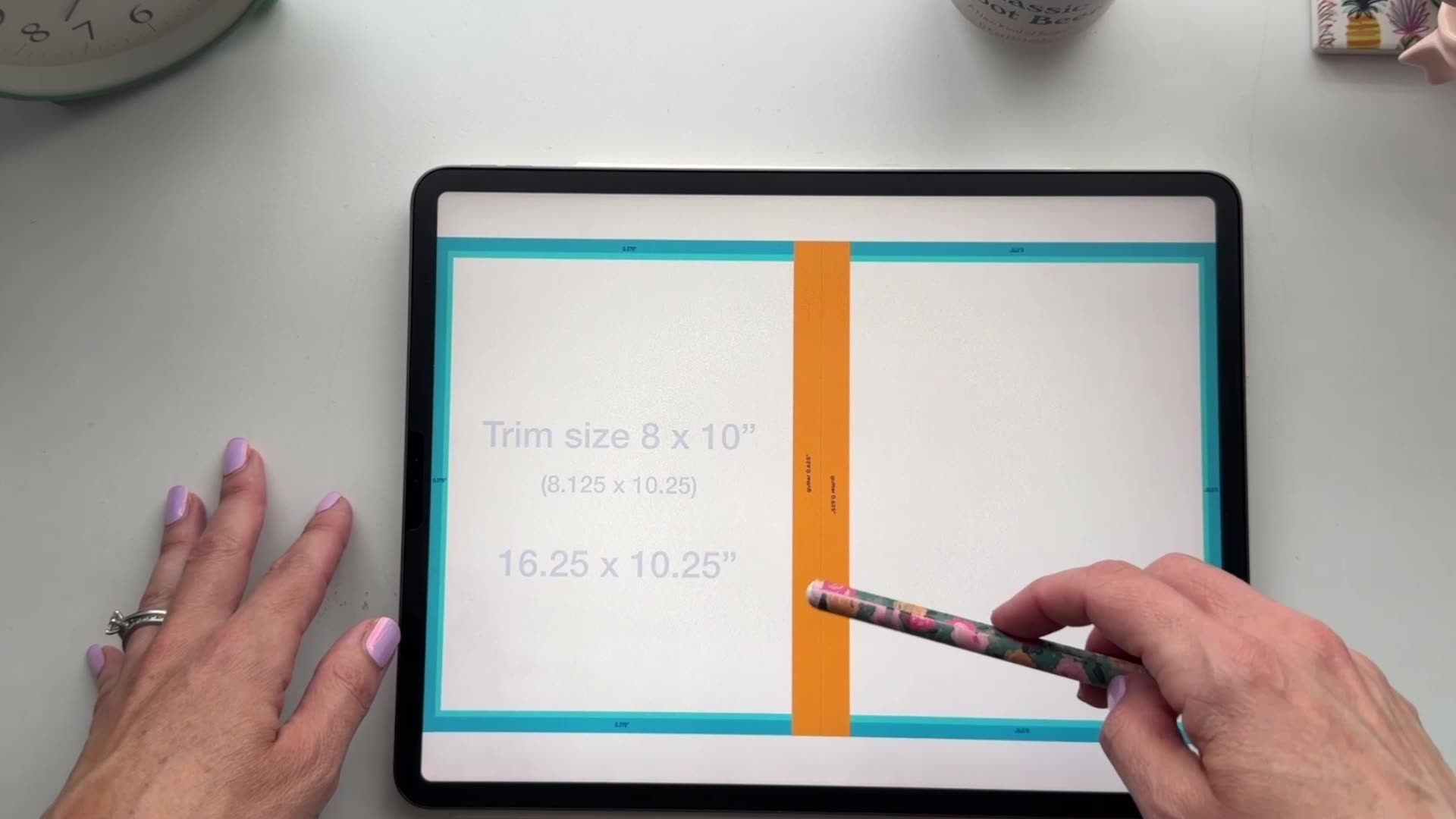 Lesson 14 — Setting Up Your Procreate File Correctly11:59
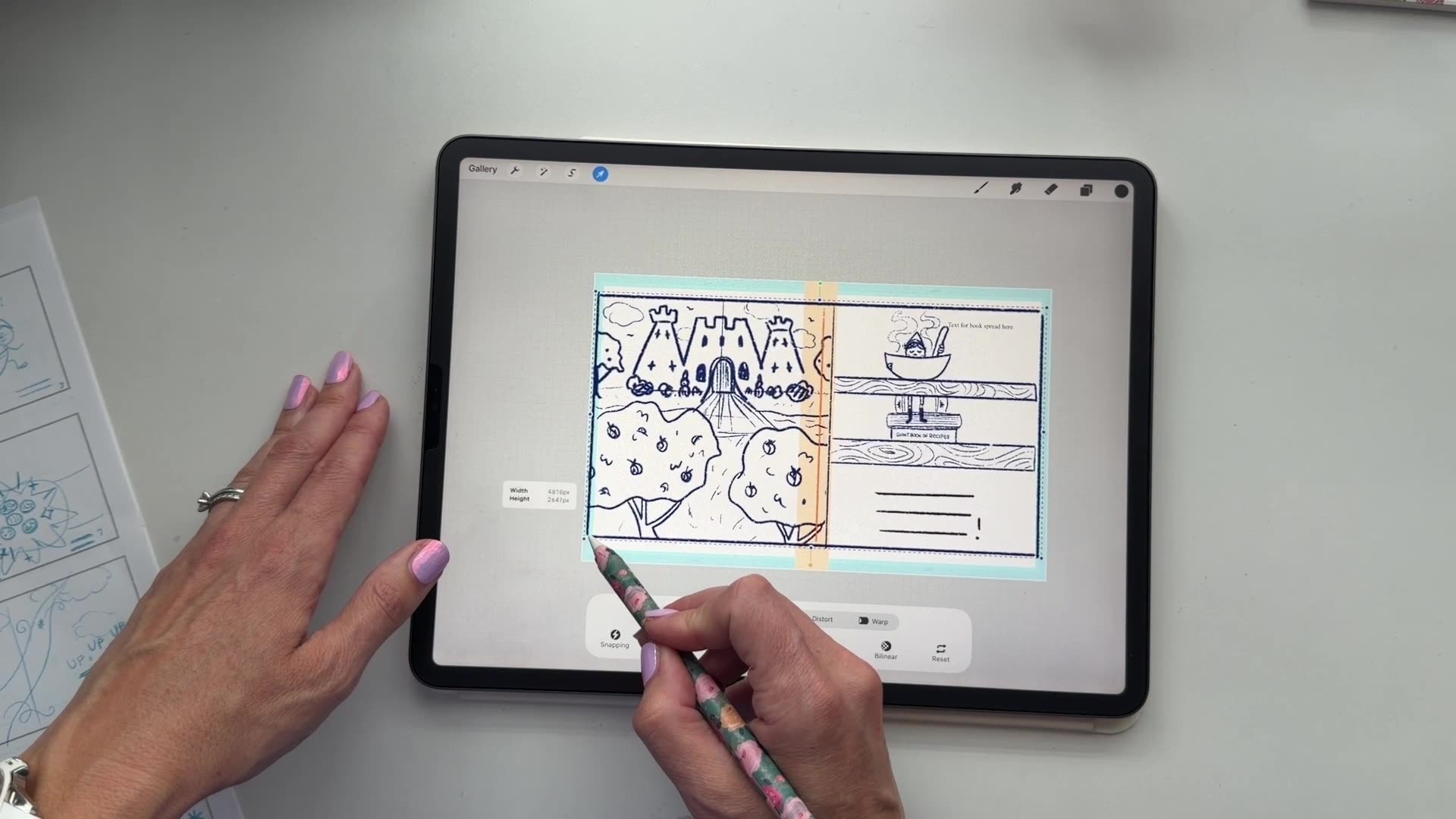 Lesson 15 — From Rough Sketch to Refined Linework8:42
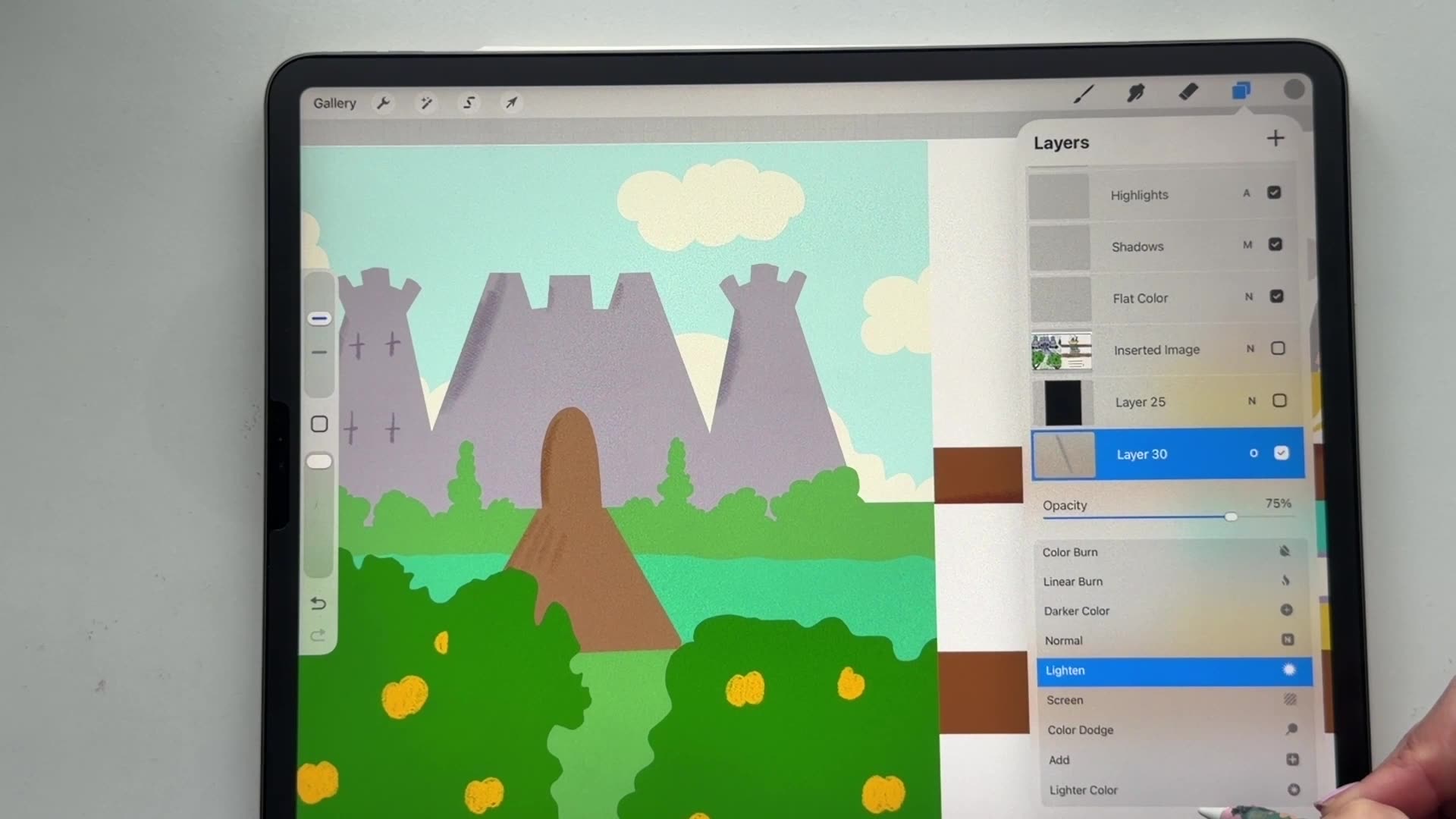 Lesson 16 — Blocking in Color & Building Depth16:03
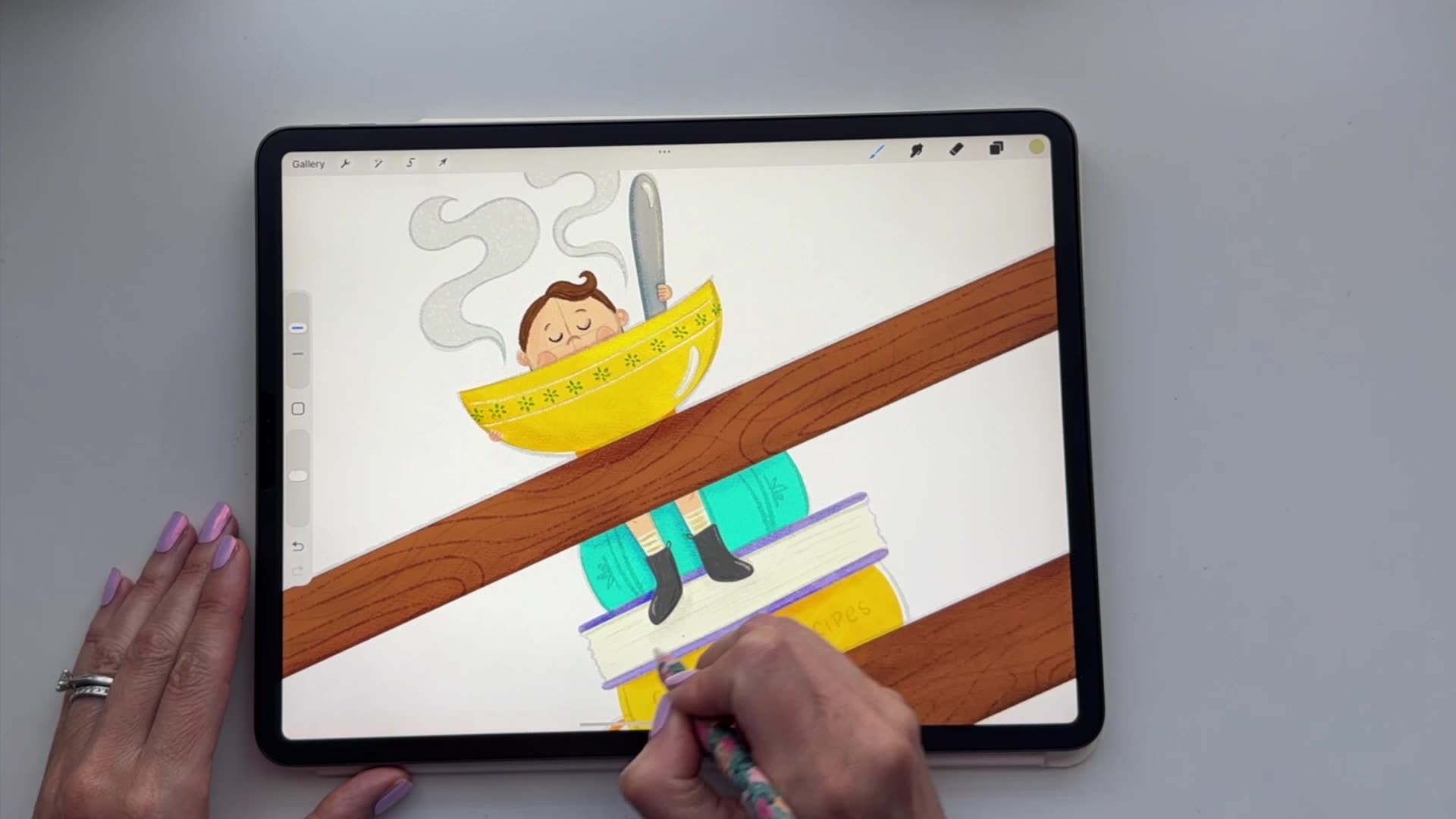 Lesson 17 — Texture, Detail & Finishing Touches14:02
Learn how to prepare your files for print, export interior pages correctly, and set up your book cover for publishing.
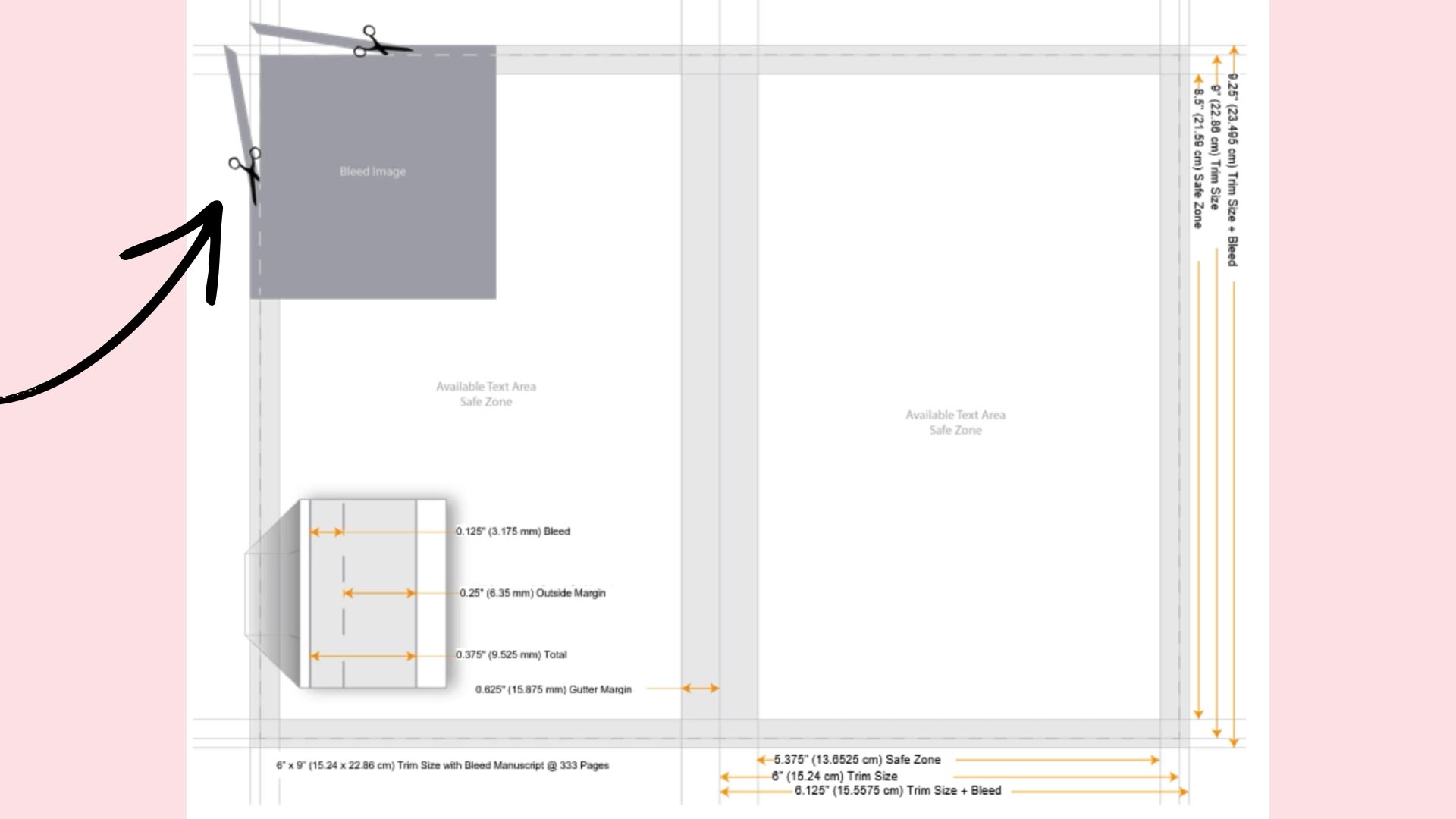 Lesson 18 — Understanding Print File Requirements5:39
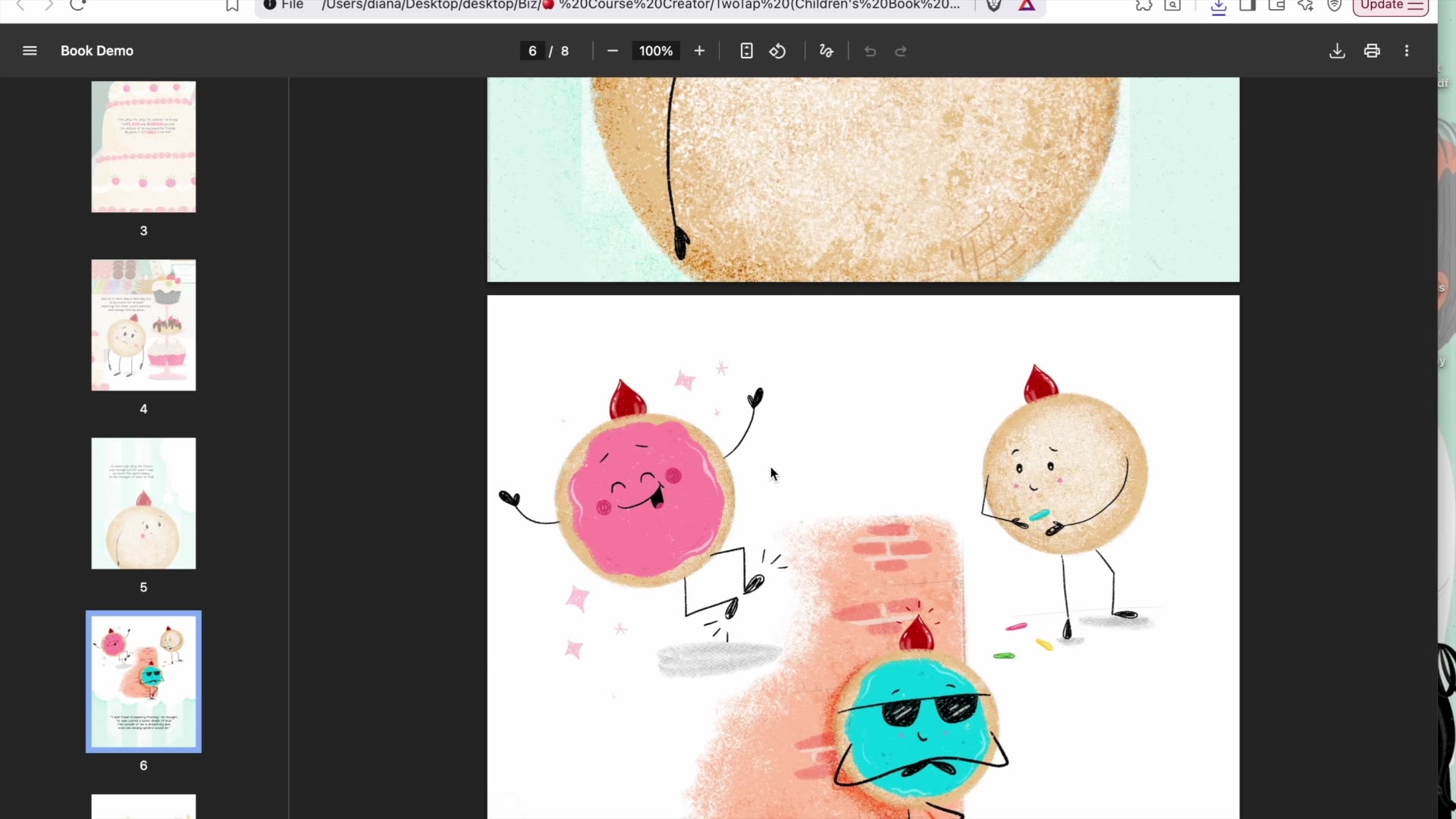 Lesson 19 — Exporting Interior Pages for Print11:46
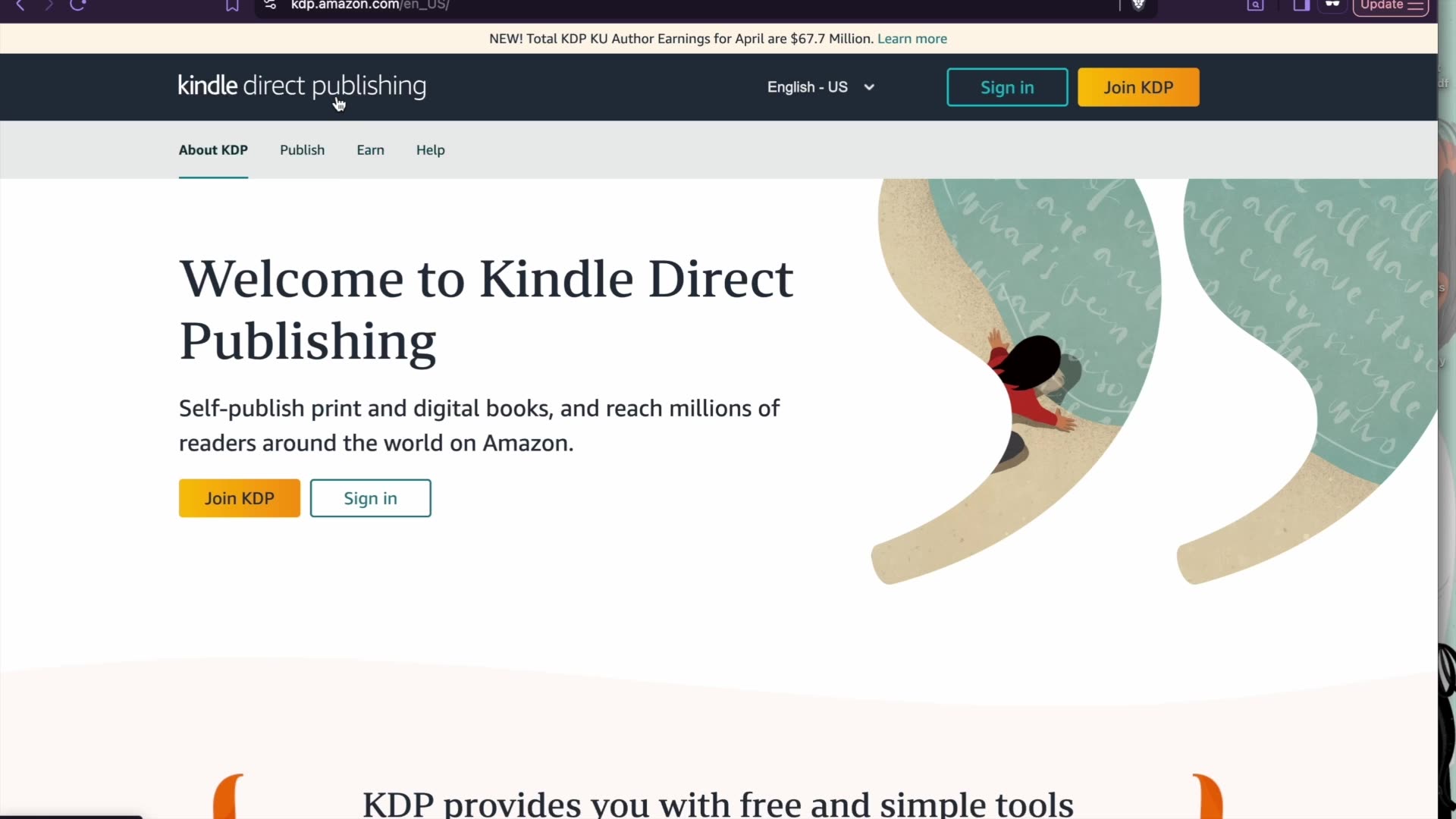 Lesson 20 — Setting Up Your Cover & Getting to Print17:02

If it isn't for you, you get your money back
If the course isn't the right fit, that's completely okay. Email support@twotap.art within the refund period and we'll send your payment back in full. No questions asked.
 Lifetime access to all 20 video lessons
- A practical course workbook to guide you through each stage
- Certificate of Completion
From Manuscript to Printed Book: Children's Book Illustration in Procreate
6 Parts, 20 Lessons, 2 hours 50 minutes of practical video training
One-time purchase · Lifetime course access
 Secure payment


*Prices in USD. One-time purchase with lifetime course access.
FAQs
Find answers to common questions about this and other courses
Diana McDermott, a children's book illustrator based in Austin, Texas. She has illustrated 23 children's books and taught thousands of students through her online classes and tutorials.
It helps, but you don't need to be advanced. The course is pitched at beginner to intermediate. Diana teaches the decisions behind each stage, so you learn what to look for while you draw along in Procreate.
20 lessons, about 2 hours and 50 minutes of video in total, split across 6 parts. You have lifetime access, so you can work through it at whatever pace suits you.
An iPad with Procreate and a pressure-sensitive Apple Pencil. You can watch the videos on desktop, tablet or phone, but you'll want the iPad free to draw.
Yes. Part 5 covers setting up your Procreate file correctly, and Part 6 covers print file requirements, exporting interior pages and setting up your cover so the book is ready to go to print.
Yes. A practical course workbook is included to support your planning and creative process at each stage.
Yes. After completing the course you receive a Certificate of Completion recognising the skills you've developed, from planning and illustrating your story to preparing the finished book files for print.
No. This is a one-time purchase with lifetime access, including any updates we add to the course.
Yes. If the course isn't the right fit, reach out to support@twotap.art within the refund period and we'll refund your payment in full.
Still have questions?
We're happy to help, whether it's a tech hiccup, a question about the workbook, or you're just not sure which Twotap course fits. Reach out anytime.
Contact