Character Design Essentials Bundle
Learn character design and draw characters nobody has seen.
- 6.3hHD video
- 53lessons
- 3courses
- Alllevels
One-time purchase · Lifetime course access · 30-day money-back
Most tutorials hand you one character. Alexandra hands you the process behind it: how to build a silhouette, give it features and a personality, and finish the illustration so it looks like yours.
- An iPadAny model that runs Procreate
- Apple PencilOr a compatible stylus
- ProcreateA one-time app purchase
The part most tutorials skip: where the character comes from
You can follow a tutorial to the last pixel and still have no idea how to invent the next character. That gap is what these three courses close.
You start with shapes and silhouettes, work up through proportions and expressions, and end with a character that holds together however you draw it.
By the end you have three finished illustrations and a process you can run again on the next cast you invent.
Three courses that build on each other
Construction first, then personality, then a finished illustration. Nothing here is a loose tip you have to work out where to put.
No paints or paper needed
No paints, no scanner, no corner of the room given over to supplies. An iPad and an Apple Pencil is the whole studio, so a train ride can be drawing time.
Mistakes? What mistakes?
Undo costs you nothing, so try the silhouette four different ways before you commit. Most of character design is trying things and throwing them out.

Zoom for precision
Zoom in far enough to fix an eyebrow or a button, then back out to check the whole figure still reads. By hand that takes either a huge canvas or a very steady wrist.
Create 3 original character artworks
One finished illustration per course, so you end up with three pieces you would actually show someone.

Your first character
Alexandra walks the whole build in 15 steps, from picking a shape and a silhouette through colour and light to a finished, lit scene.

Your first human character
Human proportions are where most people stall. You take one character of any age or personality from body basics through sketch, paint and background.

Find your illustration style
Style is not something you wait for. You work through lines, shapes, shading, palettes and motifs until you can name what makes a drawing yours, then build brushes to match.
Your instructor
Let me show you how to build a character from scratch
Hi, I'm Alexandra Fintova, an illustrator, designer and art teacher with a Master's degree in Art Education. I've taught 80,000+ students, and most of them turned up convinced they were not the sort of person who could draw.
My job is making art theory simple enough to use on a Tuesday evening. Shape language, proportion, colour: I explain why a decision gets made, not just which button to press, so you can make the call yourself next time.
Nothing here moves fast. I go step by step, and you can pause, rewind or redo a lesson as many times as you like. Half an hour a day is enough to keep going.

What you can do by the last lesson
Three of my most practical beginner courses, in the order I would teach them.
Full character illustrations: take a character from first shape to a finished, lit illustration.
Human & non-human characters: build silhouettes and features that read clearly, whether the character is a person or a creature.
Personality & storytelling: say something about a character through their expression, pose and the props around them.
Your signature style: settle on a palette, a motif library and brushes that make your work recognisable.
Composition & mood: place a figure in a scene and set the mood with light and shadow.
All the tools, just a few clicks away
Brushes wear out and watercolours run dry, so every so often another $100 goes before you can paint again. In Procreate the whole shelf is already there.
No paints, no computer, no drawing pad, no scanner. The studio goes wherever the iPad goes.
And you draw the whole way through. By the last lesson you are not holding notes, you are holding 3 original character artworks.

Bonuses included with the bundle
What comes with the bundle besides the lessons.
Free bonus #1
Private Art Room community
Free Bonus #1
Private Art Room community
A private Facebook group run by The Artmother, where students post work in progress and ask the awkward questions. Access comes free with your enrollment and doesn't expire.
3 courses, 53 lessons, 6.5 hours
Click any course to expand its lesson list. All lessons are narrated in English with English subtitles available.
A 15-step process to create a full digital illustration in Procreate, covering silhouettes, features, colour and a finished scene.
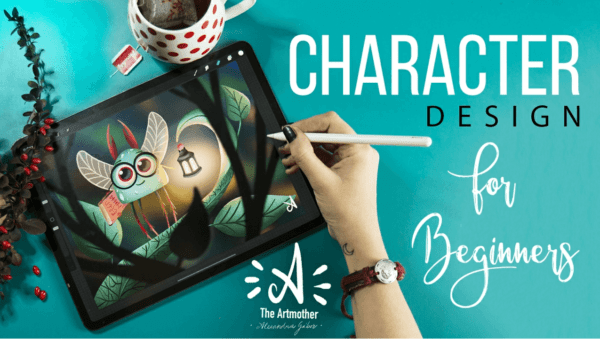 Lesson 1: Character Design Introduction2:54
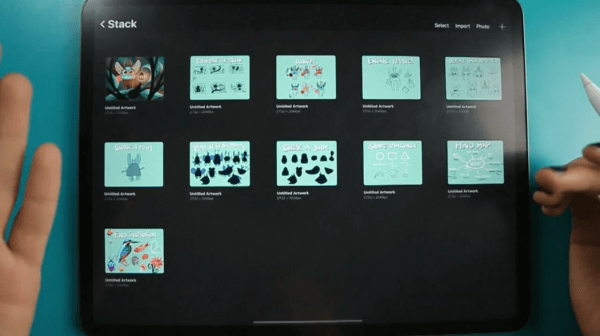 Lesson 2: A Few Words About the Class2:44
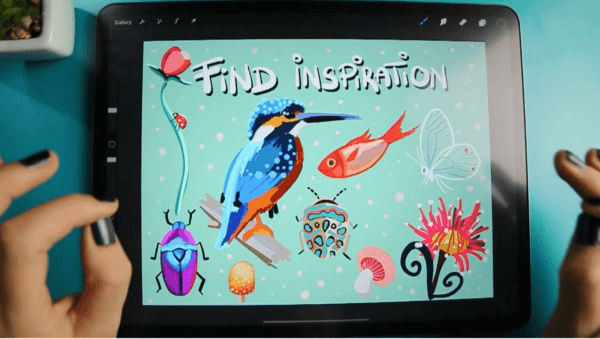 Lesson 3: Find Inspiration7:46
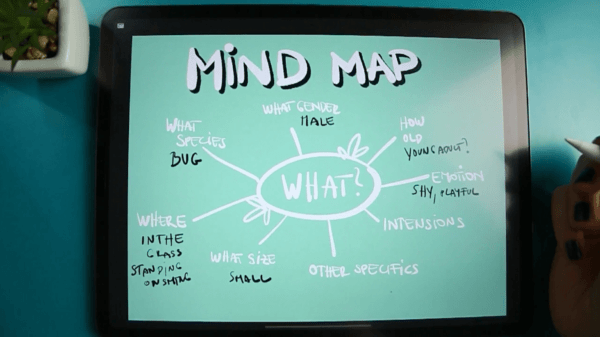 Lesson 4: Create a Mindmap4:55
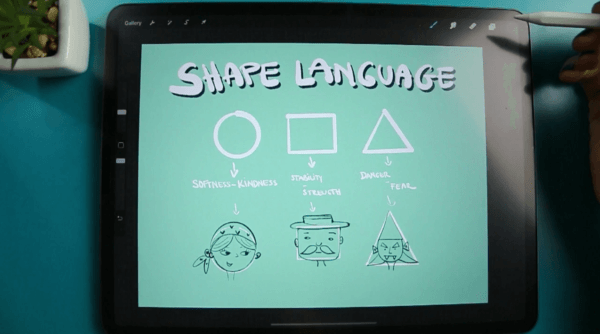 Lesson 5: Understand Shape Language4:24
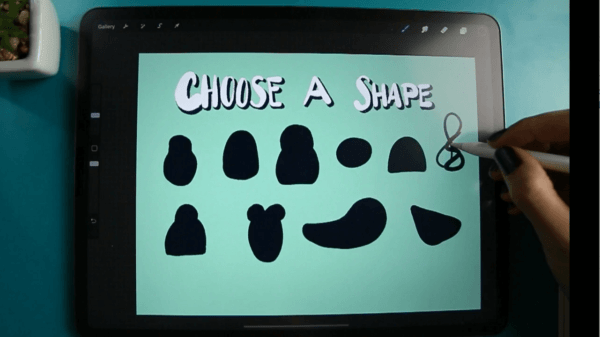 Lesson 6: Choose a Shape8:21
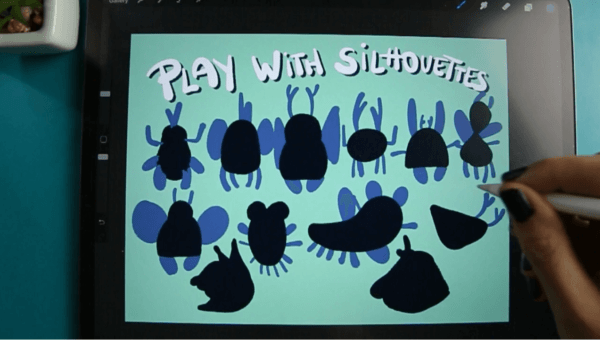 Lesson 7: Play with Silhouettes5:50
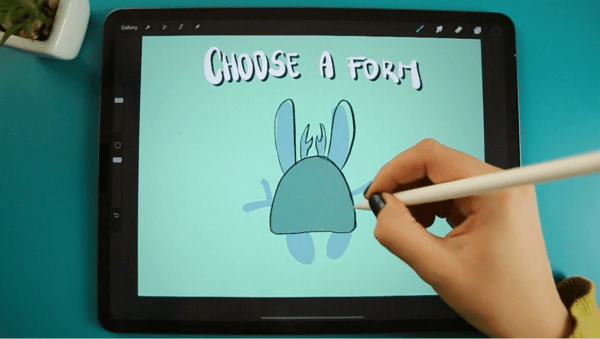 Lesson 8: Choose a Form3:01
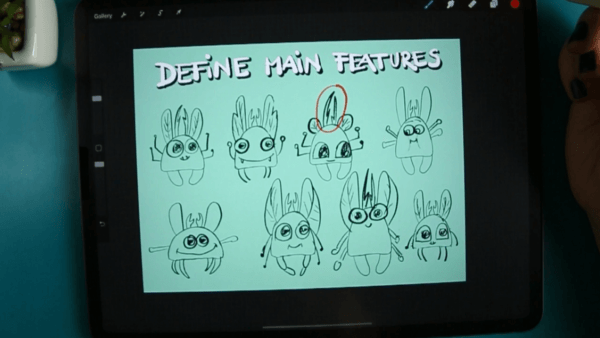 Lesson 9: Define Main Features10:23
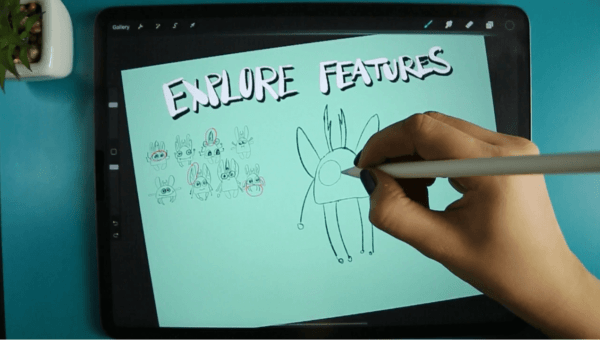 Lesson 10: Explore Features8:30
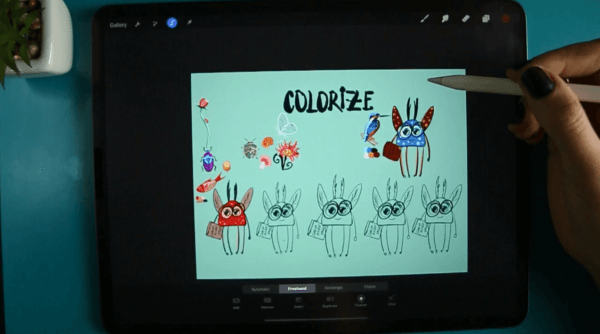 Lesson 11: Colorize9:57
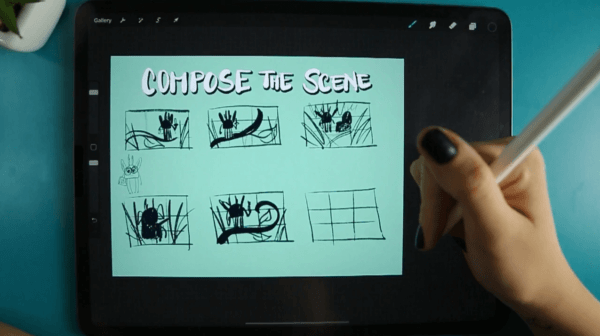 Lesson 12: Compose the Scene9:46
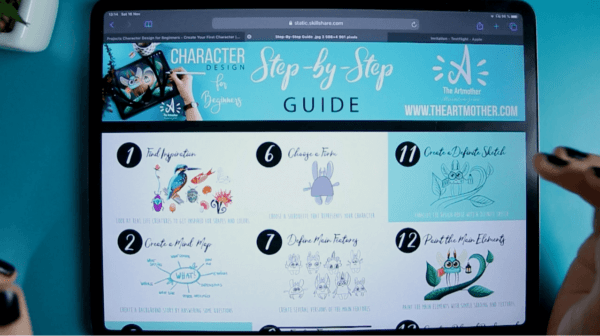 Lesson 13: Intro to the Illustration Part3:24
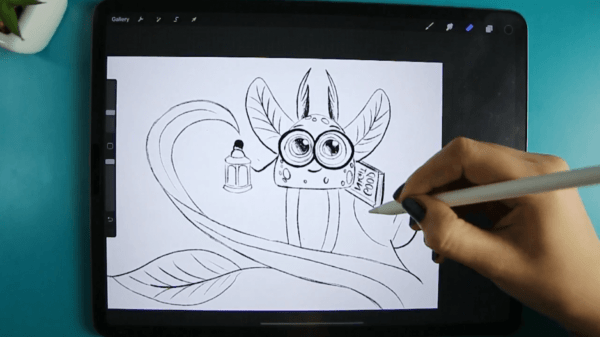 Lesson 14: Create a Definite Sketch8:50
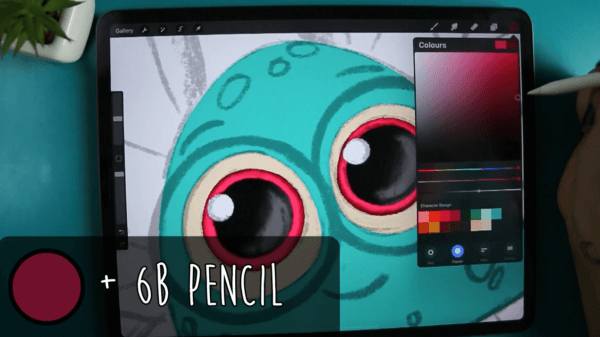 Lesson 15: Painting Part 1 - Set up and Body11:17
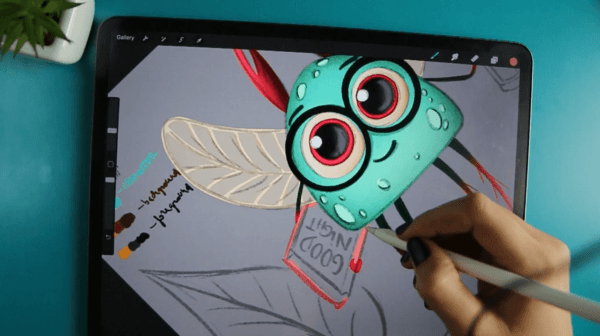 Lesson 16: Painting Part 2 - Body Parts and Details9:54
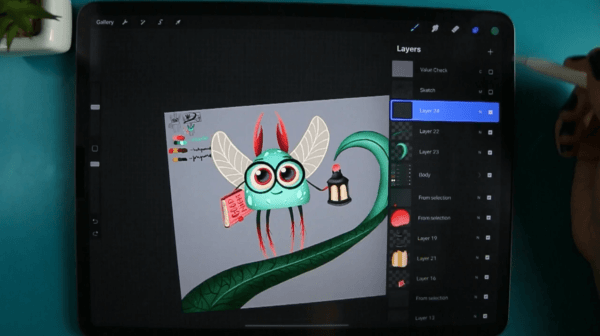 Lesson 17: Painting Part 3 - Grass5:28
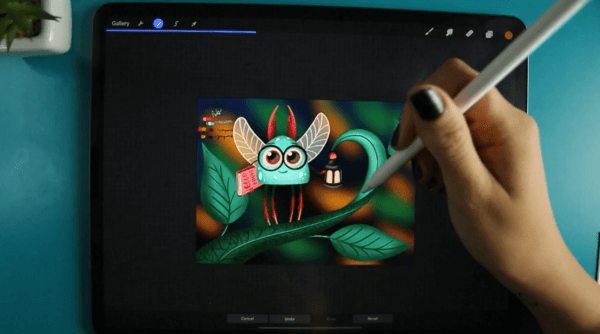 Lesson 18: Create a Blurred Background5:51
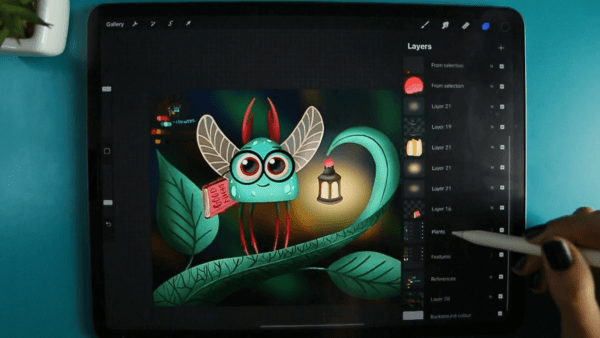 Lesson 19: Set the Light5:49
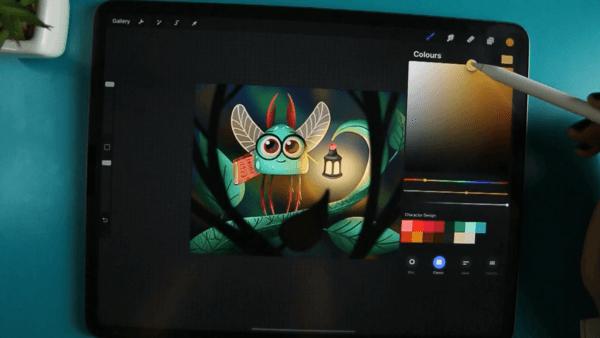 Lesson 20: Add Foreground7:27
 Lesson 21: Final Thoughts1:53
Create a human character of any age, gender or personality, from body basics and proportions to painting and background.
 Lesson 1: Introduction2:43
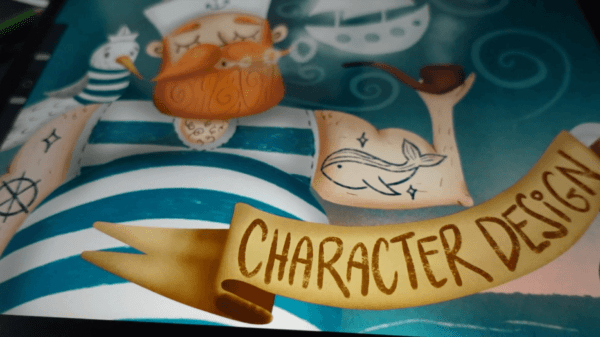 Lesson 2: About the Class4:03
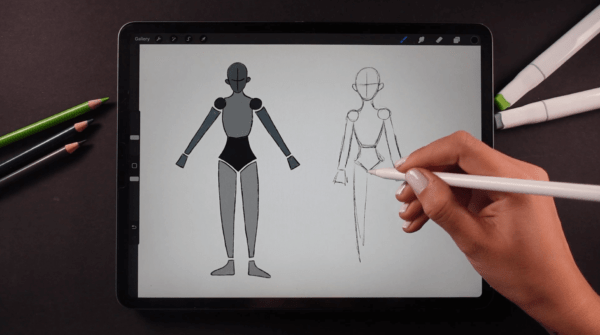 Lesson 3: Body Basics7:01
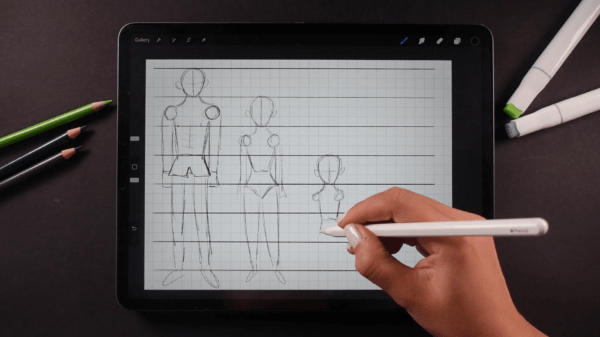 Lesson 4: Proportions6:02
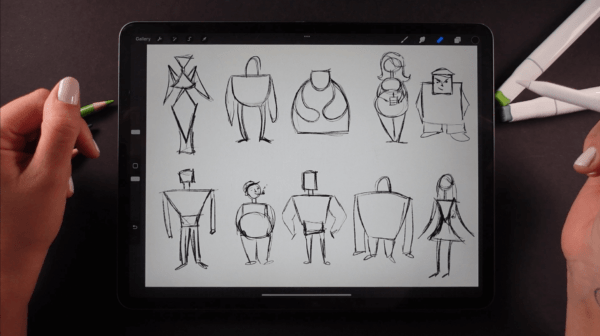 Lesson 5: Shape Language7:12
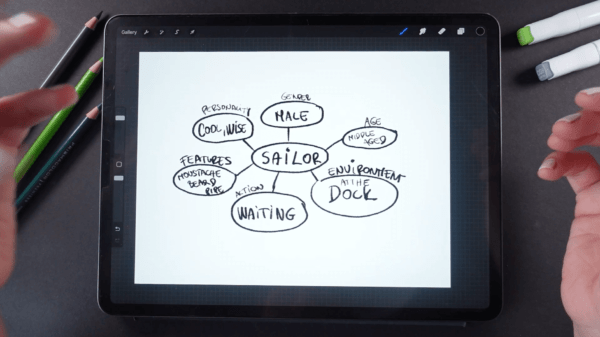 Lesson 6: The Idea8:52
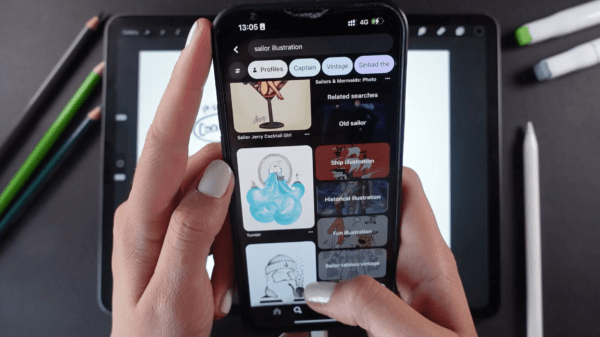 Lesson 7: Research7:44
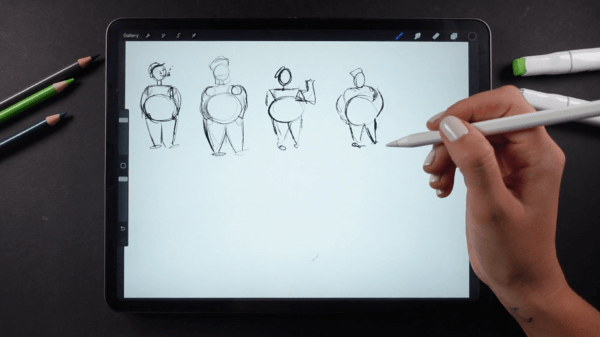 Lesson 8: Thumbnailing7:01
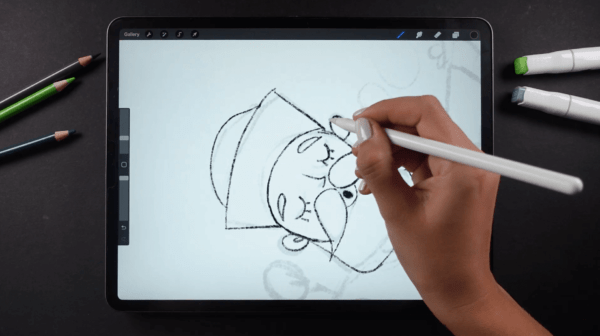 Lesson 9: Sketching9:41
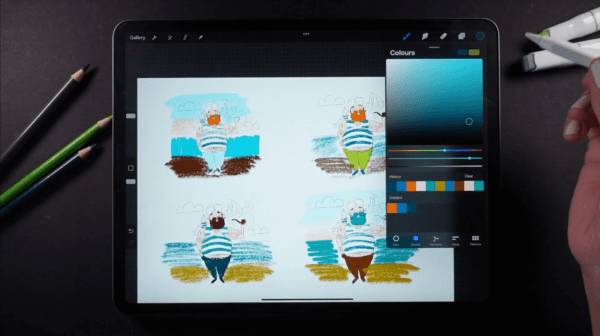 Lesson 10: Color and Values6:20
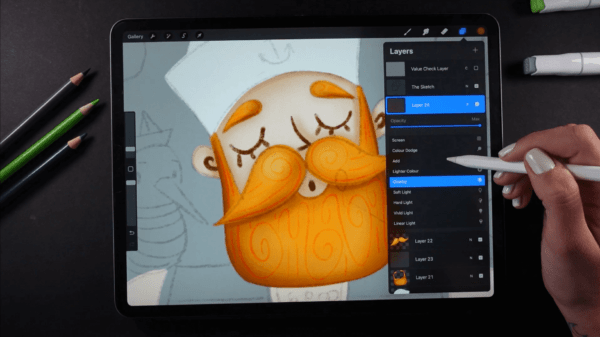 Lesson 11: Painting the Head11:38
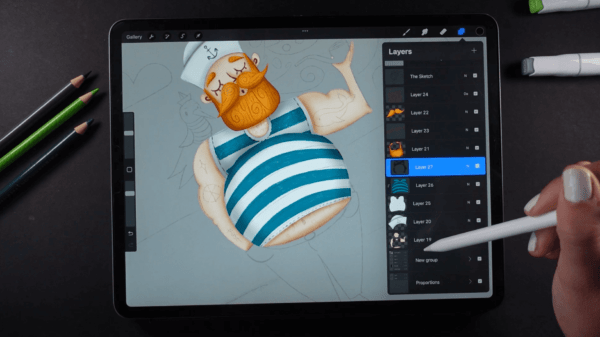 Lesson 12: Painting the Clothes14:49
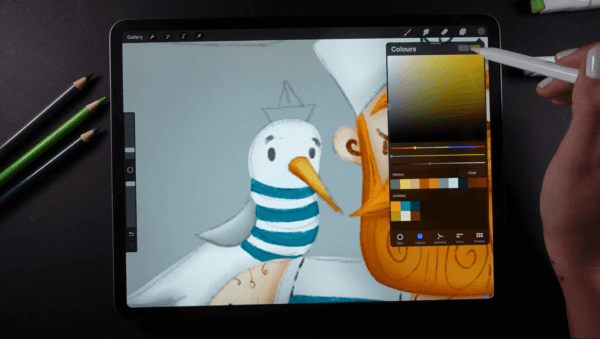 Lesson 13: Painting the Accessories8:48
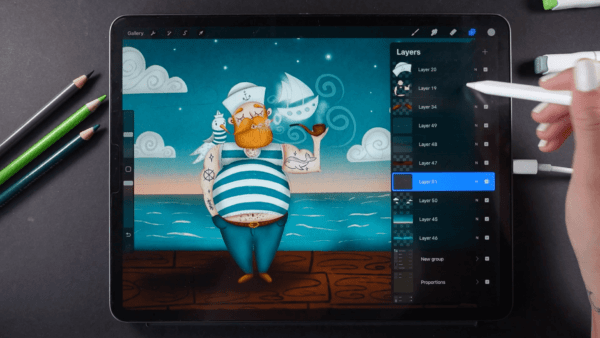 Lesson 14: Painting the Background12:52
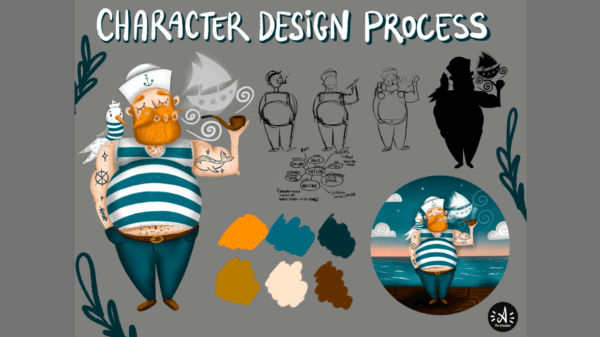 Lesson 15: Final Thoughts1:30
A mindful, step-by-step process to discover and refine your own unique style, lines, shapes, palettes, motifs and custom brushes.
 Lesson 1: Introduction4:12
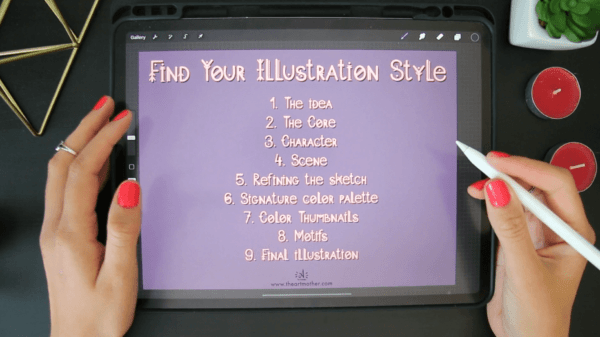 Lesson 2: The Class Project6:46
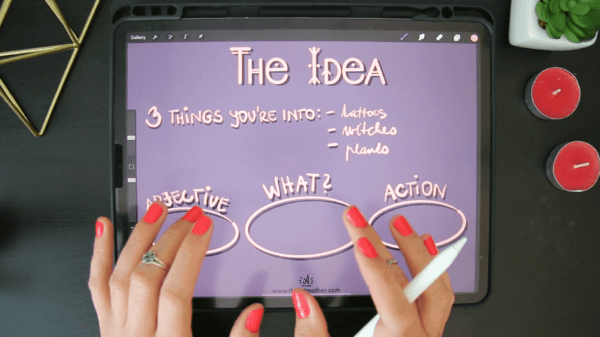 Lesson 3: The Idea4:50
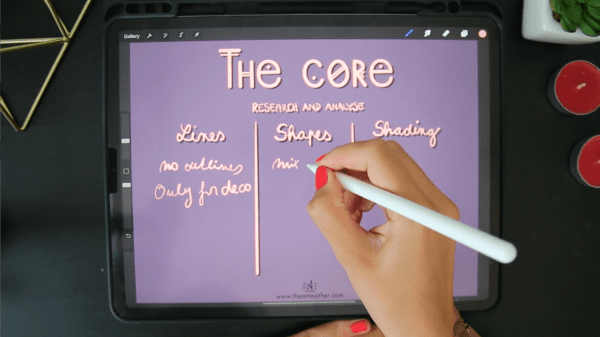 Lesson 4: The Core8:26
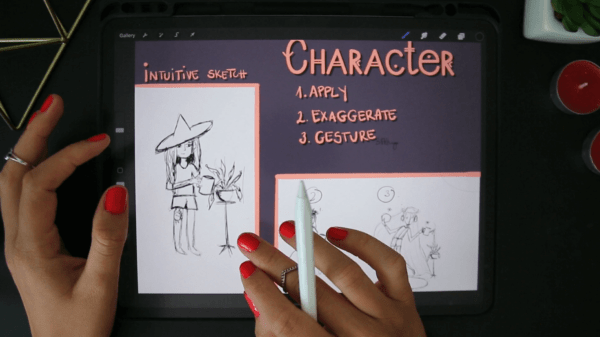 Lesson 5: Character10:14
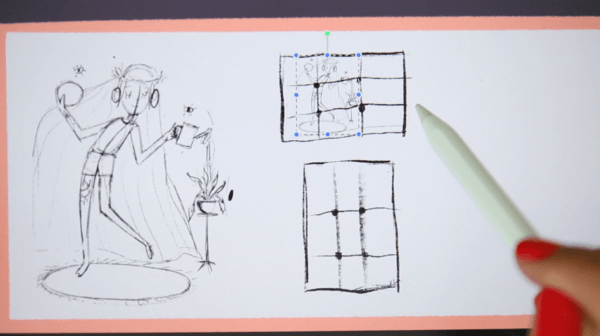 Lesson 6: Scene11:00
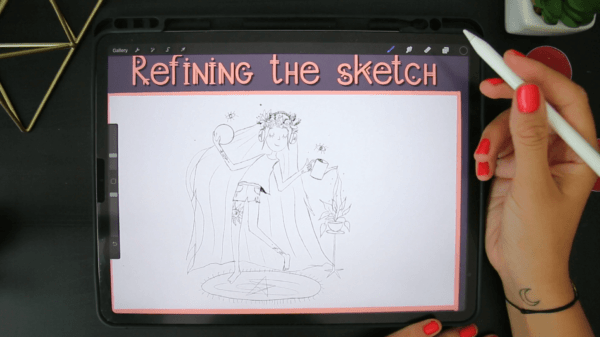 Lesson 7: Refining the Sketch2:44
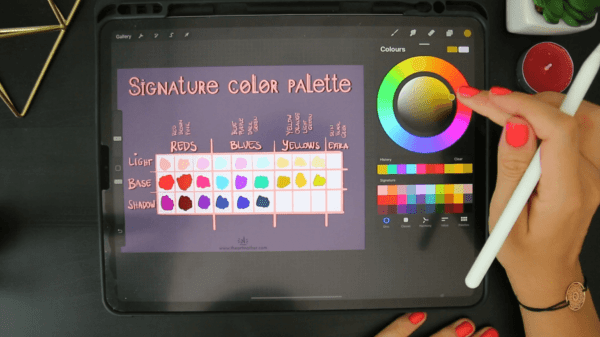 Lesson 8: Signature a Color Palette13:02
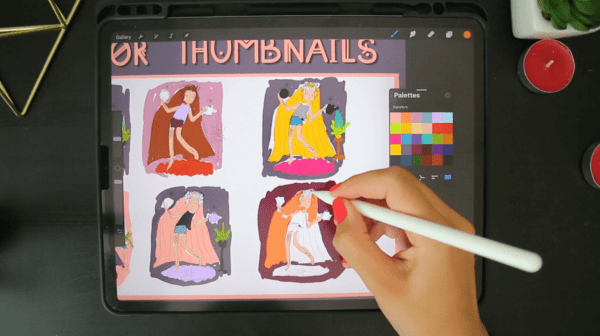 Lesson 9: Color Thumbnail8:16
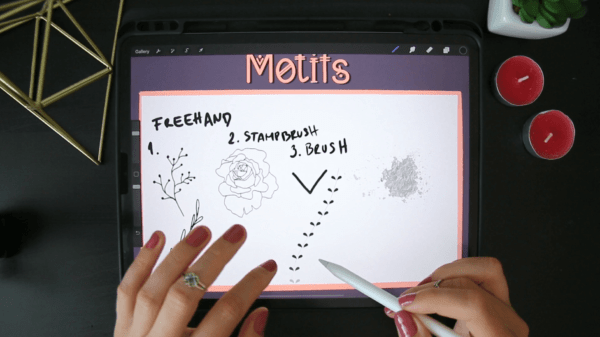 Lesson 10: Motifs6:33
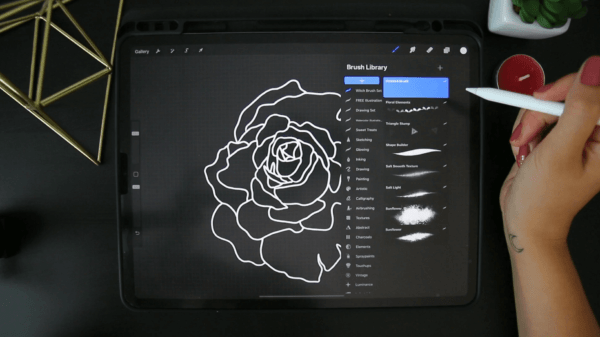 Lesson 11: Stamp Brush4:33
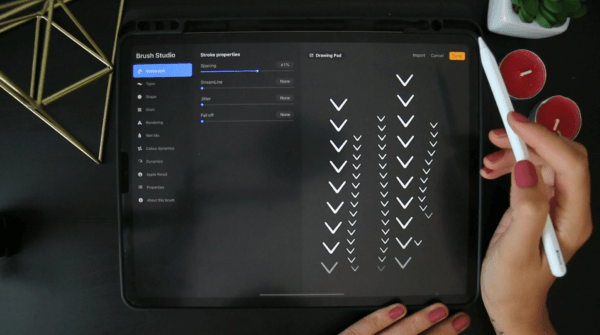 Lesson 12: Element Brush2:18
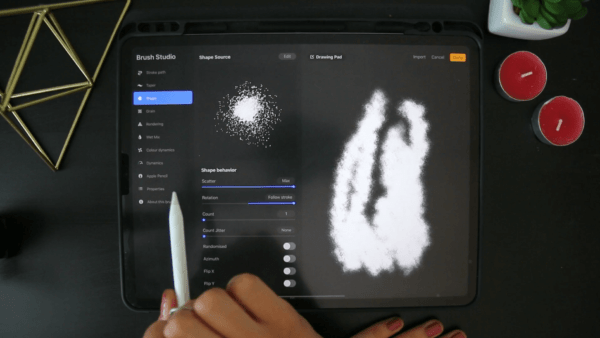 Lesson 13: Texture Brush6:16
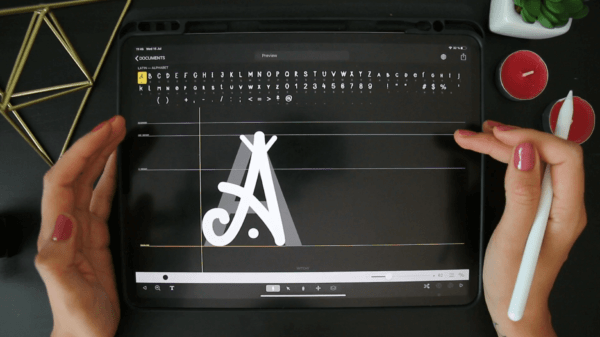 Lesson 14: Bonus Idea2:56
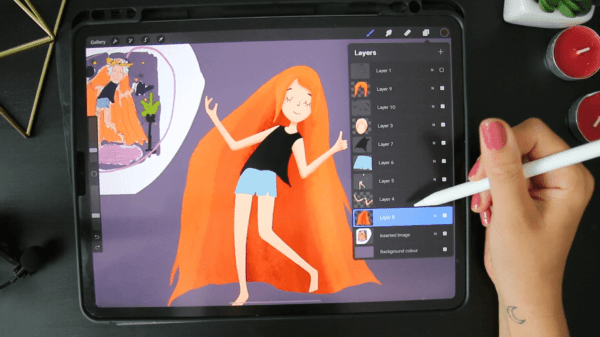 Lesson 15: Final Illustration Part 114:06
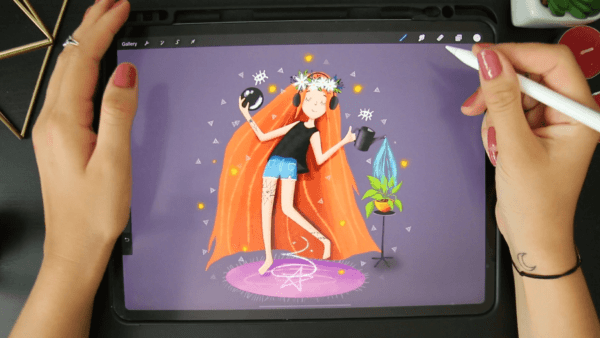 Lesson 16: Final Illustration Part 216:12
 Lesson 17: Final Thoughts1:01

30-day money-back guarantee
You get a full 30 days to try the course. If it isn't the right fit, email support@twotap.art and we'll refund every cent, including credit card processing fees. No questions asked.
 Lifetime access and updates
- Create 3 original character artworks
- Custom brushes, palettes and motif library
- 30-day money back guarantee
Character Design Essentials Bundle
3 Courses, 53 Lessons, 6.5 Hours of in-depth video lectures
Everything you get today
- Character Design Essentials Bundle3 Courses, 53 Lessons, 6.5 Hours of in-depth video lectures$199
- Private Art Room community
One-time purchase · Lifetime course access
 Secure payment


*Prices in USD. One-time purchase with lifetime course access.
FAQs
Find answers to common questions about this and other Twotap courses
No. We start from the very beginning and never assume you've drawn before. If you can hold an Apple Pencil and have Procreate on your iPad, you can follow along.
Any iPad from 2018 onward runs Procreate well. You don't need the newest model, just one that takes a pressure-sensitive Apple Pencil.
Yes, Procreate works best with a pressure-sensitive Apple Pencil (1st Gen, 2nd Gen, or Pro). The basic USB-C Pencil is less ideal for line weight and opacity.
The videos total about 6.5 hours. Most Twotap students take longer than that because they stop and draw along, which is the point. Lifetime access means you set the pace, and a lot of people fit this into about 30 minutes a day.
You can watch on any device with a browser, but you'll want your iPad open to draw along. Many students watch a step, pause, then paint, or use a second screen for the video.
You're not alone. Join the private Twotap community on Facebook to ask questions and share progress, students and our team are active there. You can also email support@twotap.art anytime.
No. This is a one-time purchase with lifetime access. Buy once, revisit forever, including updates we add to the course.
Yes. We offer a 30-day money-back guarantee. If it isn't the right fit, reach out to support@twotap.art within 30 days and we'll take care of a full refund.
Three courses: Create Your First Character, Create Your First Human Character, and Find Your Digital Illustration Style, 53 lessons in total.
Yes. Across the three courses you finish 3 original character illustrations, ready to go straight into your portfolio.
Still have questions?
We're happy to help, whether it's a tech hiccup, a question about what's in the bundle, or you're not sure which Twotap course fits. Reach out anytime.
Contact