70 custom Impasto brushes for Procreate that turn flat digital canvases into rich, textured masterpieces you can almost feel!
*Commercial license: +25 USD (select at checkout). Refunds on brushes are not possible.




*Prices in USD. Limited time offer. Expires Thursday, February 9, 2023 at midnight.
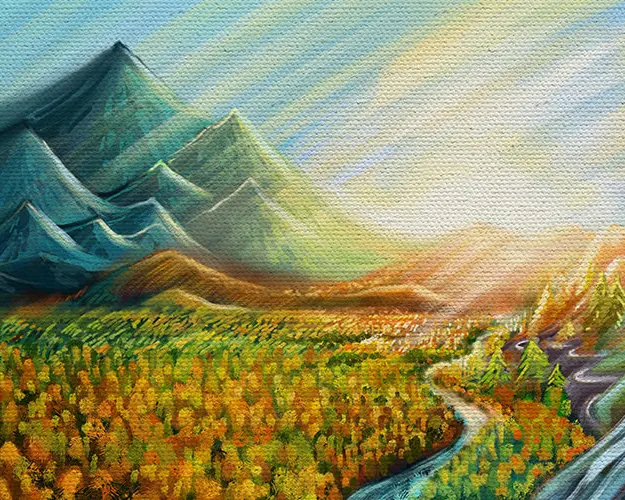
You know that gorgeous, chunky texture you see in museum paintings? The kind where the paint looks like it's jumping off the canvas, catching light and casting tiny shadows? That's impasto.
Now you can recreate that rich, touchable texture right in Procreate! The best part? You don't need 50 layers or complex shading techniques to create depth.
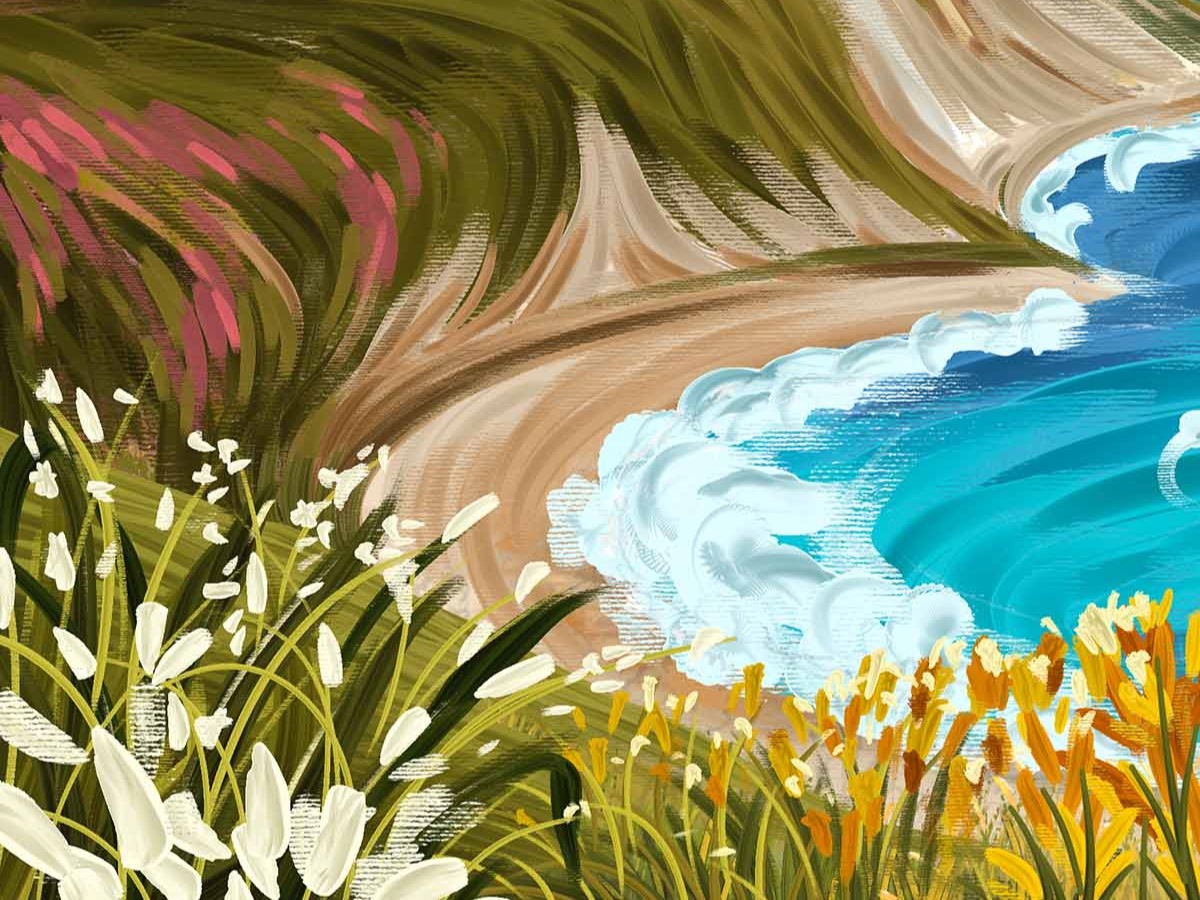
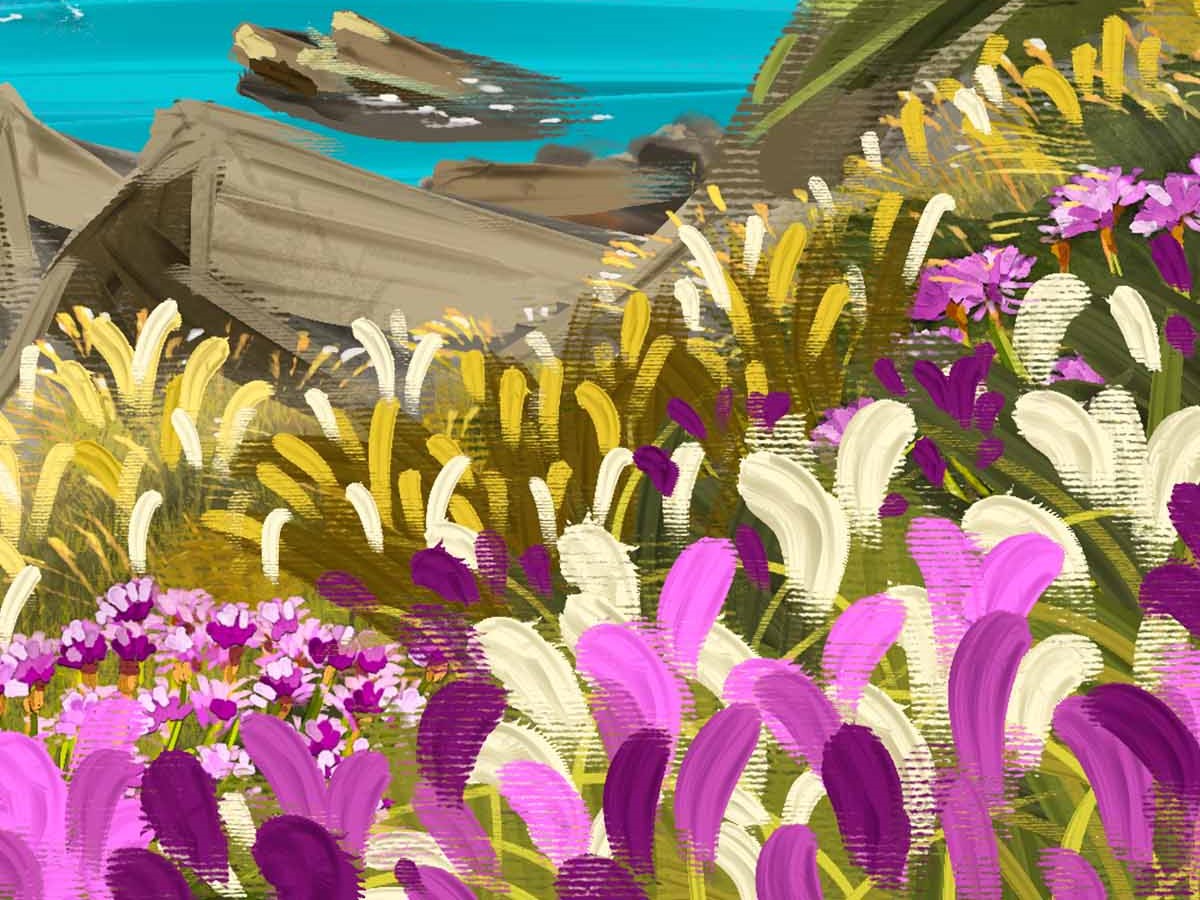
These brushes do the heavy lifting for you - each stroke creates its own mini landscape of peaks and valleys that usually take forever to paint manually, adding instant drama to your work.
Want to make clouds that look like you could touch them? Done. Need your foreground elements to almost literally pop off the canvas? Easy. It's like having a built-in 3D effect, but way more artistic and way less "obviously digital."
*Prices in USD. Limited time offer. Expires Thursday, February 9, 2023 at midnight.
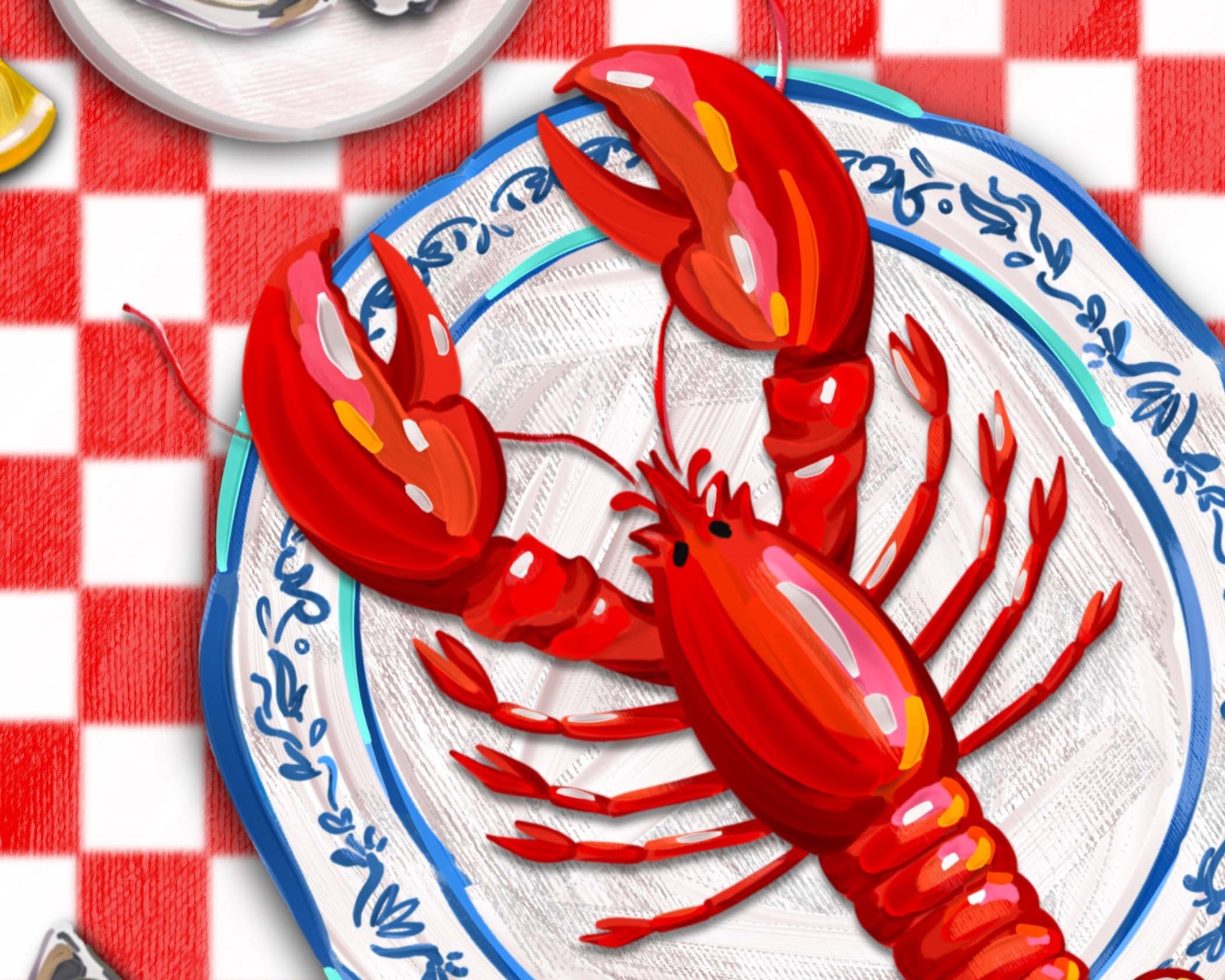
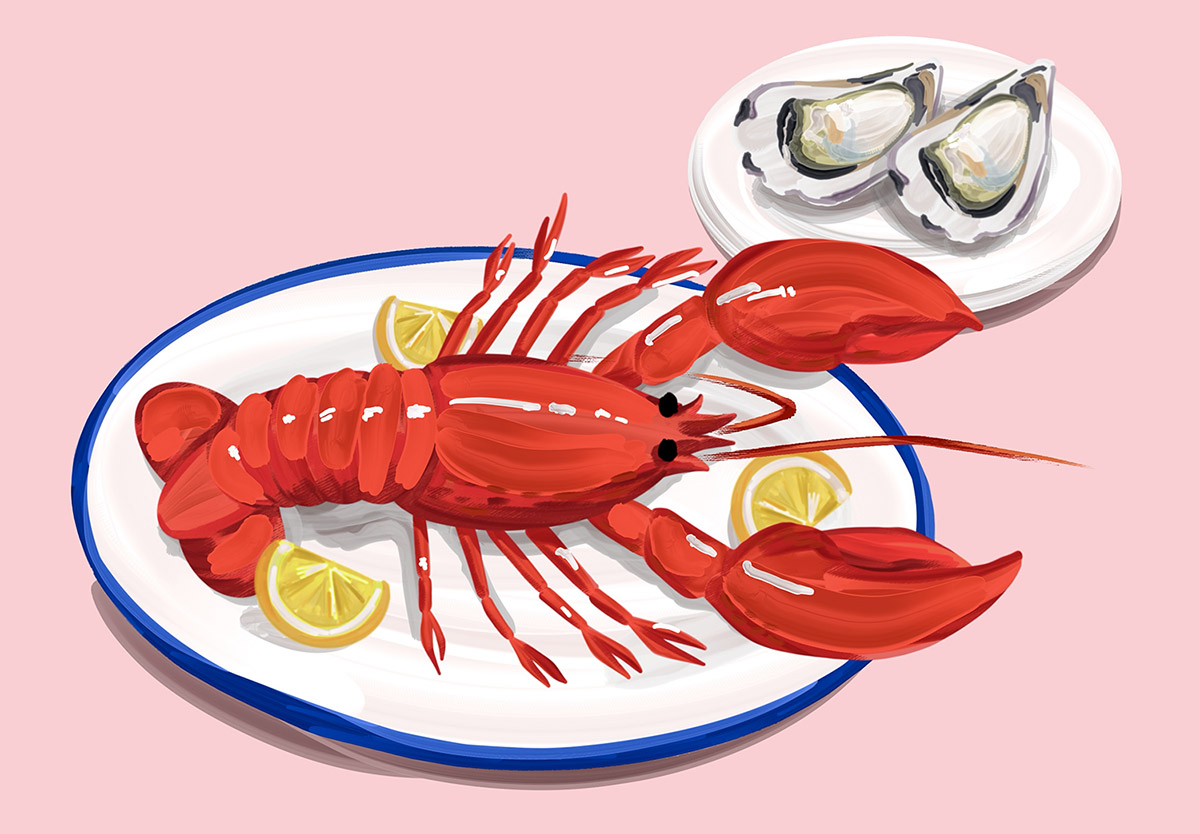
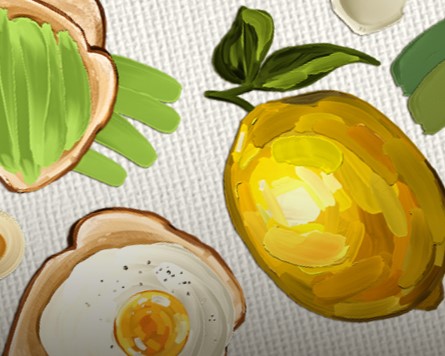
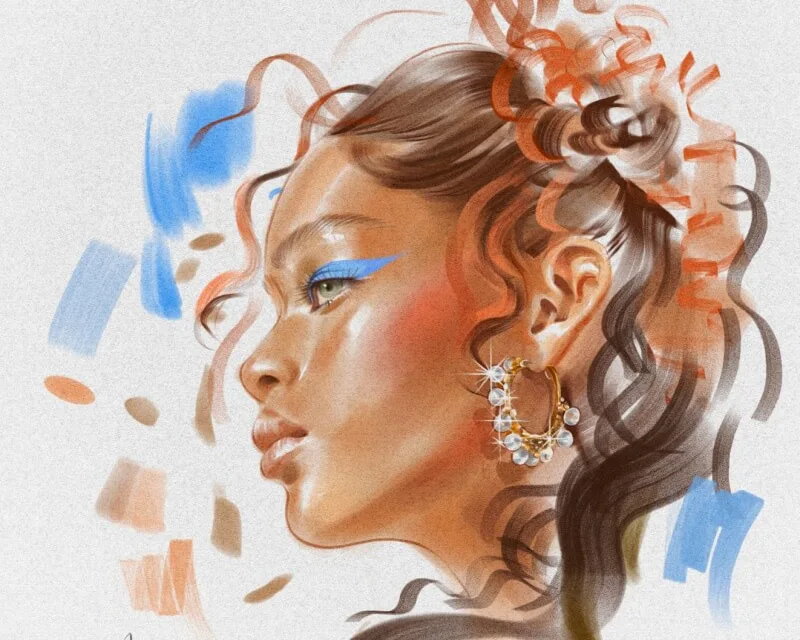
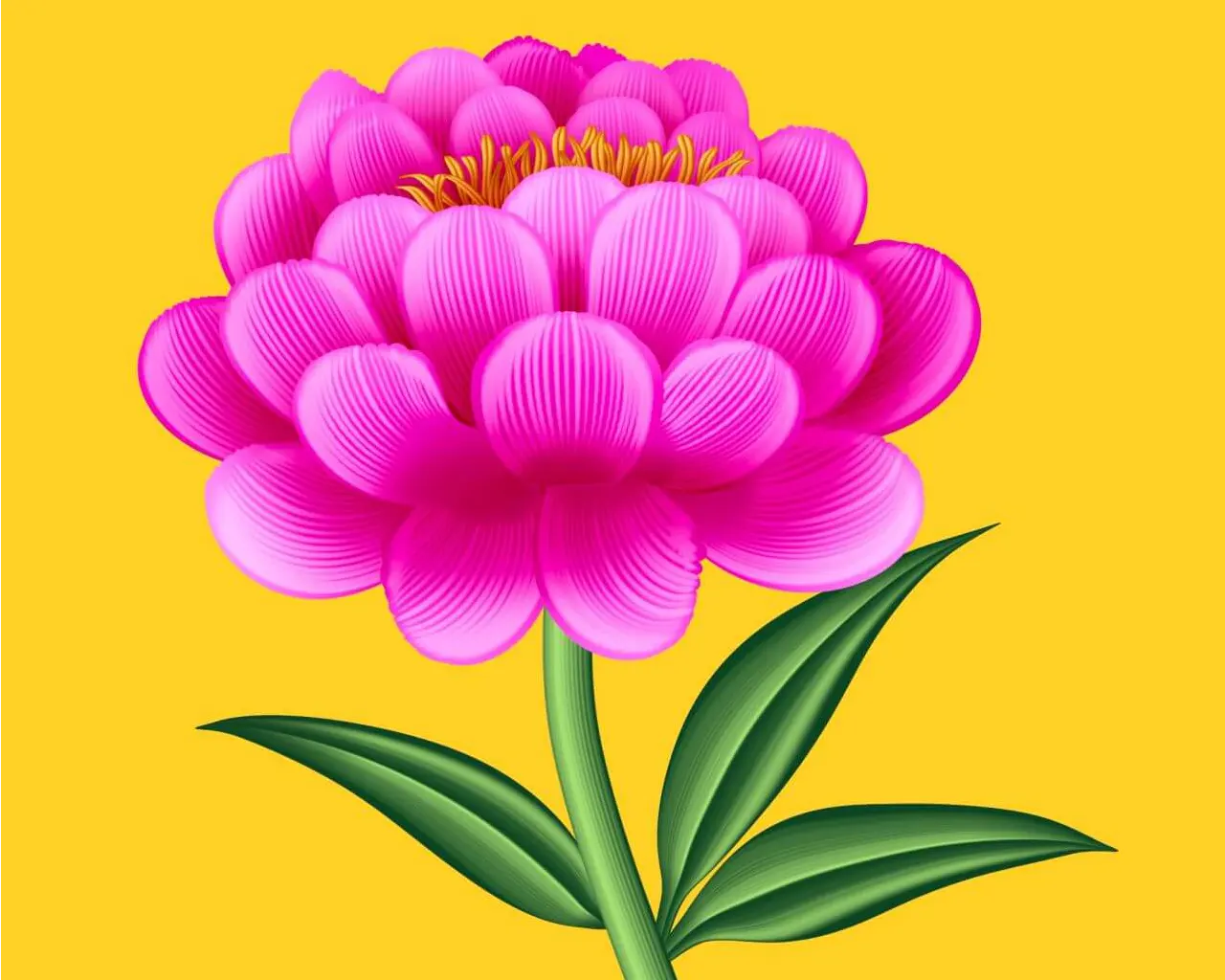
These 70 custom brushes capture every ridge, valley, and juicy paint stroke of real impasto techniques. All examples below are made with just these brushes.
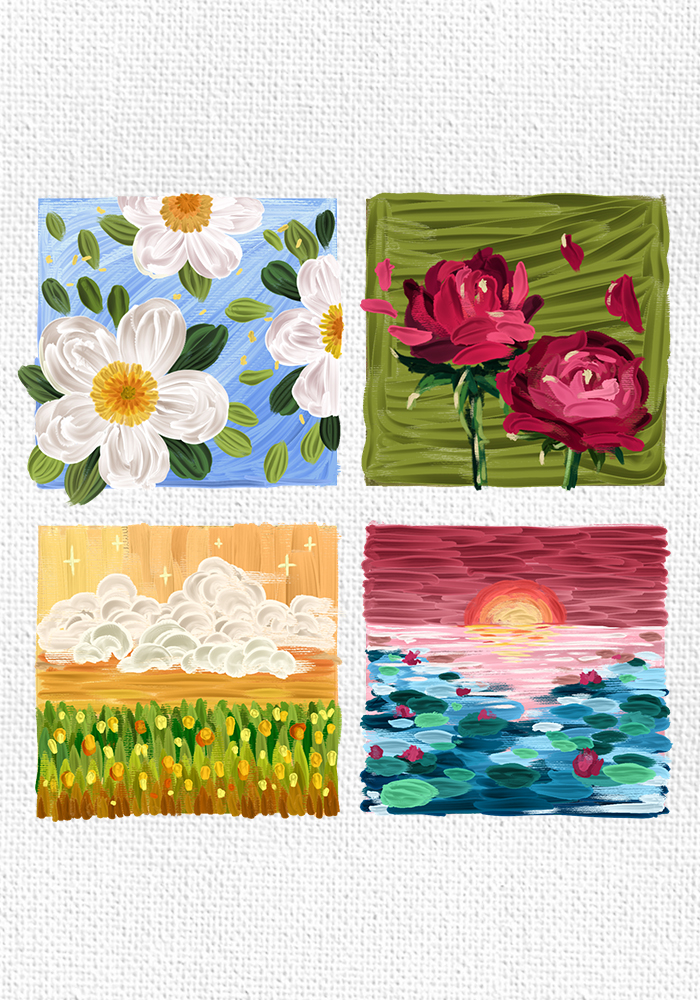
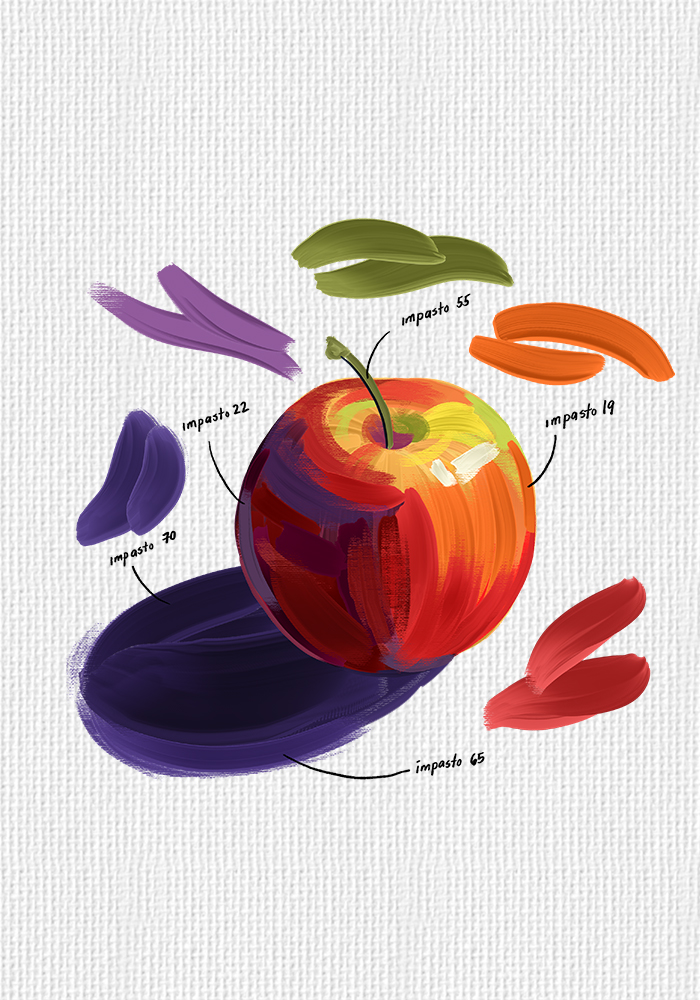
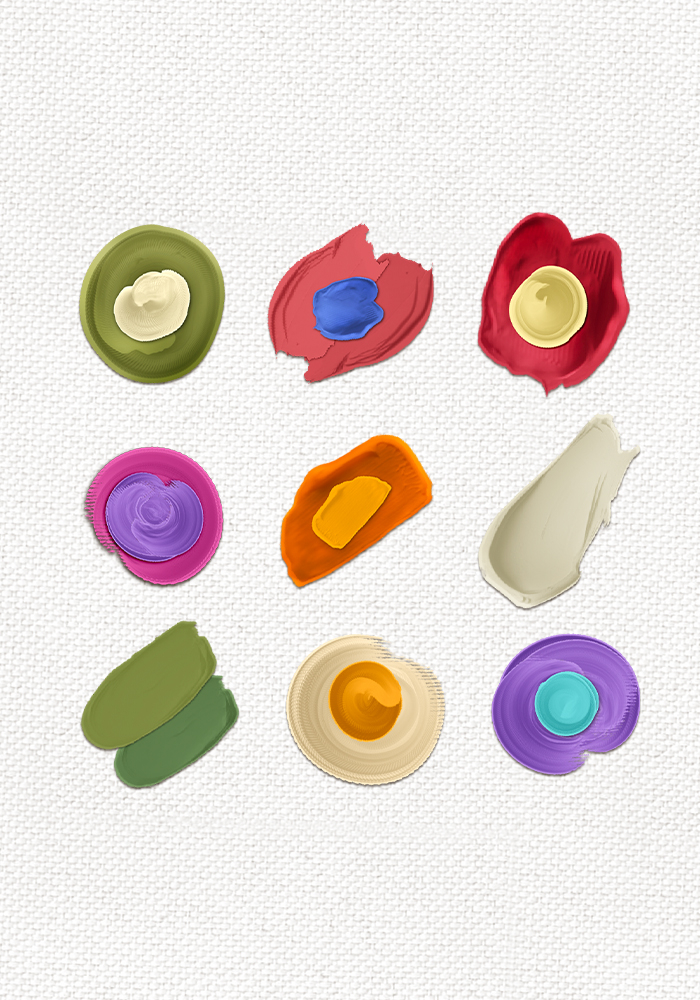
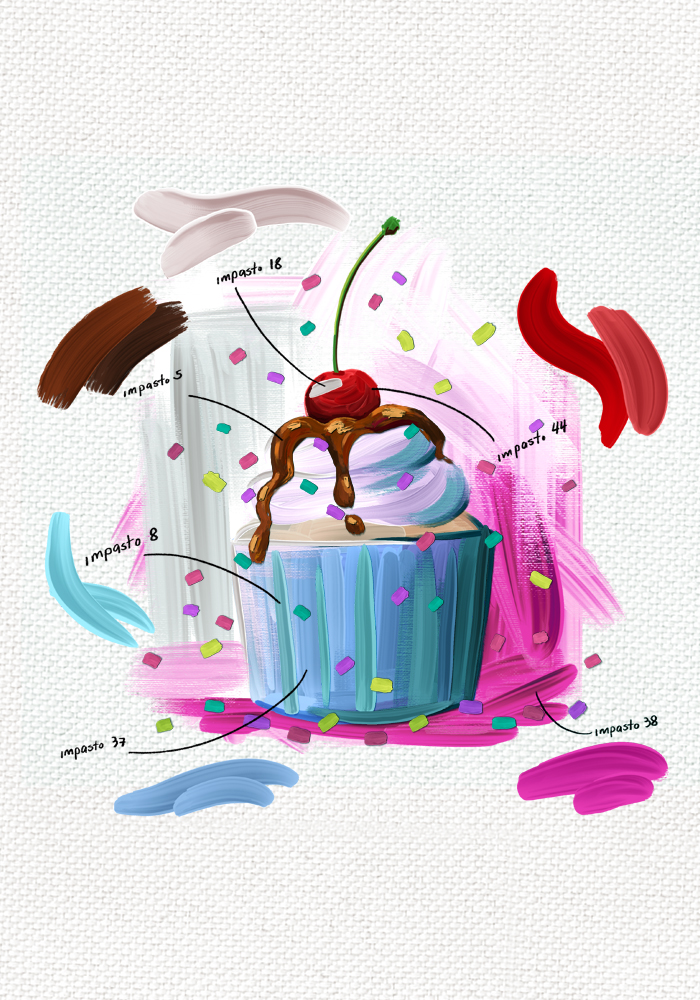
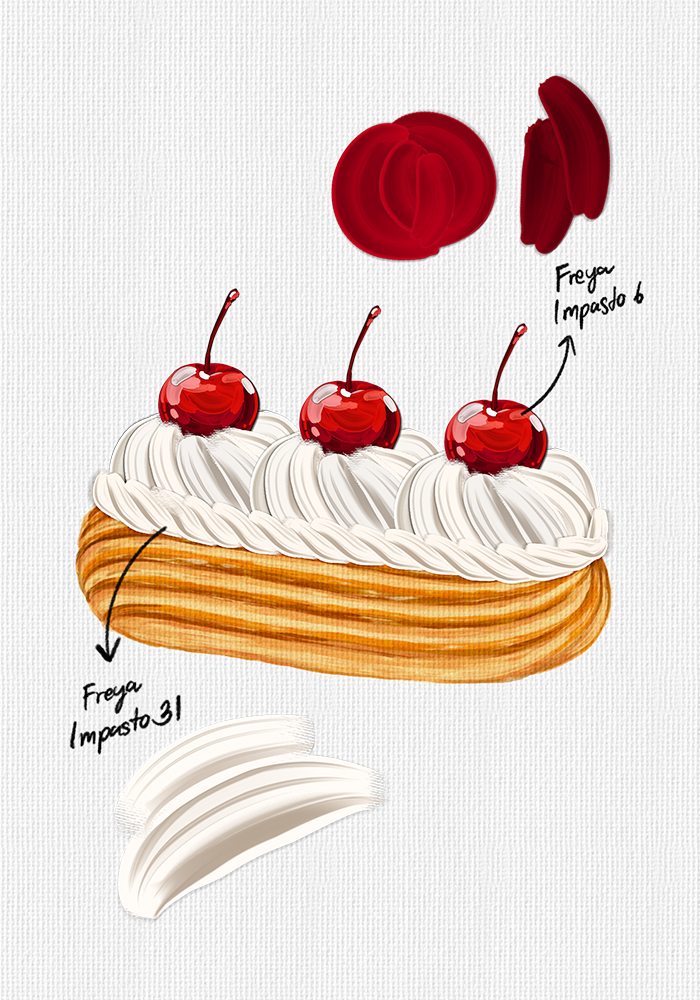
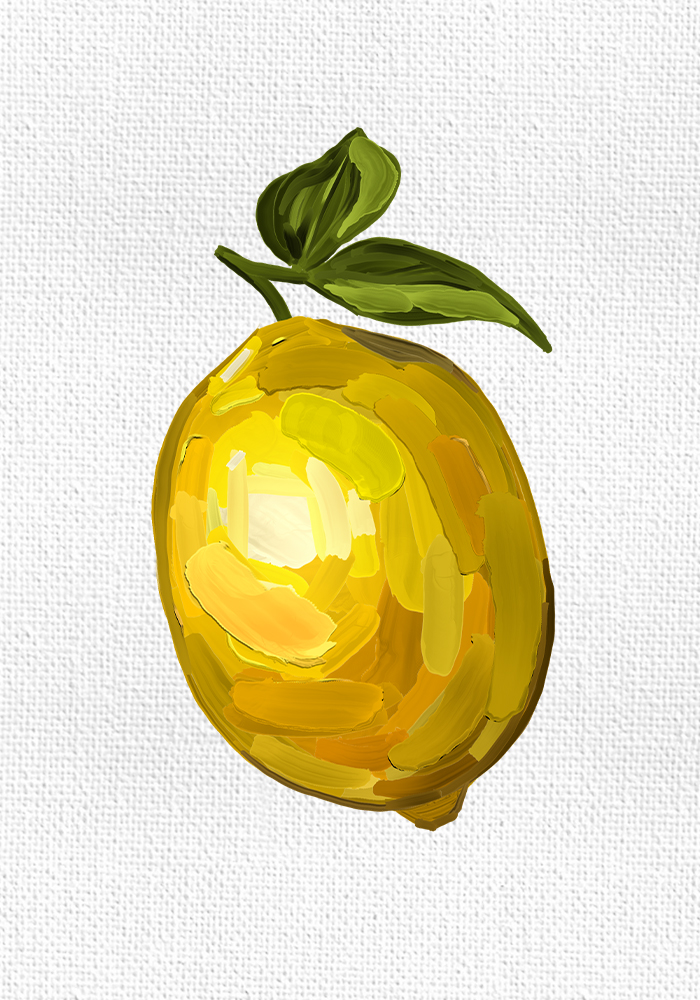
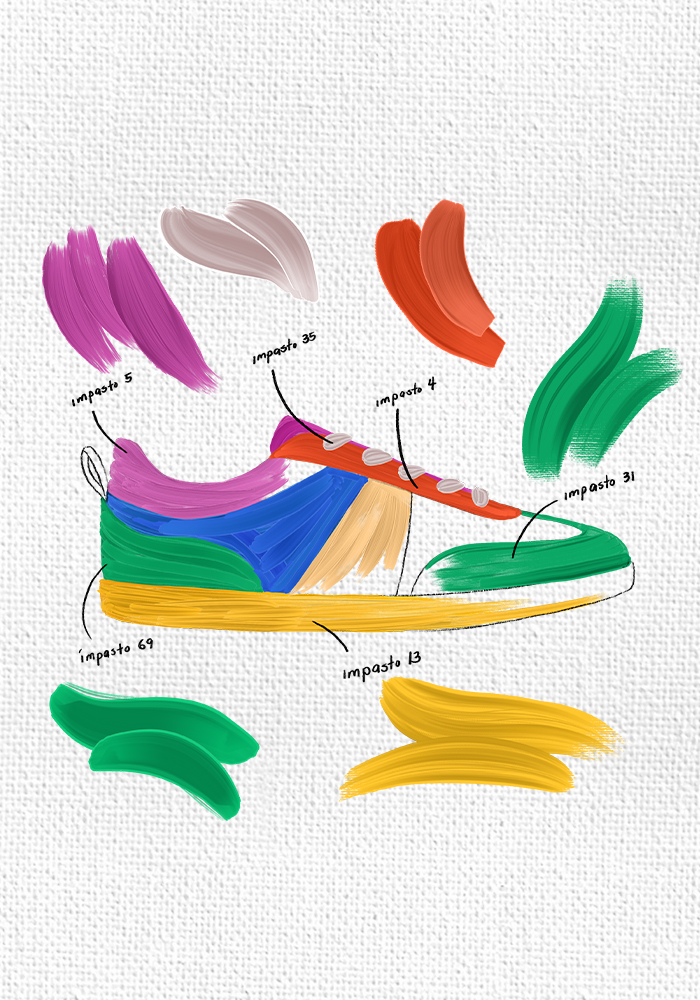
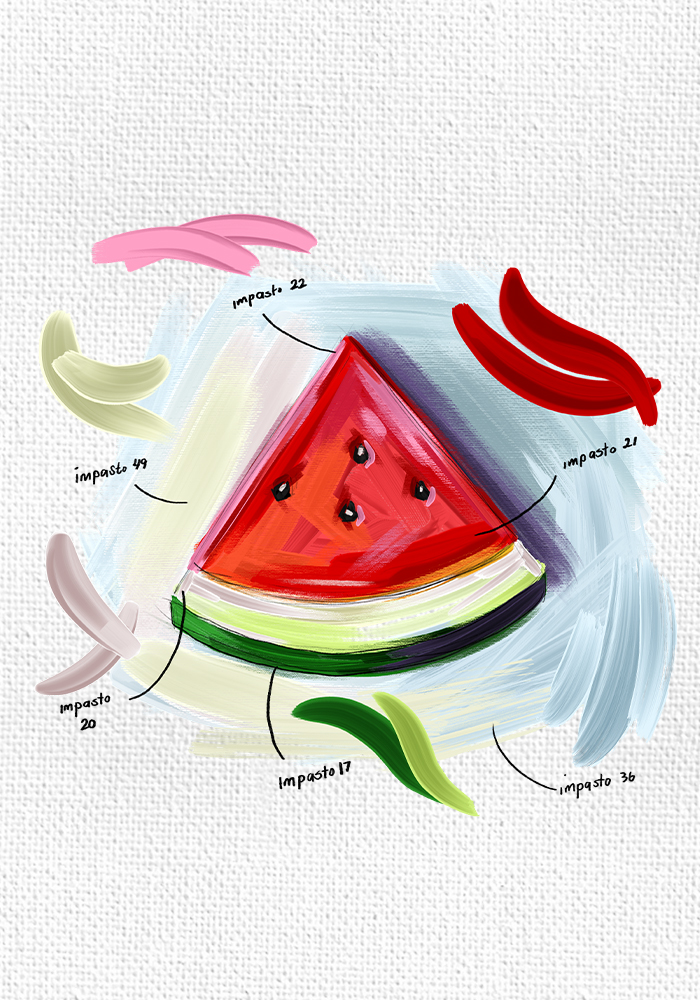
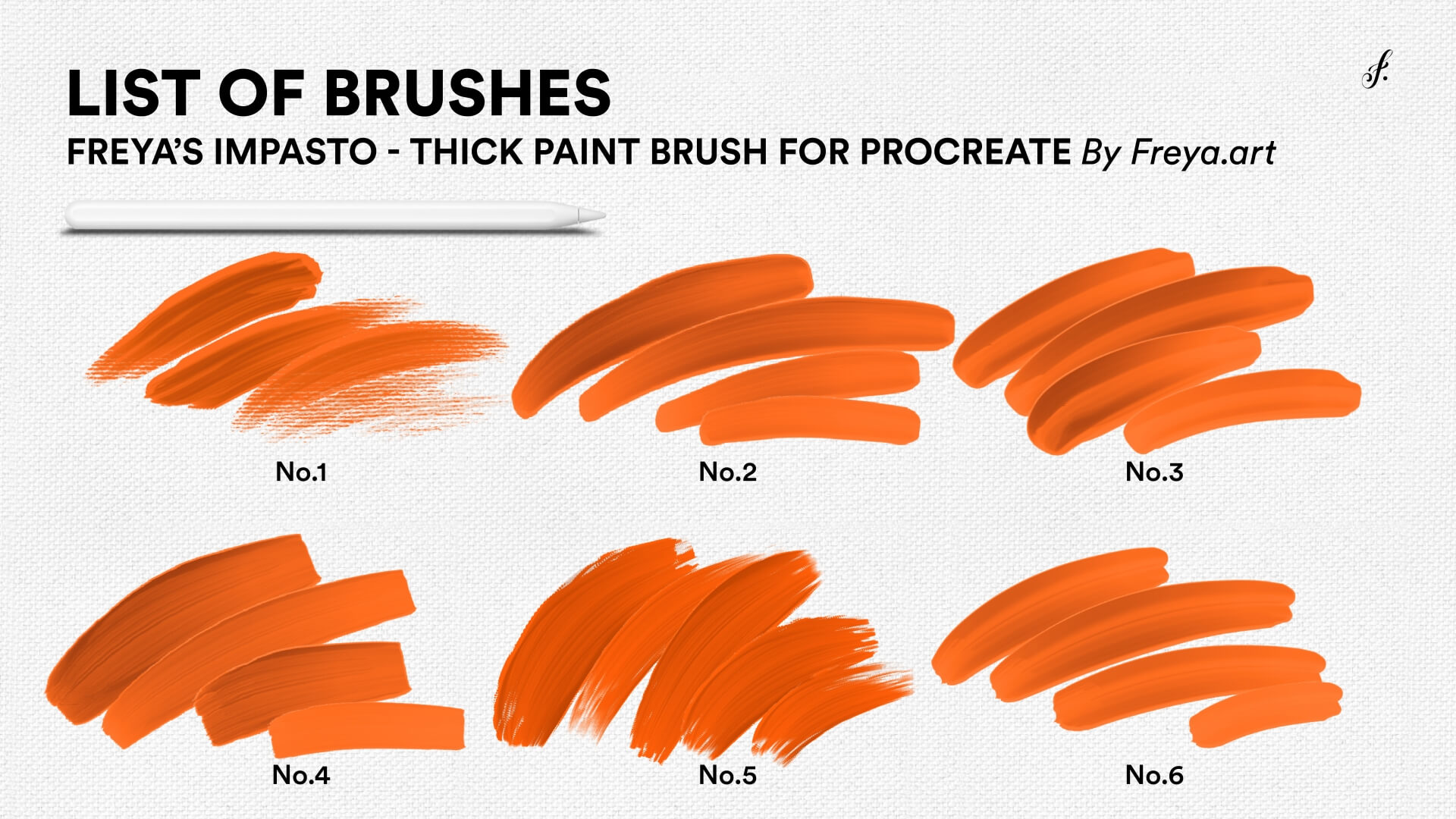
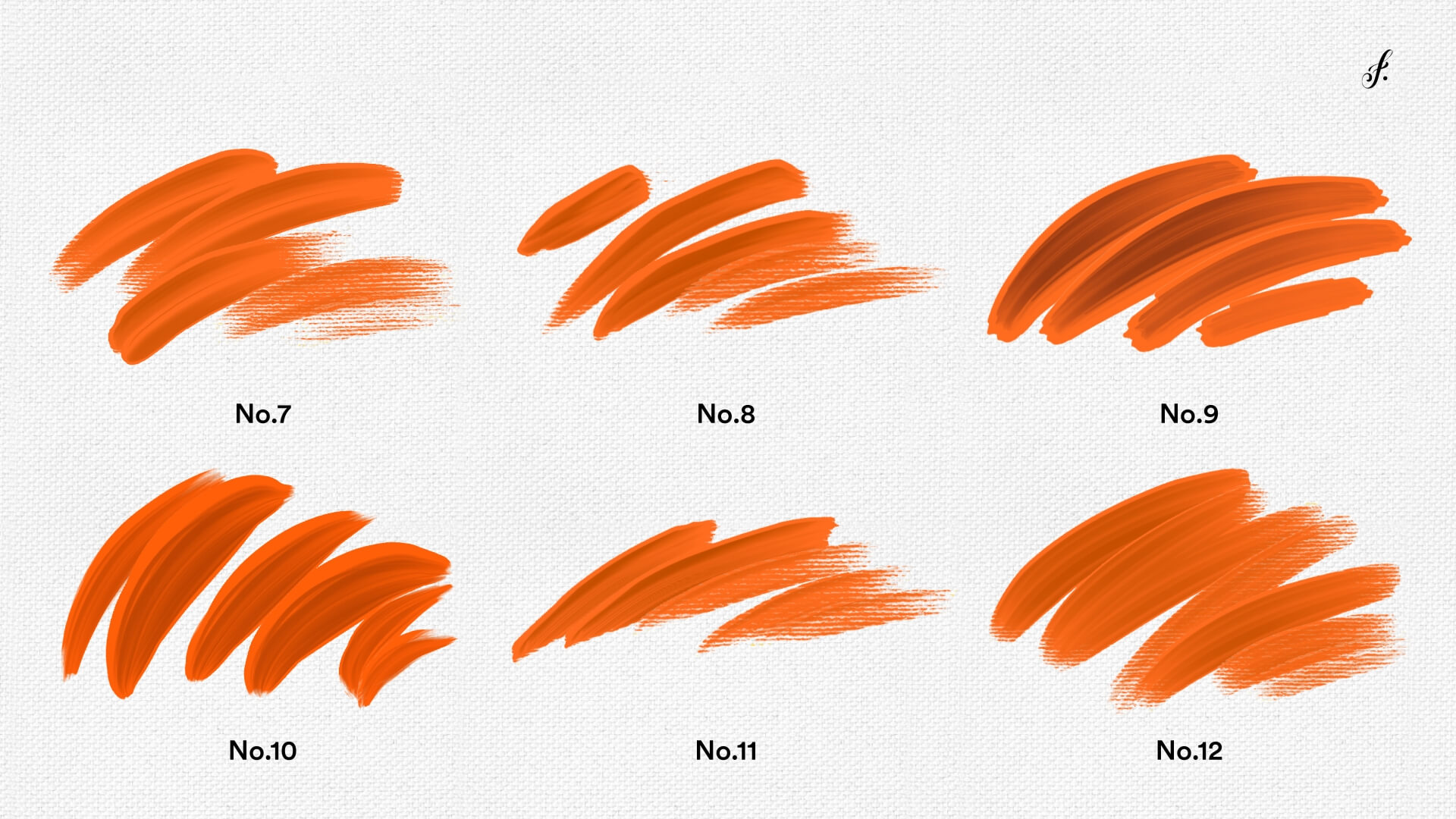
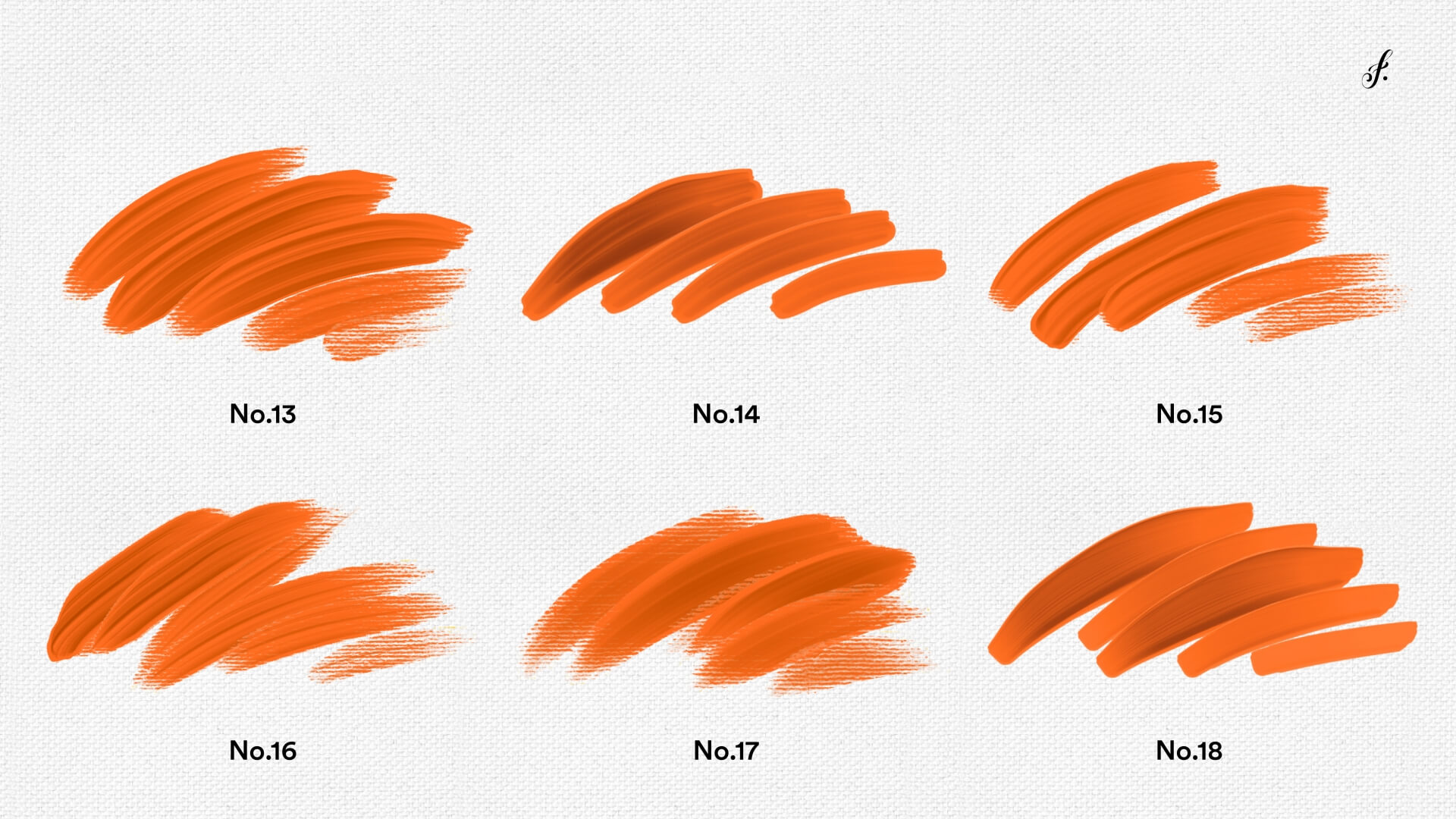
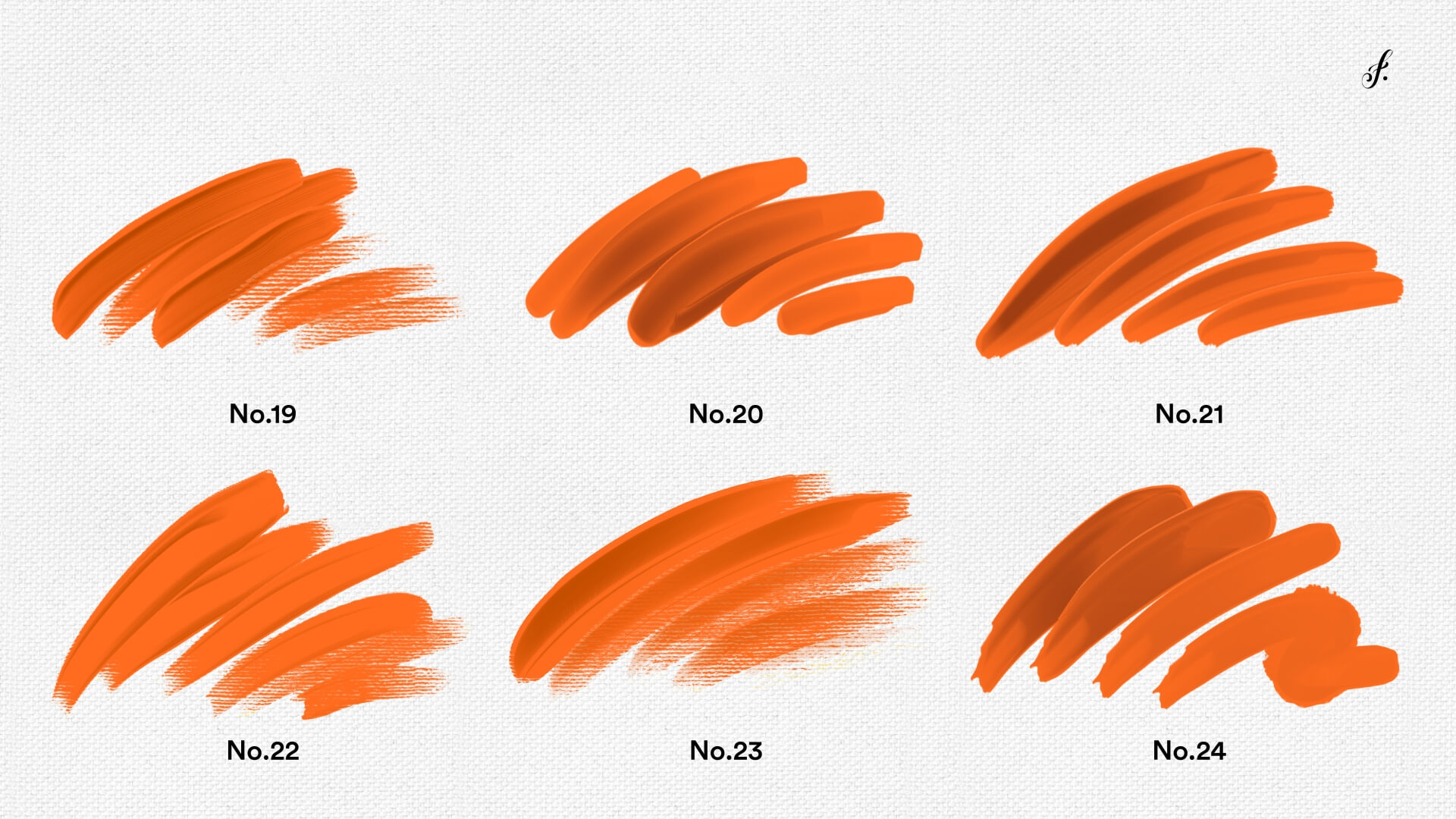
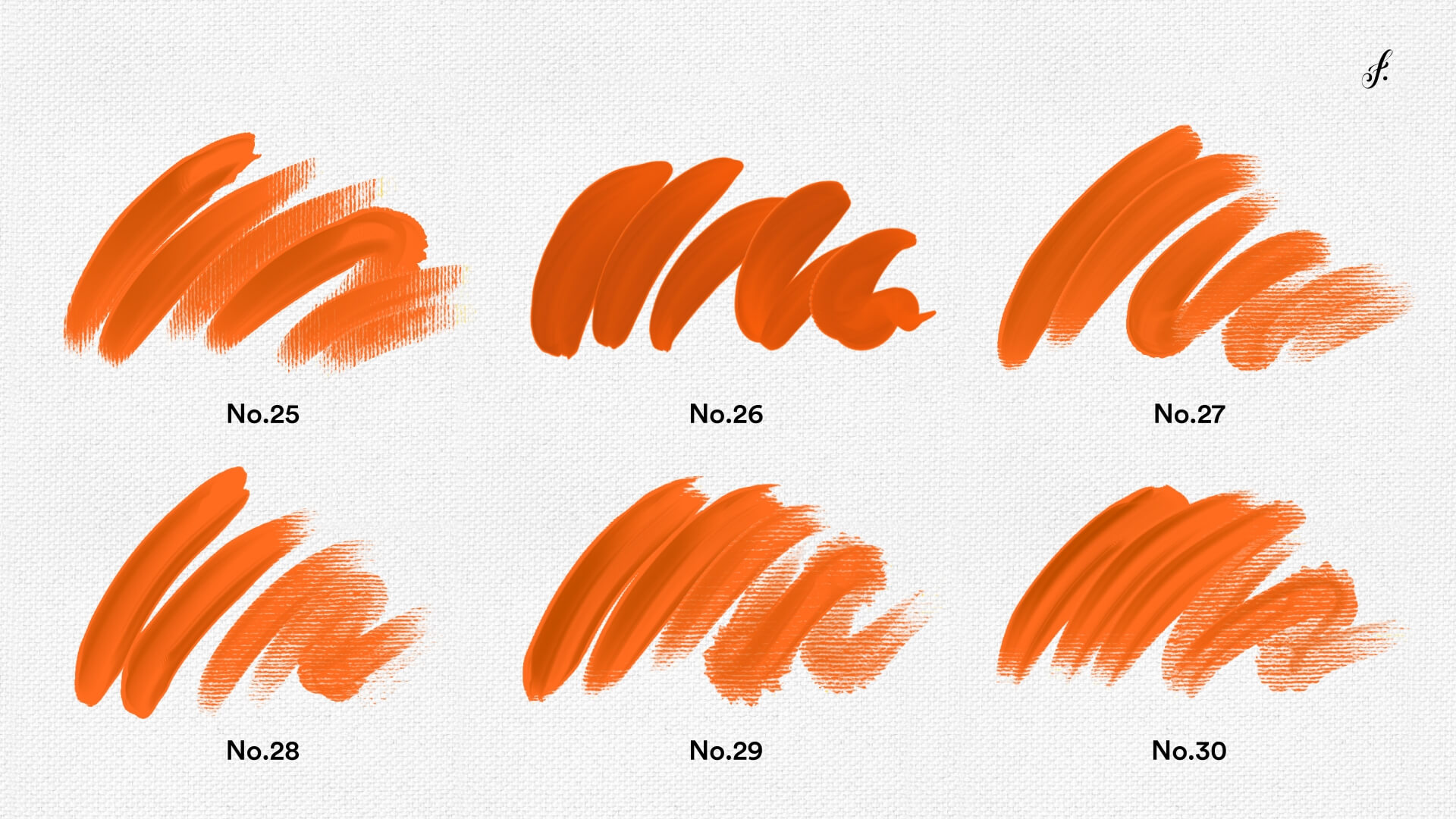
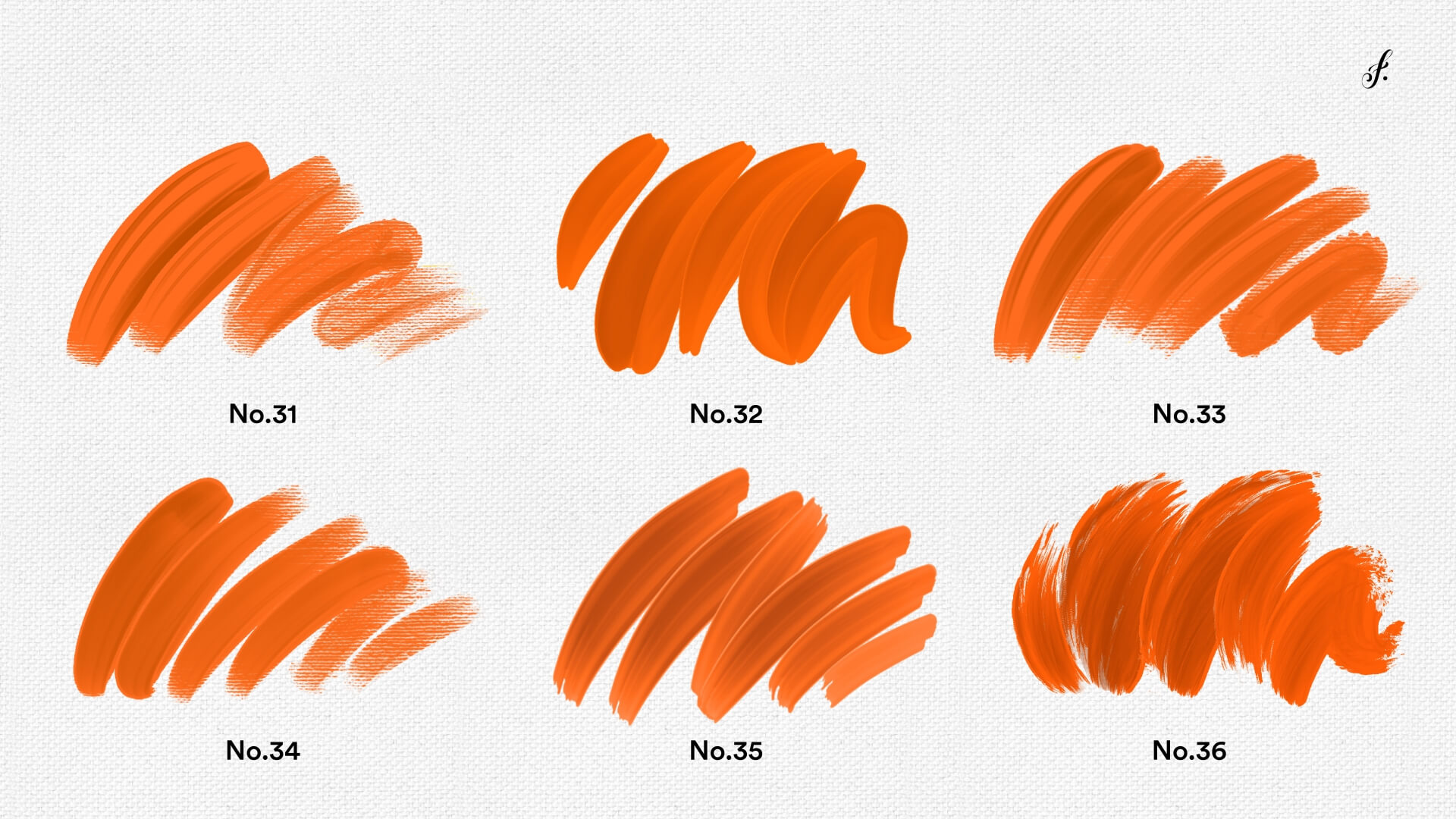
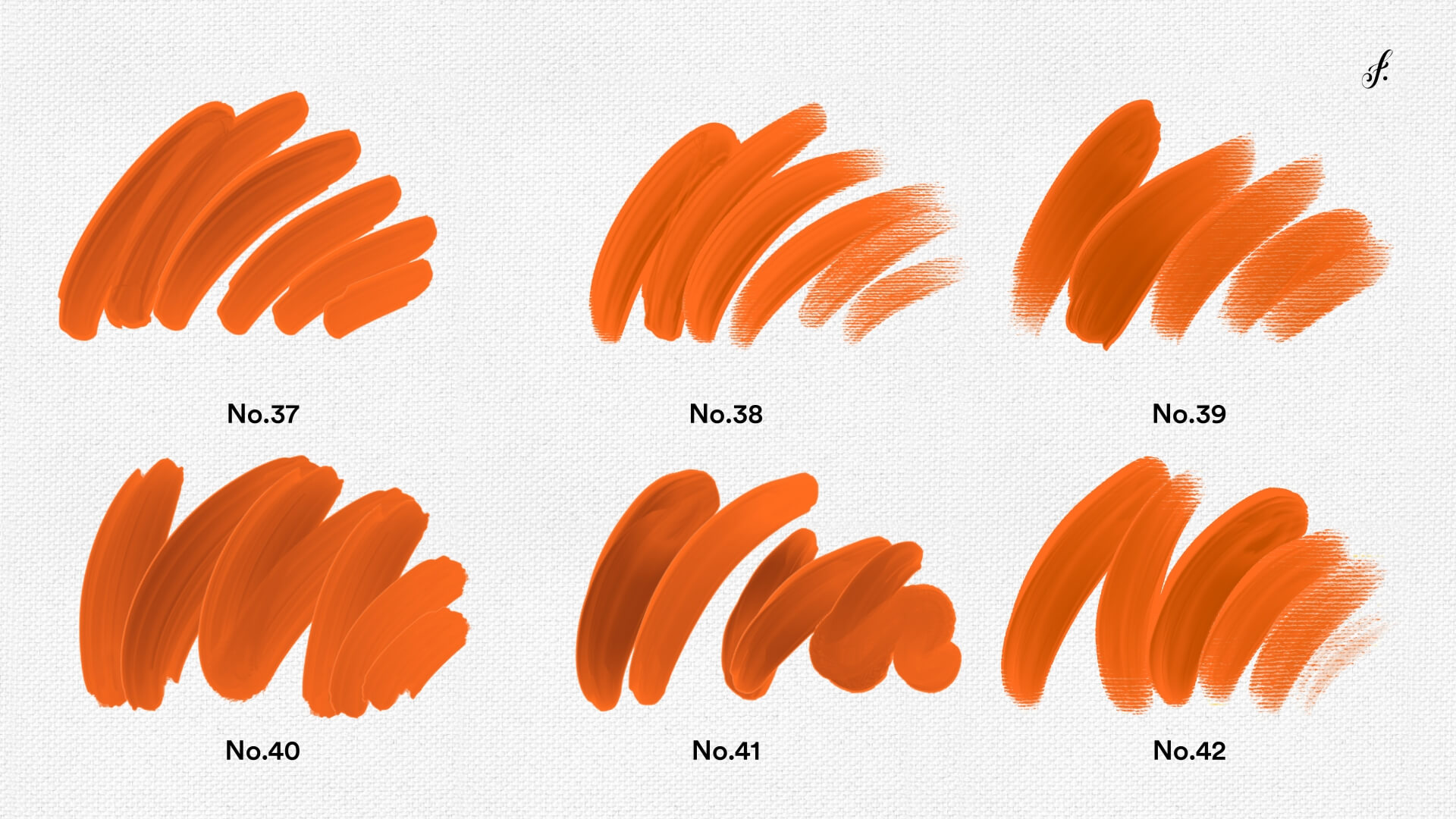
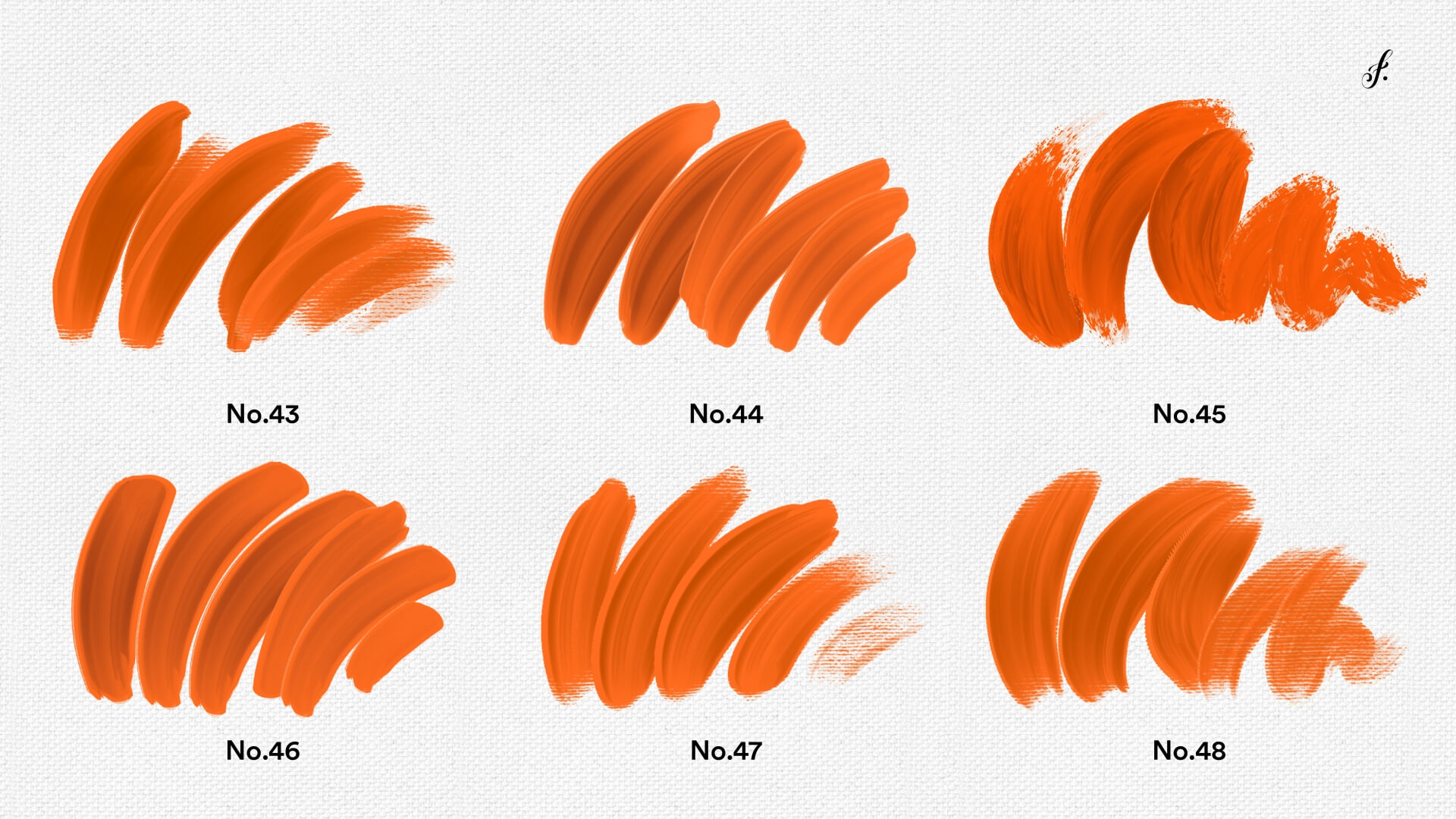
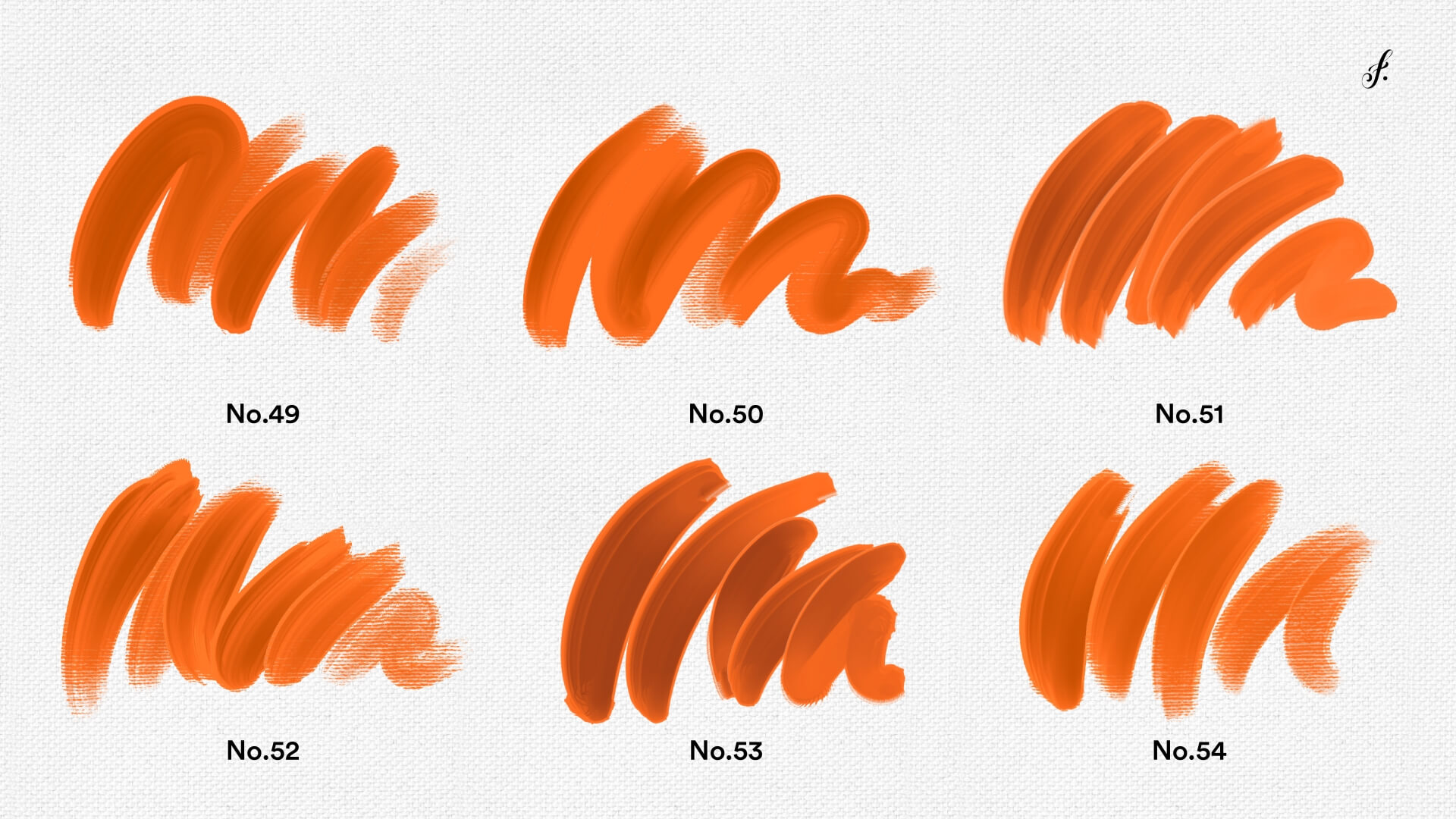
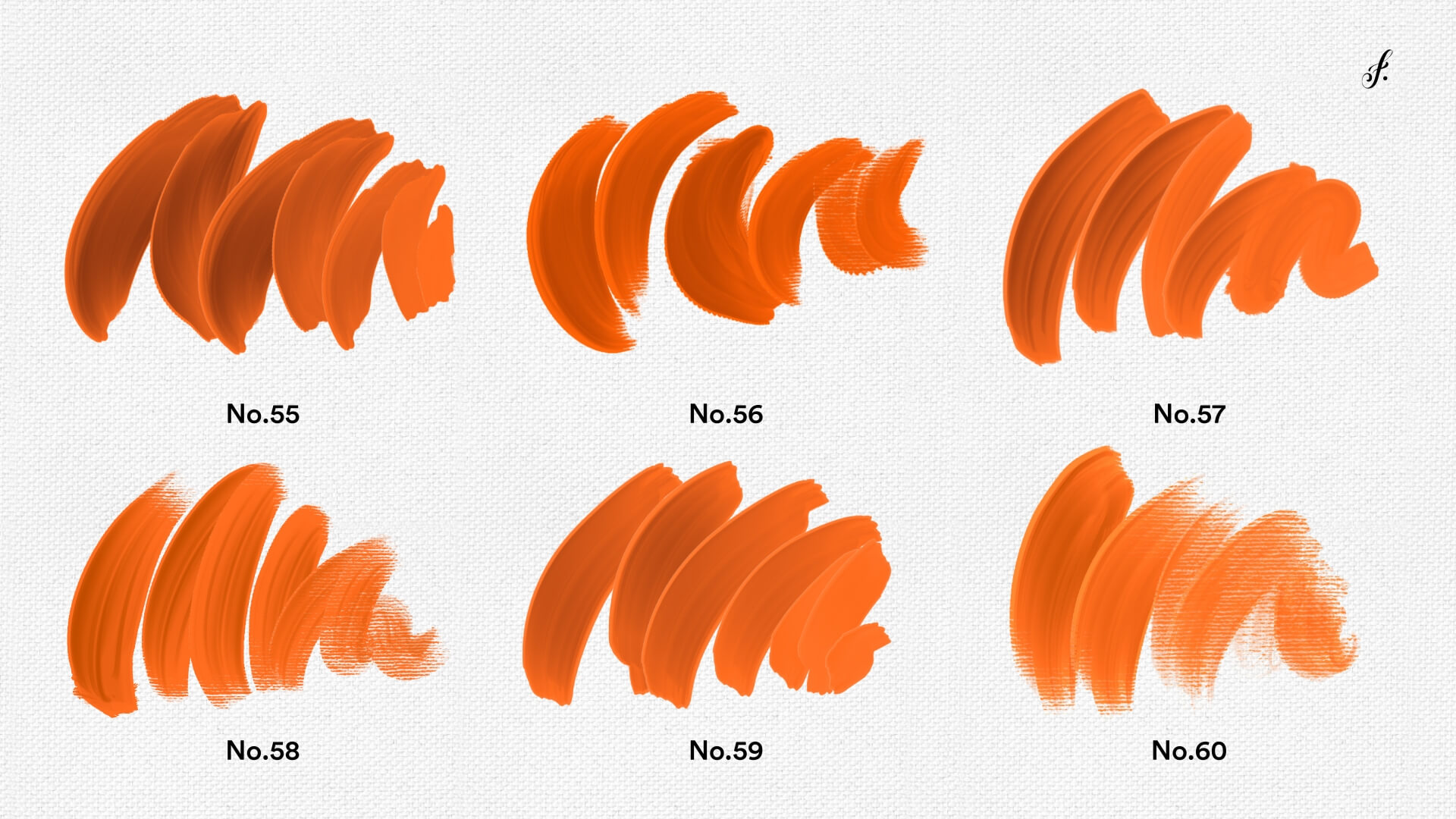
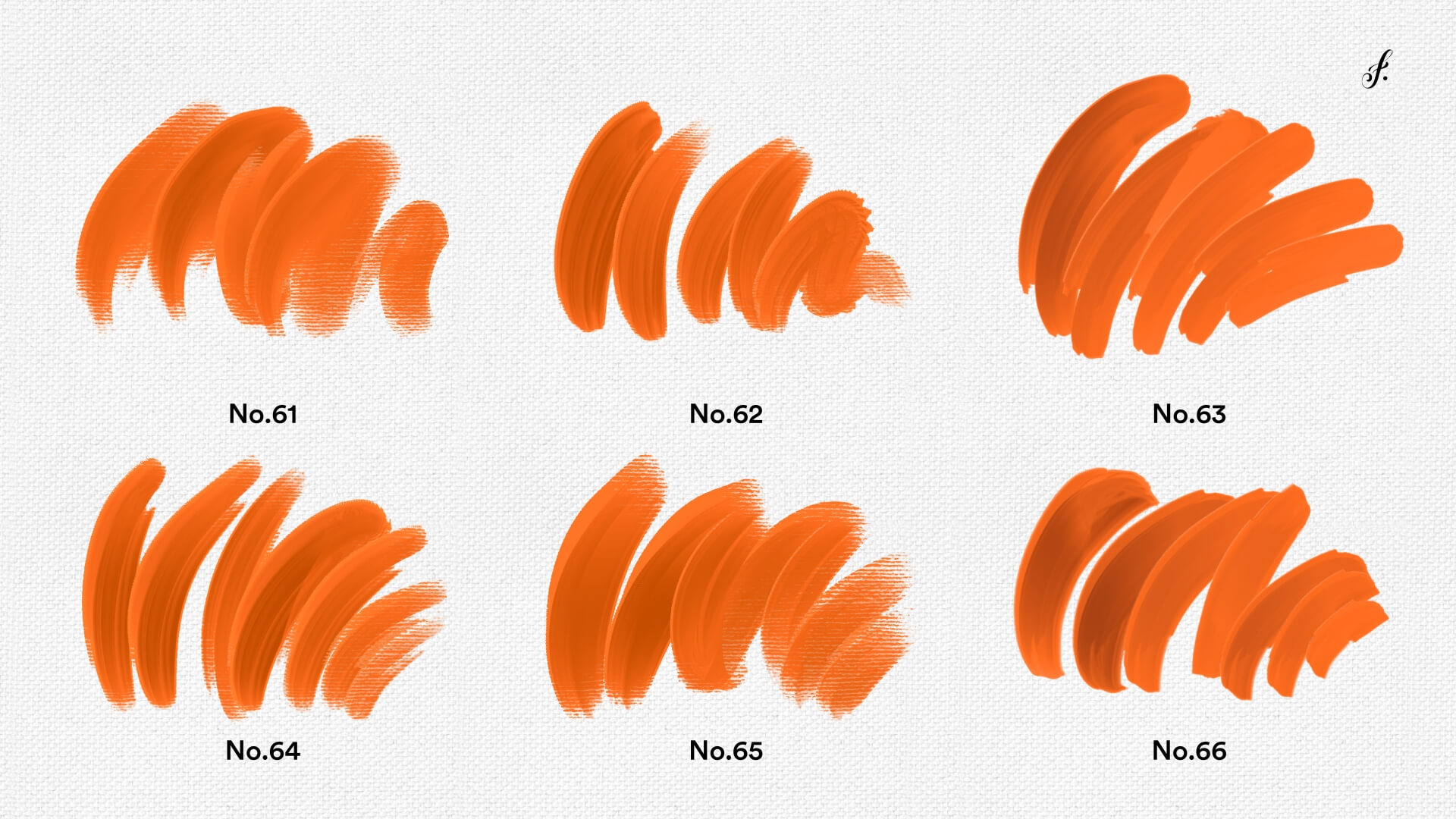
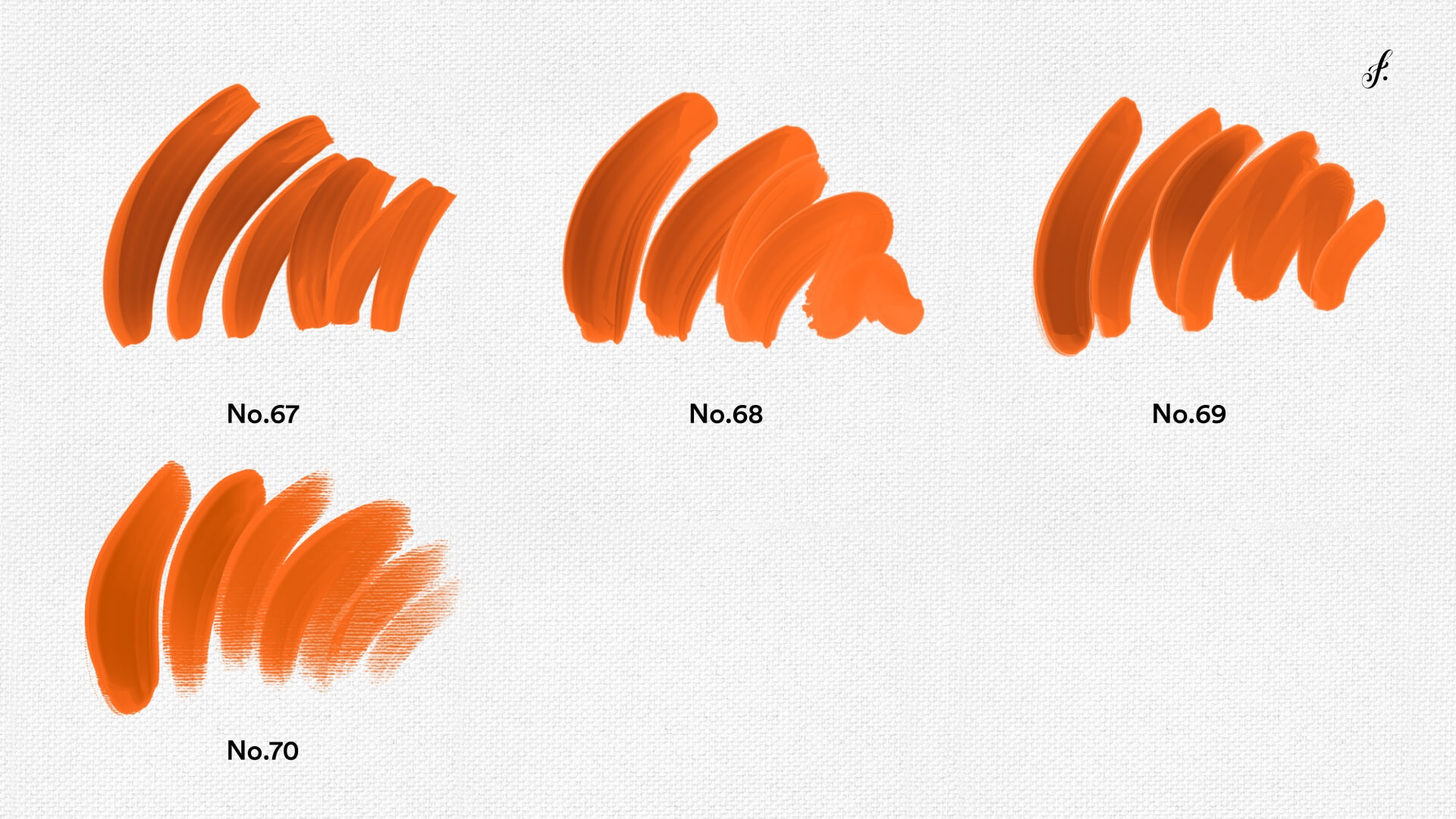
Most digital art looks unmistakably ... well, digital. Most of it has a tell. That perfectly smooth, almost too-perfect look that screams "this was made on a computer!" Regular digital brushes just don’t do it.
Trust me, I've been there - spending hours trying to fake that 3D paint effect, only to end up with something that looks clearly digital. But these brushes are different.
Each one is carefully designed to create actual depth and dimension - real ridges, authentic shadows, and strokes that look like they're lifting right off your screen.
From subtle texture to dramatic Van Gogh-style swirls, these brushes let you build up paint just like in real life. Layer them, blend them, play with pressure sensitivity - the possibilities are endless!
*Prices in USD. Limited time offer. Expires Thursday, February 9, 2023 at midnight.

Our brush sets are curated collections of digital brushes designed specifically for Procreate. Each set includes various brush types to enhance your creative projects. They are perfect for artists of all skill levels.
Installing brushes is simple! After purchasing, download the brush set file and open it in Procreate. Follow the prompts to add the brushes to your library.
Yes! Our brush sets are fully compatible with Procreate on iPad. For the best experience, make sure you’re using the latest version of Procreate.
Please note: Procreate requires an Apple Pencil with pressure sensitivity (1st Gen, 2nd Gen, or Pro — not the basic USB-C model) to fully enjoy features like variable line weight and opacity. Without pressure sensitivity, strokes will appear with consistent thickness and opacity, limiting expressive control.
Absolutely! Our brushes are designed for both beginners and experienced artists. Explore your creativity and experiment with different styles using our versatile brushes.
If you have any questions or need assistance, our support team is here to help. Feel free to reach out for guidance on using our brush sets. We're committed to ensuring you have a great experience!
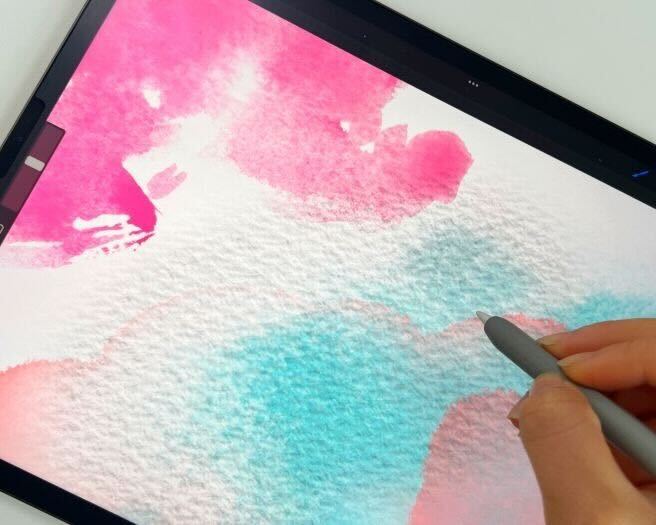
Procreate Brushes intro - Mini-courses are short, up to 90min courses including 1 exercise. I release them together with Procreate brushsets. They include 1 whole procreate brushset in the price as it’s required.
By
Original price was: $59.00.$25.00Current price is: $25.00.
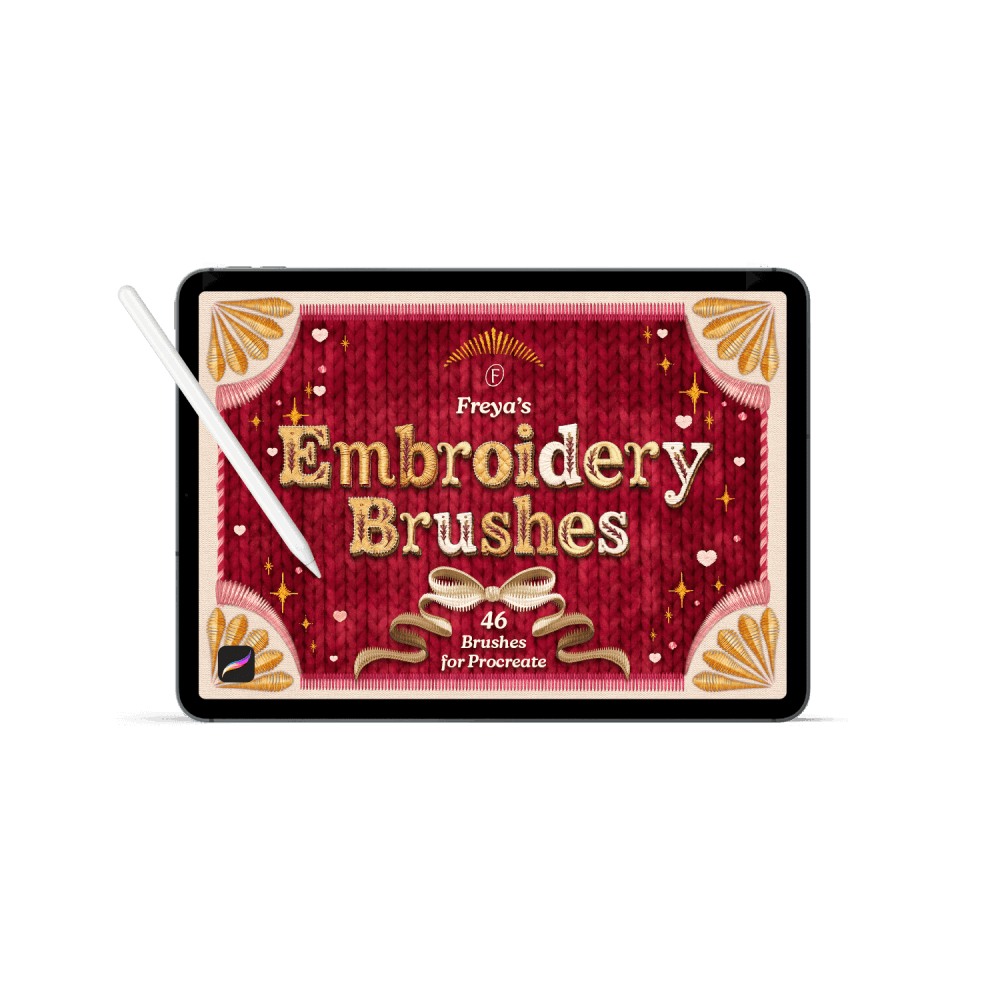
By Freya Kotchakorn
Original price was: $59.00.$29.00Current price is: $29.00.
By
Original price was: $59.00.$25.00Current price is: $25.00.
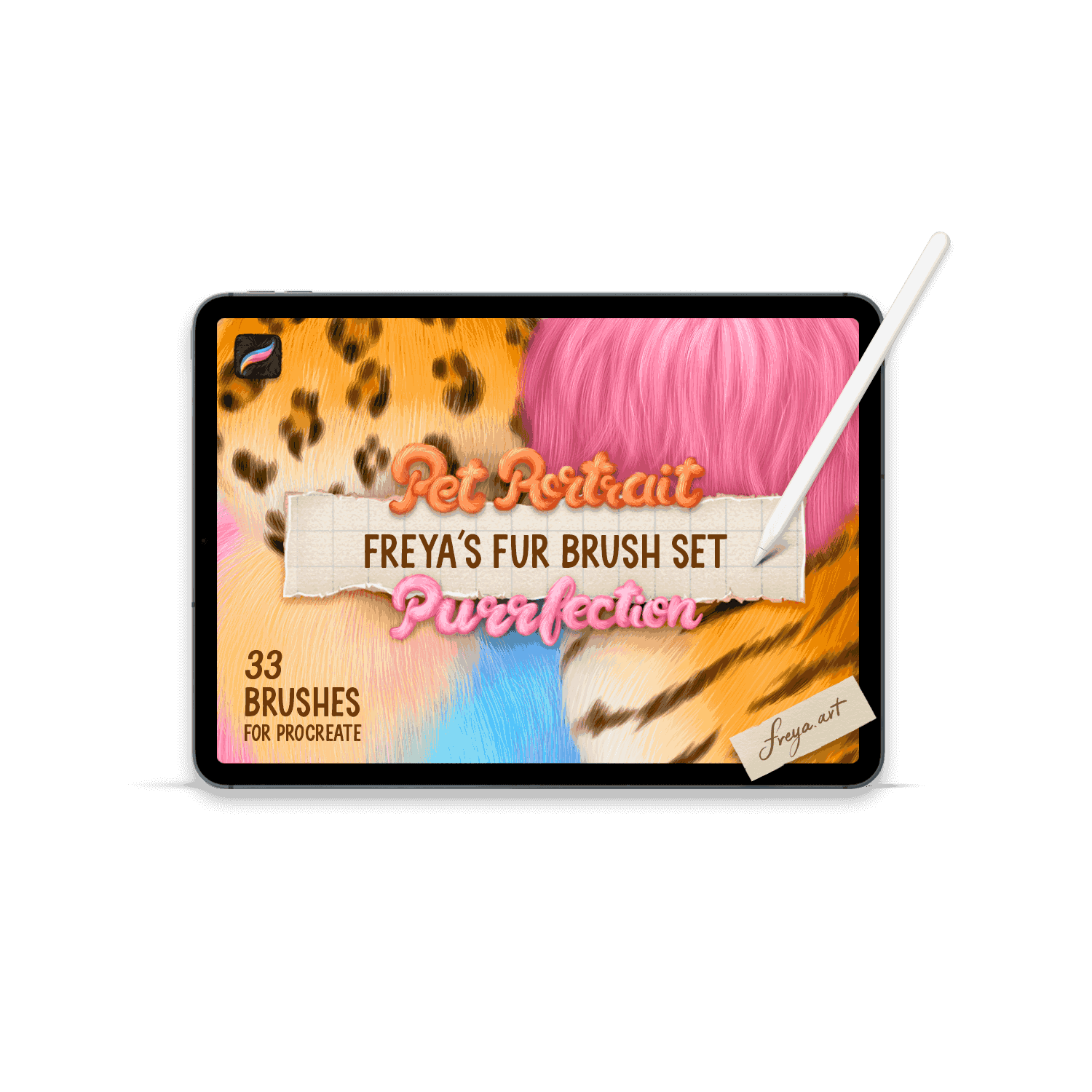
By Freya Kotchakorn
Original price was: $59.00.$29.00Current price is: $29.00.
By Freya Kotchakorn
Original price was: $59.00.$29.00Current price is: $29.00.
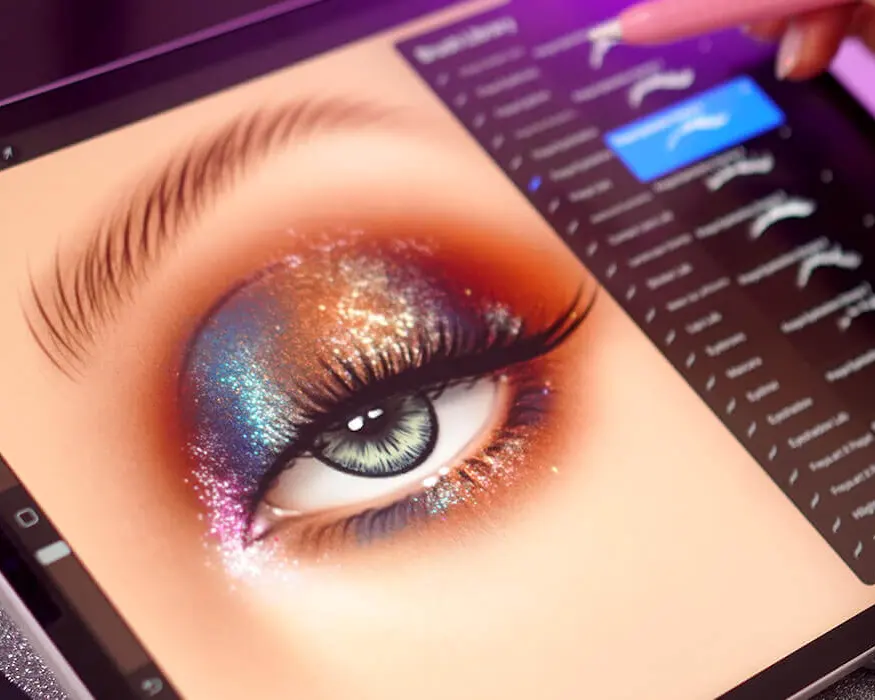
By Freya Kotchakorn
Original price was: $59.00.$29.00Current price is: $29.00.
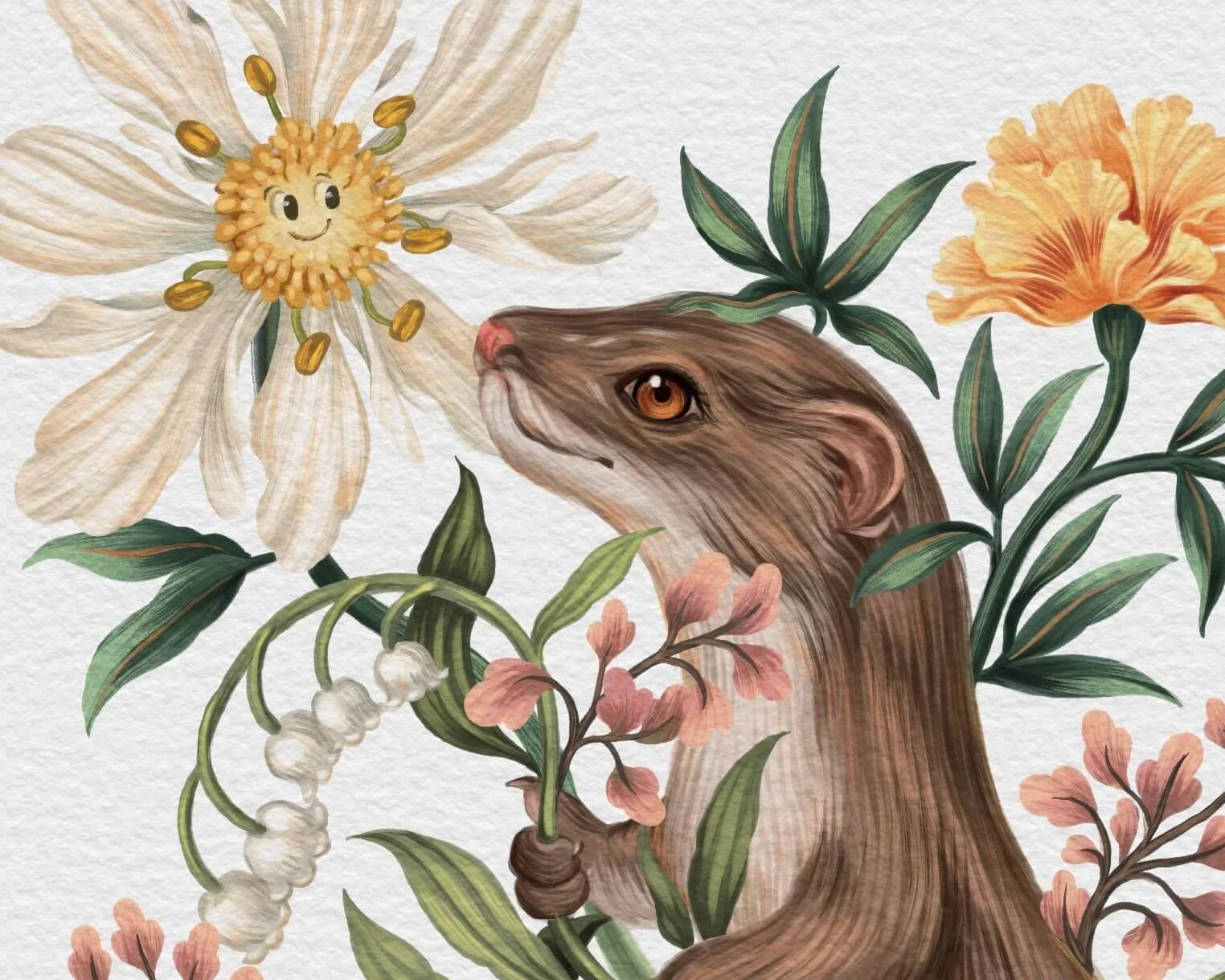

By Freya Kotchakorn
Original price was: $59.00.$29.00Current price is: $29.00.
By Freya Kotchakorn
Original price was: $59.00.$29.00Current price is: $29.00.
By Freya Kotchakorn
Original price was: $59.00.$29.00Current price is: $29.00.

By Freya Kotchakorn
Original price was: $59.00.$29.00Current price is: $29.00.
By Freya Kotchakorn
Original price was: $59.00.$29.00Current price is: $29.00.
By Freya Kotchakorn
Original price was: $35.00.$19.00Current price is: $19.00.
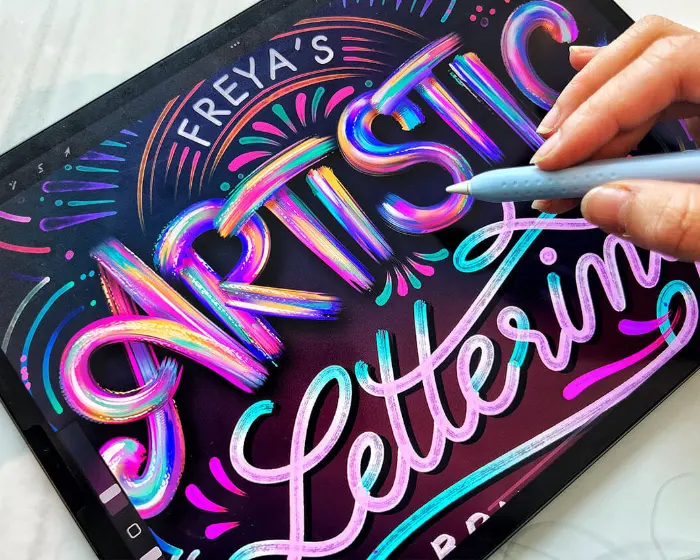
By Freya Kotchakorn
Original price was: $59.00.$29.00Current price is: $29.00.
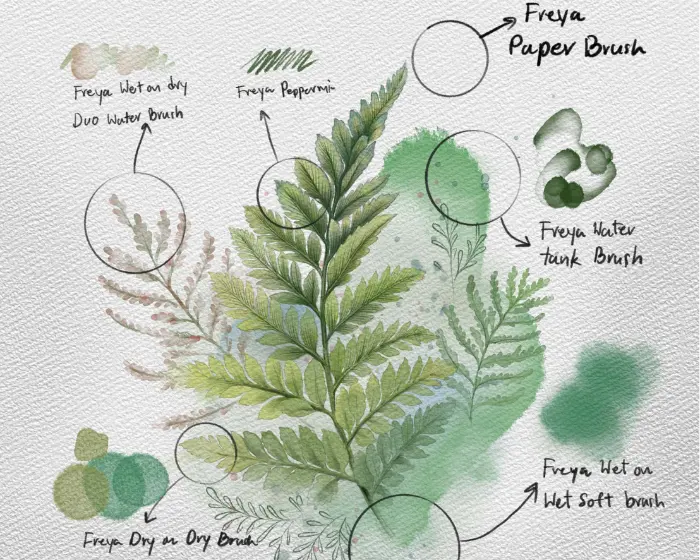
By Freya Kotchakorn
Original price was: $59.00.$29.00Current price is: $29.00.